Thirty real, working design tools — create documents, add text and images, arrange layers, apply styles and brand kits, browse templates, and export. Each one works right here in your browser.
Compose your own photos and editable text, make aspect variants and page sets, export artwork, and reopen a private project. Local files only; no posting or social login.
Compare three thumbnail ideas at feed size, control the photo crop, and export 4K artwork or a measured mobile JPG. Private projects keep your original photos. No upload or performance prediction.
Build a banner set for YouTube, LinkedIn, X and Facebook. Keep each original, adjust variants, check simulated crop and avatar obstruction, then export measured JPGs and private editable projects. No social upload.
Keep a campaign baseline, compare controlled variations, prepare six placement shapes and clean photo assets, then export measured artwork with separate copy. Local files only. No ad publishing or performance prediction.
Design event and promo flyers at real print sizes: physical units, true 300 PPI rendering, point-measured type hierarchy, your own photos, optional bleed and crop marks, and honestly labeled RGB exports. No account, no watermark, nothing leaves the device.
Design flat and folded invitation and greeting cards in real millimeters: per-panel editing, fold-line clearance checks, and the matching envelope named up front. Export a front PNG for sharing, a print PDF at flat size, and a private editable project. No account, no watermark, no sending, nothing leaves the device.
Build photo collages and grids in real units: layouts by photo count, per-cell crop and zoom, social sizes and true print sizes with per-photo resolution checks. Export JPG, PNG, a physical-size print PDF, and a private editable project. No account, no watermark, nothing leaves the device.
Build LinkedIn and Instagram carousels and tall infographics from measured blocks: slides and sections, honest overflow warnings, real pixel sizes and true print sizes with per-photo resolution checks. Export a multi-page carousel PDF, per-slide PNGs, a print PDF, and a private editable project. No account, no watermark, nothing leaves the device.
Build presentation and pitch decks on real slide sizes (widescreen 16:9 and standard 4:3) with positioned layers, measured type, and honest overflow, contrast, and photo-resolution warnings. Export an unwatermarked PDF at the exact slide size, per-slide PNGs and JPEGs, a basic editable PowerPoint file generated locally, and a private project. No account, no credits, no watermark, nothing leaves the device.
Fit the setup and punchline, build panel sequences, cover private details and compare versions. Download flattened pictures without a watermark. Your photos stay on your device.
Thirty tools, one flow
One canvas, every craft
Every tool below rides the same motion system.
DesignTypeMedia
A canvas that keeps upEvery photoaicompany design tool — frame 1 of 4
Type that performsEvery photoaicompany design tool — frame 2 of 4
Photos with presenceEvery photoaicompany design tool — frame 3 of 4
Export without fearEvery photoaicompany design tool — frame 4 of 4
Drag the cards — they glide with inertia. Scroll — the blob morphs and the dot traces the flow.
The complete guide
The complete guide to Every photoaicompany design tool
Browse all 30 photoaicompany design tools: document, text, media, layout, style, brand kits, templates, export and AI — each one free to try in your browser.
Start with the big picture: Every photoaicompany design tool exists to make one job dramatically easier. Learn that job first and the details arrange themselves around it. The sections below walk through what it does, how to think about it, and where people go wrong — in that order, because order matters when you’re learning.
The fastest way to get good is reps: use Every photoaicompany design tool on a real project today, notice what felt awkward, and come back to this guide with questions. Every technique below was chosen because it survives contact with real deadlines.
Faces beat objects.Human faces pull the eye first — lead with people when the message allows it. Apply this inside Every photoaicompany design tool today — the improvement is instant.
Real beats perfect.A slightly imperfect real photo outperforms a flawless generic one — authenticity reads instantly. Your Every photoaicompany design tool work will show the difference immediately.
Negative space is a feature.The empty third of a photo is where headlines live happily — don’t crop it away. Make it part of your Every photoaicompany design tool routine.
One hero, supporting cast.Give one image the starring role and let the rest support — two heroes fight, one wins. Inside Every photoaicompany design tool, this single habit pays off fast.
Visual guides
Every fact, visualized
Ten detailed infographics — every number real, every label earned. Built for Every photoaicompany design tool, only on this page.
Every photoaicompany design tool essentialsEvery photoaicompany design tool, mapped: the four parts that do the workWhat makes Every photoaicompany design tool worth your timeFrom zero to a first Every photoaicompany design tool result in five minutesSmall Every photoaicompany design tool habits, compounding resultsHow Every photoaicompany design tool designs leave the studioEvery photoaicompany design tool, questioned and answeredWhere to go after Every photoaicompany design toolThe unglamorous Every photoaicompany design tool facts, stated plainlyEvery photoaicompany design tool in numbers: the honest scoreboard
Live telemetry
EVERY PHOTOAICOMPANY DESIGN TOOL — PAGE TELEMETRY
Real content counts on this page · hover any bar
0Sections
0Stock photos
0Infographics
0FAQs
Breakdownlive
12
Sections
31
Subsections
46
Photos
10
Infographics
Cumulative depthlive
Made with Every photoaicompany design tool
This is what Every photoaicompany design tool output looks like in the wild — photographic, detailed, finished.
Made with Every photoaicompany design tool
This is what Every photoaicompany design tool output looks like in the wild — photographic, detailed, finished.
Every photoaicompany design tool — made visual
Twenty living mockups of Every photoaicompany design tool, generated for this page only.
Every photoaicompany design tool — untitled.pacGradient
OpacityIconsVersionFontsTemplates
Arrange
Canvas
Stroke
Share
Zero to Every photoaicompany design tool brilliance
photoai.company/effects
Every photoaicompany design toolArrange · Blur
Stroke
Export
Text
The Every photoaicompany design tool canvas, reimagined
Every photoaicompany design toolRulers
1:14:516:99:16
Every photoaicompany design tool staged like the real thing
GridTextFramesStrokeBrand kit
Every photoaicompany design tool — Styles
4.9kShare
312Resize
98%Rotate
Your Every photoaicompany design tool story, framed
Every photoaicompany design tool
Background100%
Blend93%
Gradient86%
Canvas79%
Effects72%
Fill65%
Every photoaicompany design tool — ready to share
Every photoaicompany design tool
EffectVersioFilterShare
Every photoaicompany design tool as far as you can push it
Every photoaicompany design toolBackground
Duplicate
Opacity
Templates
Minutes in, Every photoaicompany design tool out
Adjust — Every photoaicompany design tool
PNGJPGPDFMP4
FramesAssets
Adjust
Every photoaicompany design tool in the wild
Every photoaicompany design tool — untitled.pacCrop
FiltersProjectsAssetsShadowFrames
Blend
Templates
Styles
Text
Every photoaicompany design tool goes feral (in a good way)
photoai.company/adjust
Every photoaicompany design toolFlip · Filters
Projects
Share
Align
Every photoaicompany design tool on a living mockup
Every photoaicompany design toolResize
1:14:516:99:16
Every photoaicompany design tool: the blank-to-brilliant arc
FontsLayersFlipArrangeGradient
Every photoaicompany design tool — Filters
4.9kColors
312Brand kit
98%Duplicate
Watch Every photoaicompany design tool work, live on the canvas
Every photoaicompany design tool
Comments100%
Export93%
Stroke86%
Fonts79%
Share72%
History65%
Every photoaicompany design tool, stamped with your name
Every photoaicompany design tool
MasksResizeTextProjec
Every photoaicompany design tool — hit share with confidence
Every photoaicompany design toolStyles
Icons
Version
Zoom
Every photoaicompany design tool on a deadline? Already done
Frames — Every photoaicompany design tool
PNGJPGPDFMP4
StrokeFill
Frames
One decisive click: Every photoaicompany design tool
Every photoaicompany design tool — untitled.pacArrange
ShareResizeTextLayersCanvas
Flip
Templates
Grid
Assets
Living, breathing Every photoaicompany design tool preview
photoai.company/masks
Every photoaicompany design toolZoom · Colors
Rulers
Share
Align
Every photoaicompany design tool, primed for the world
Every photoaicompany design toolBlur
1:14:516:99:16
Every photoaicompany design tool without breaking a sweat
LayersHistoryTemplatesBrand kitExport
Every photoaicompany design tool — Fonts
4.9kArrange
312Frames
98%Grid
Caught wild: a Every photoaicompany design tool in use
The Every photoaicompany design tool stock library
Hand-picked photography for Every photoaicompany design tool — refreshed on this page alone.
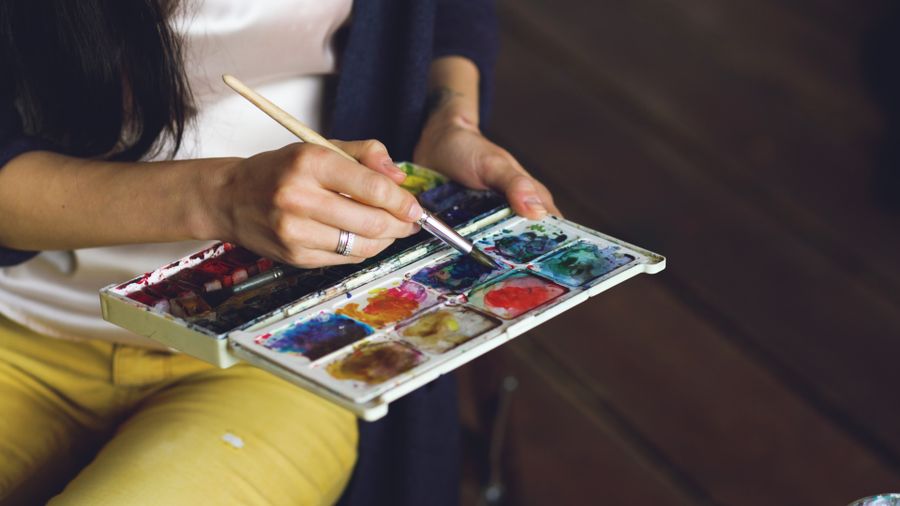
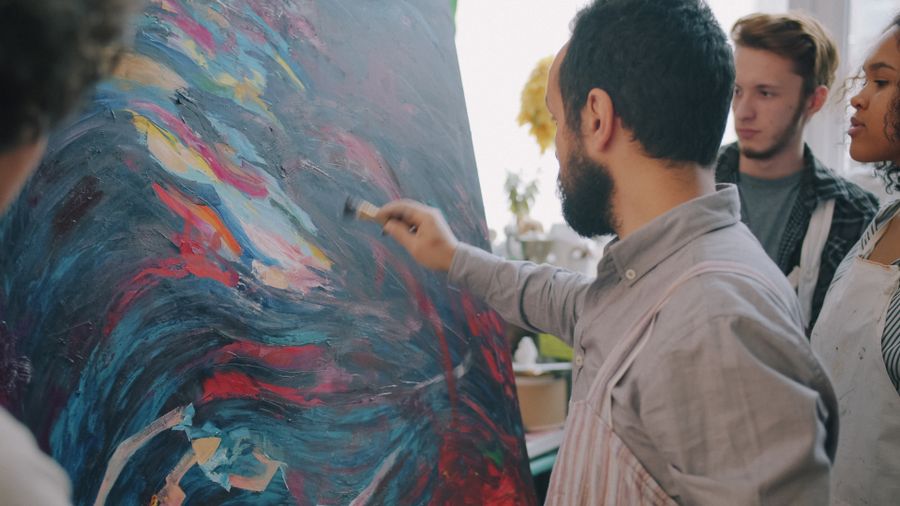
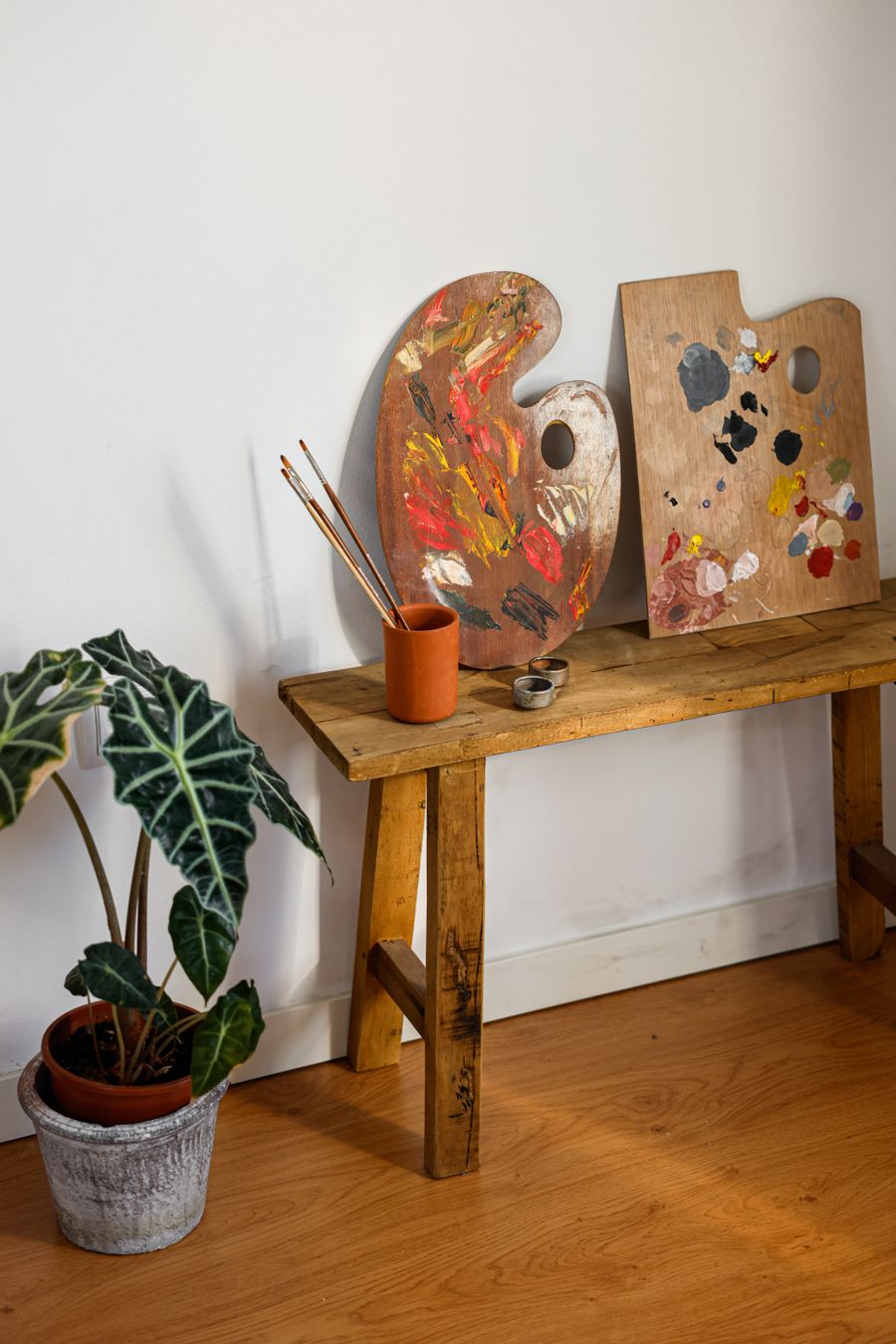
The maker at work. This is the output Every photoaicompany design tool was built for
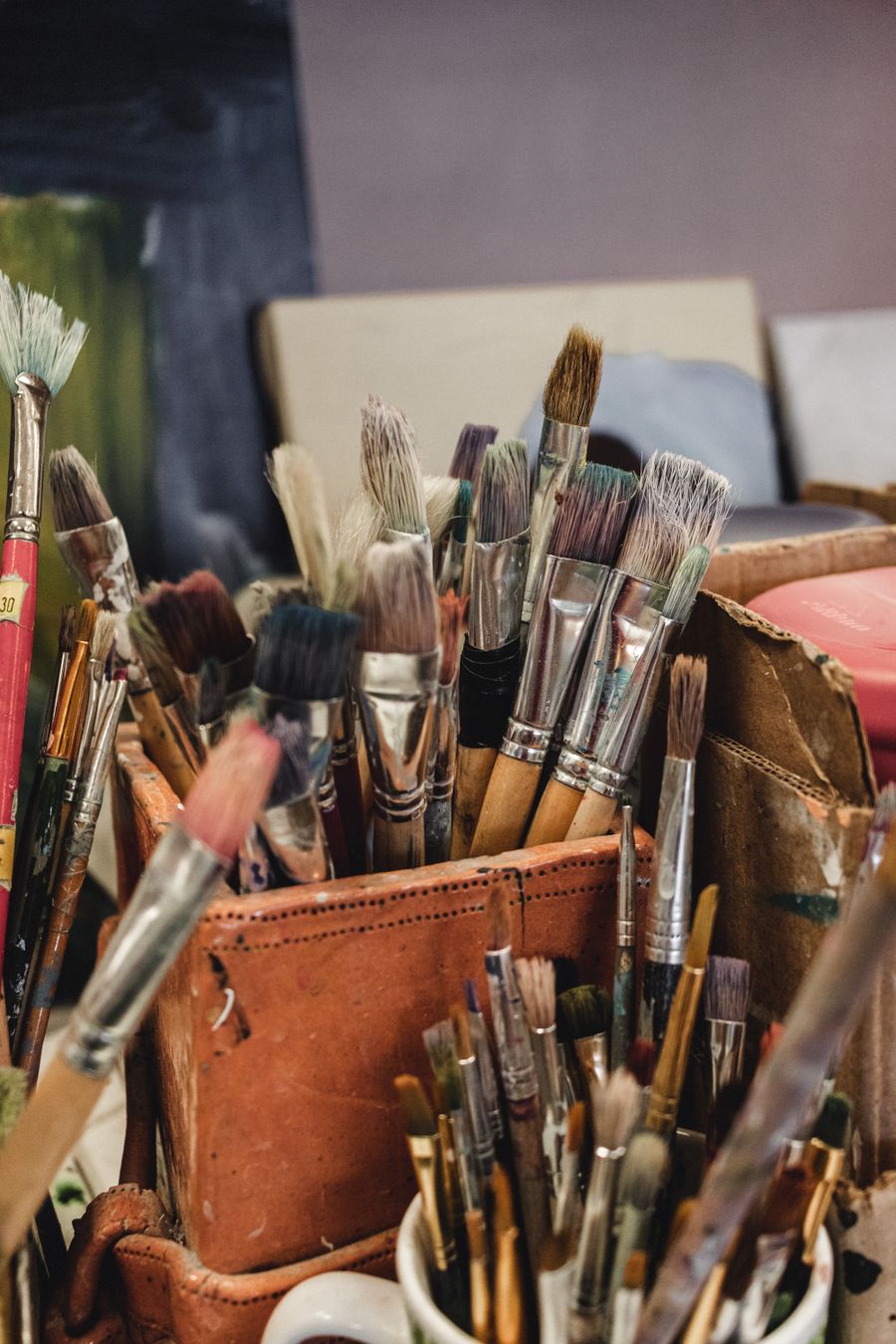
Fresh off the brush. Every photoaicompany design tool, and the deadline stopped being scary
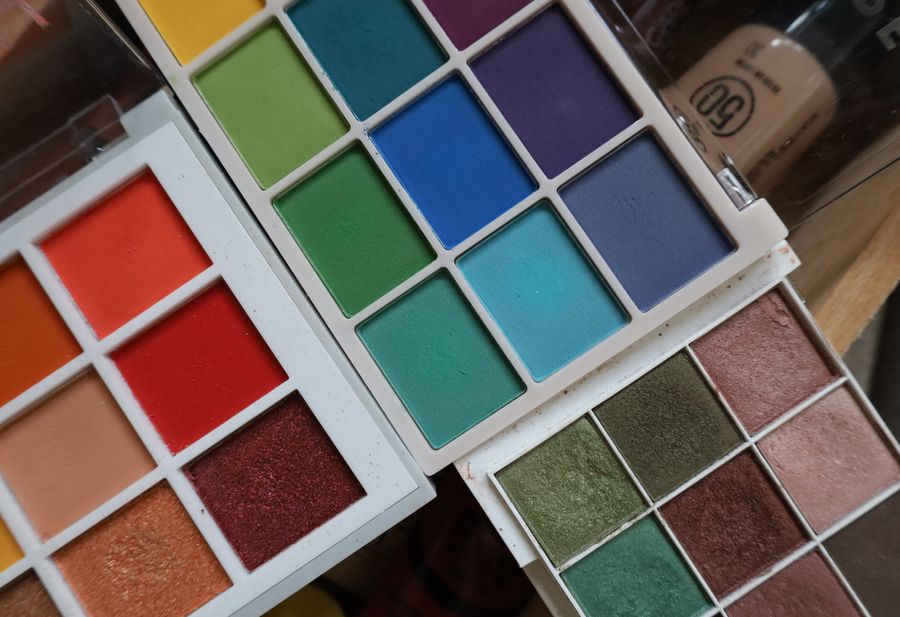
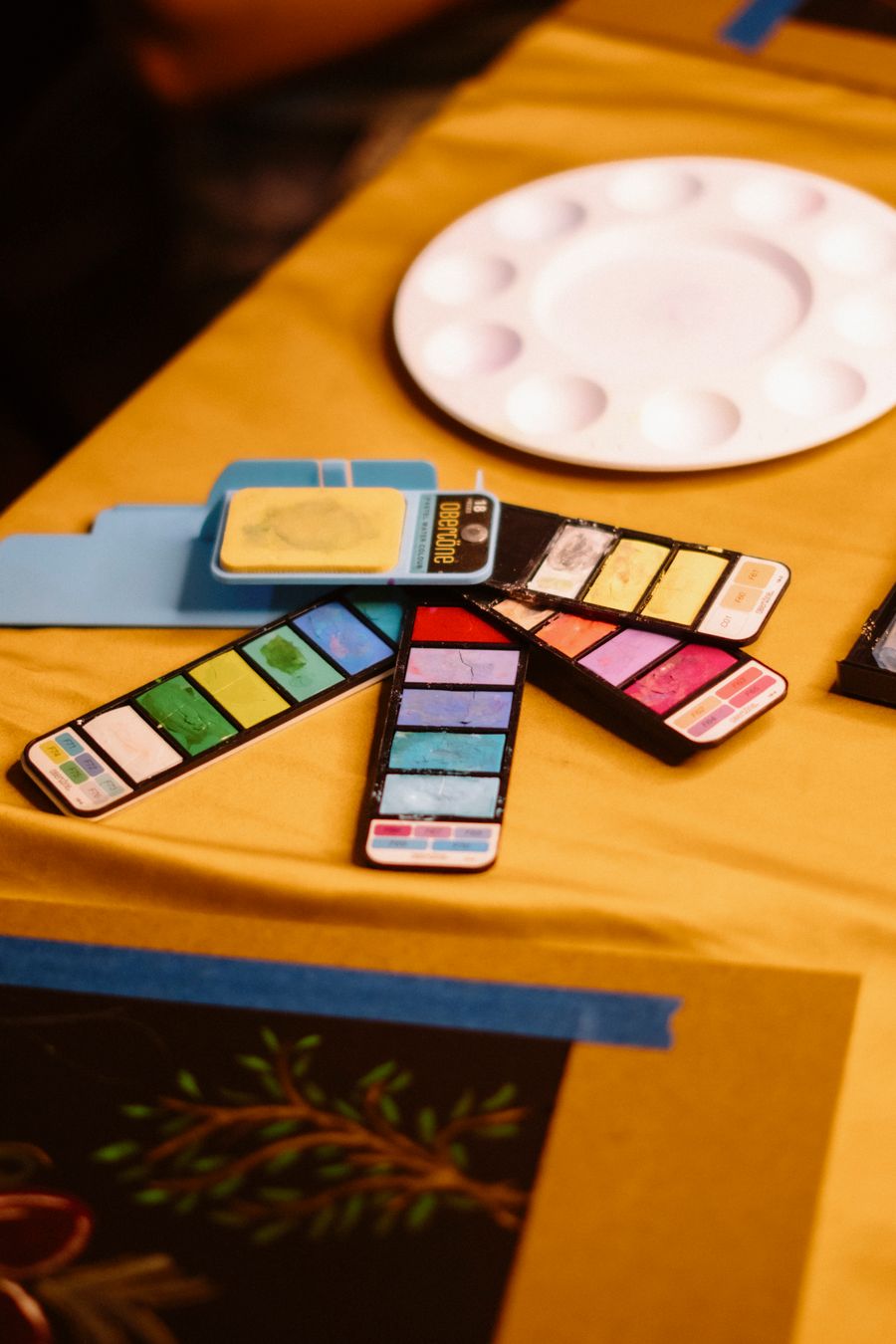
Color, turned all the way up — the kind of result Every photoaicompany design tool makes routine
Color, turned all the way up — one click of Every photoaicompany design tool and the layout snaps into place
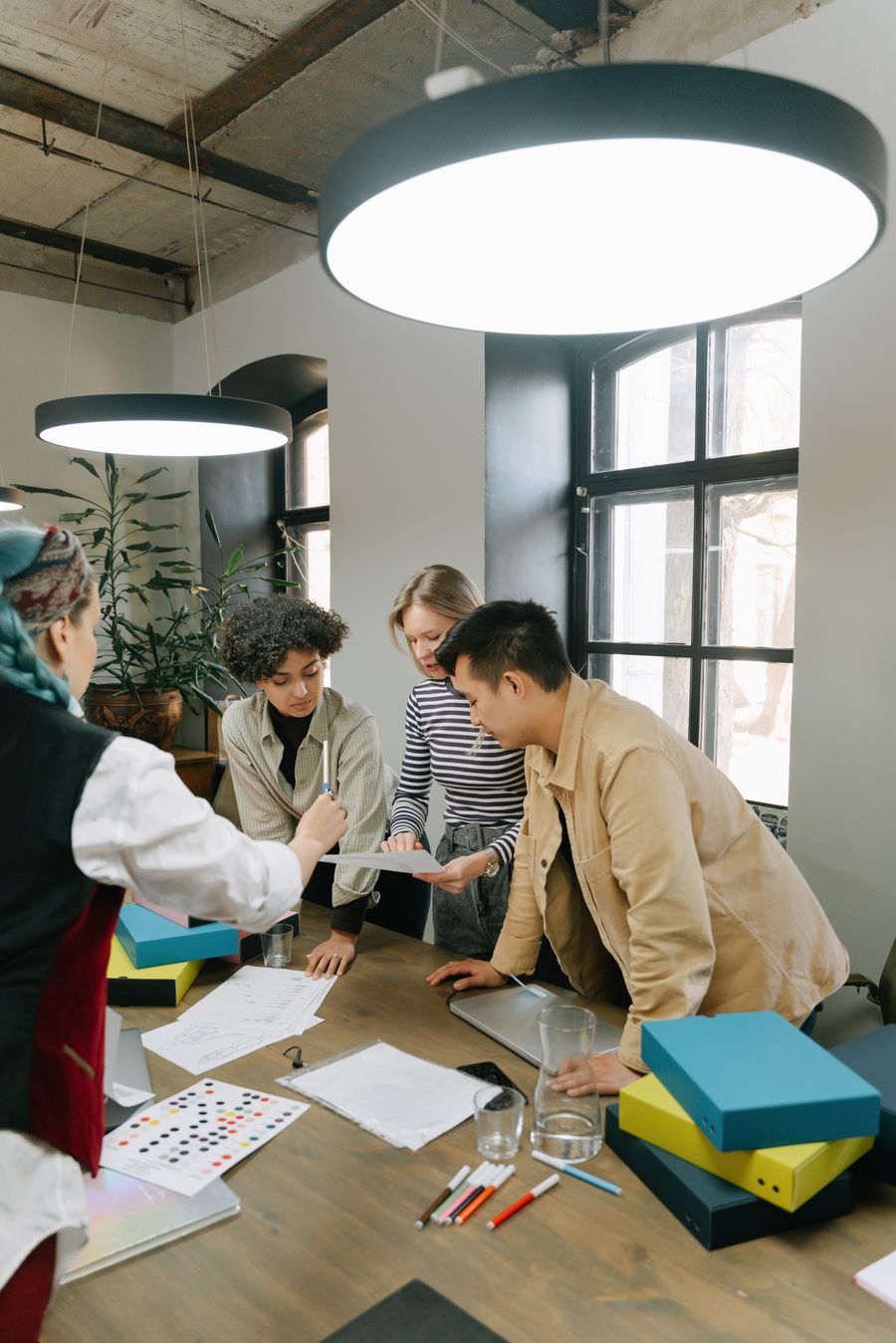
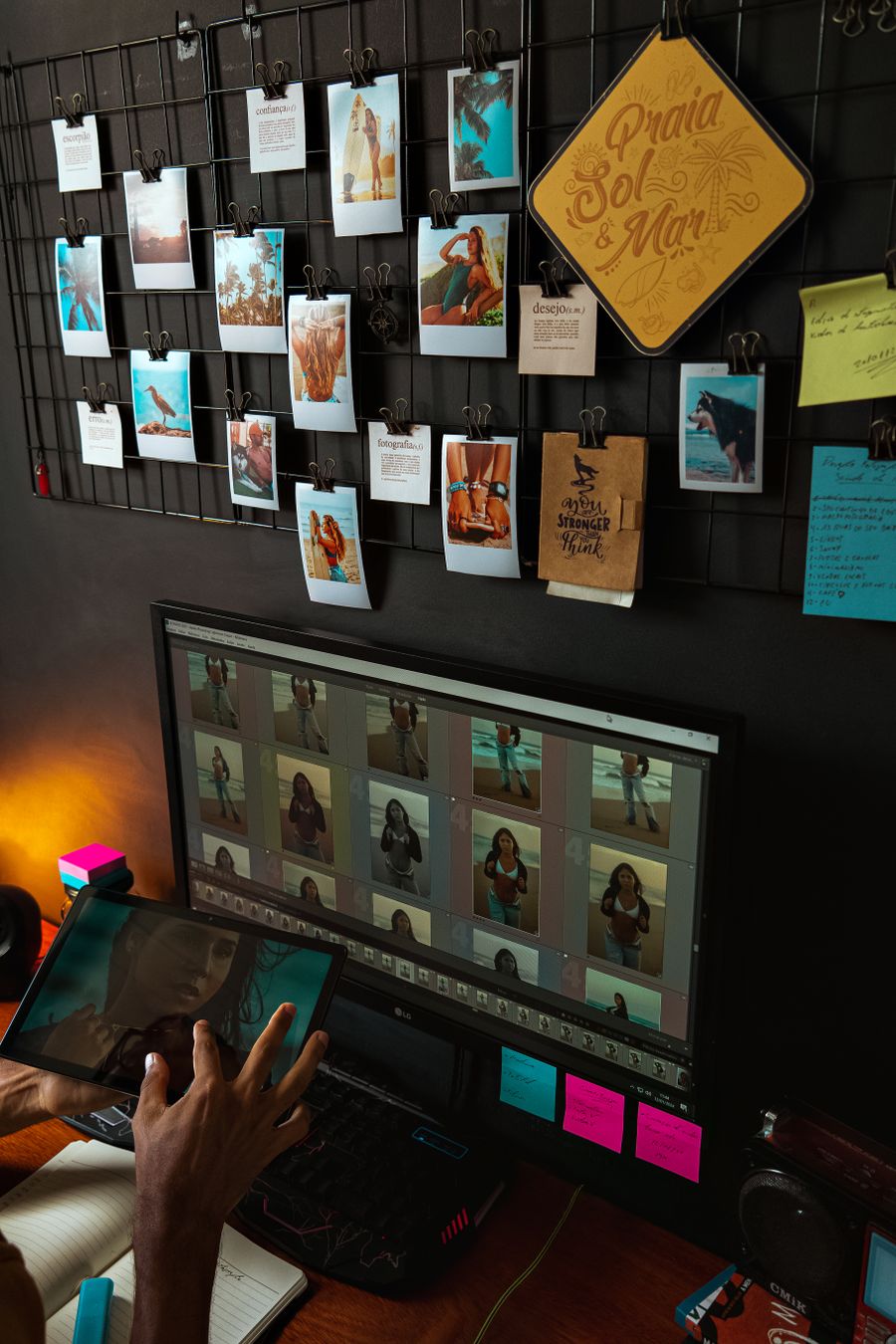
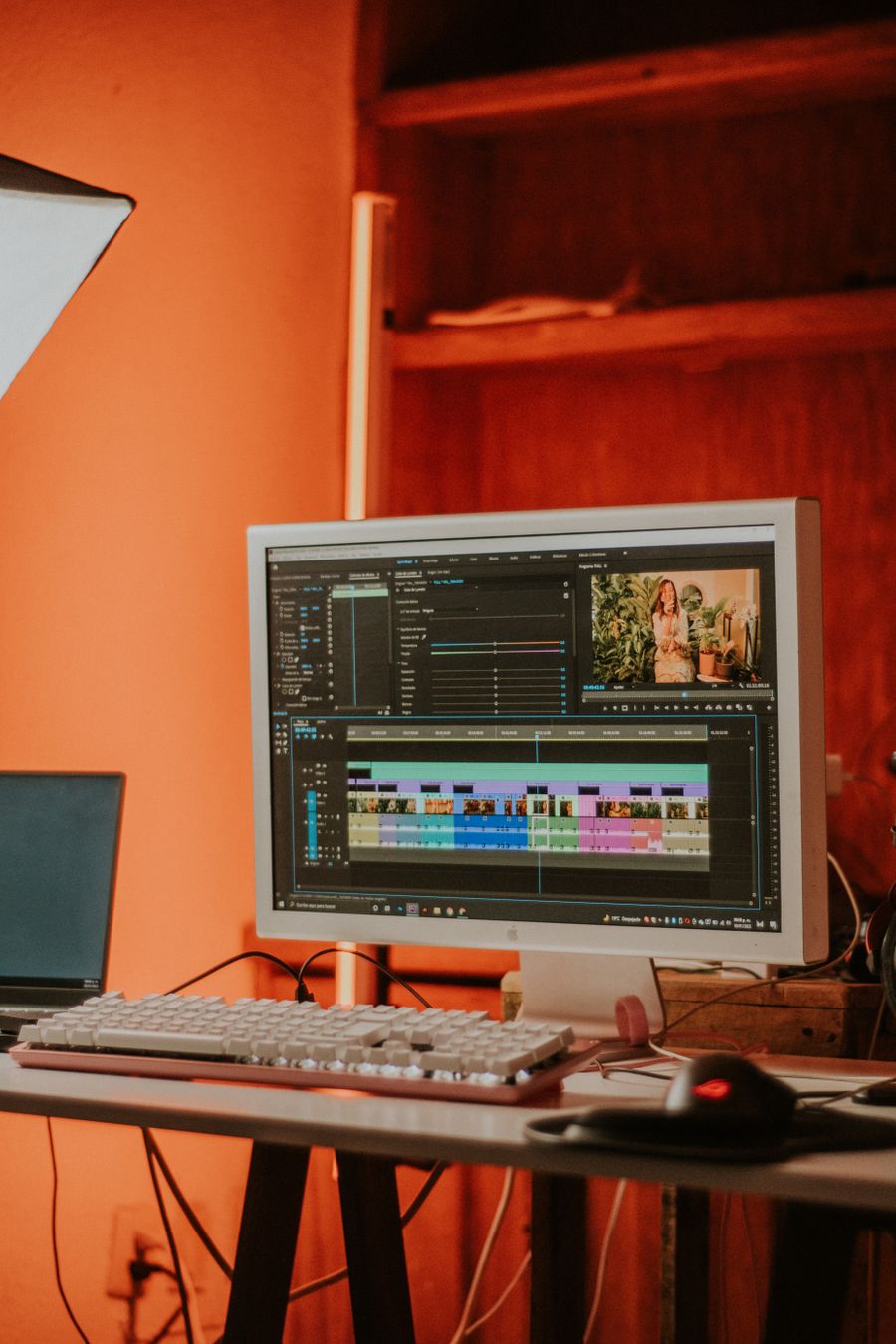
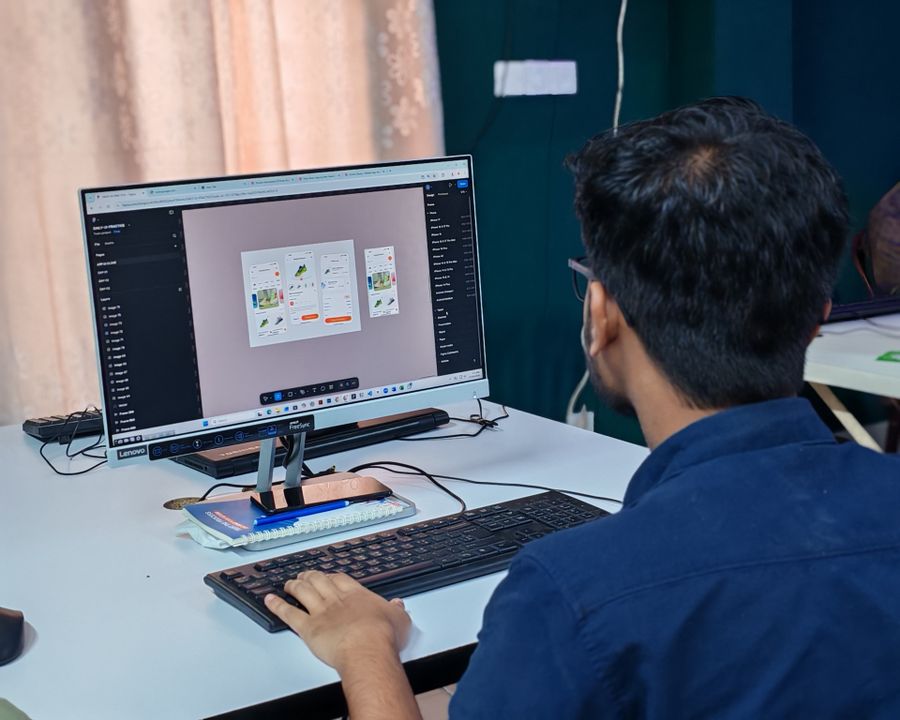
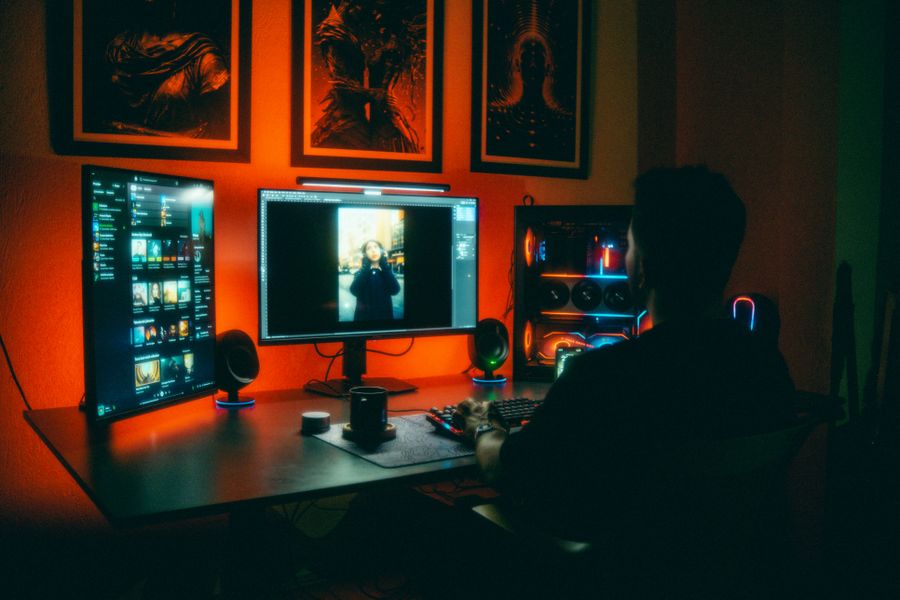
Every photoaicompany design tool in capable hands: Desk check
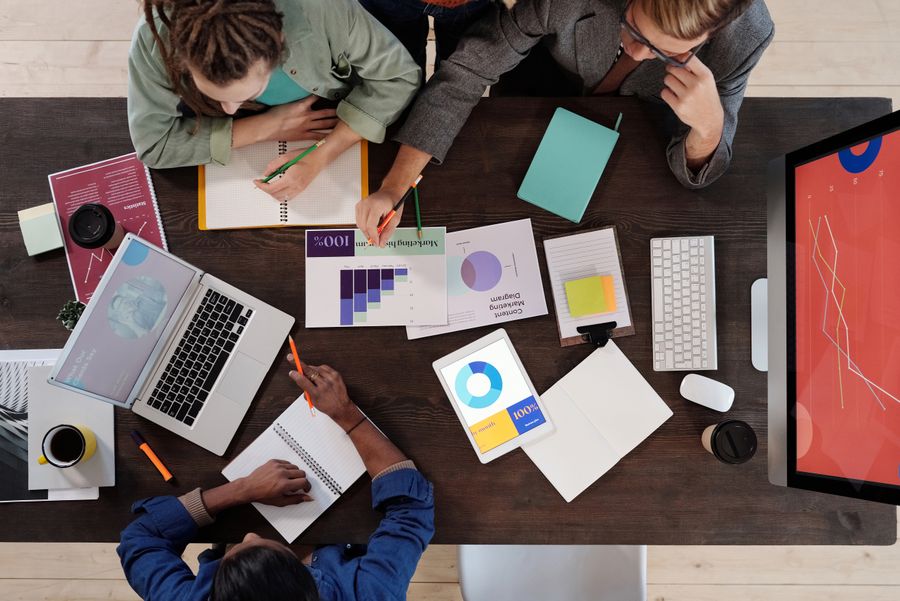
Every photoaicompany design tool, composed with intent — Desk check is the evidence
Every photoaicompany design tool under the hood, Faces first on the surface
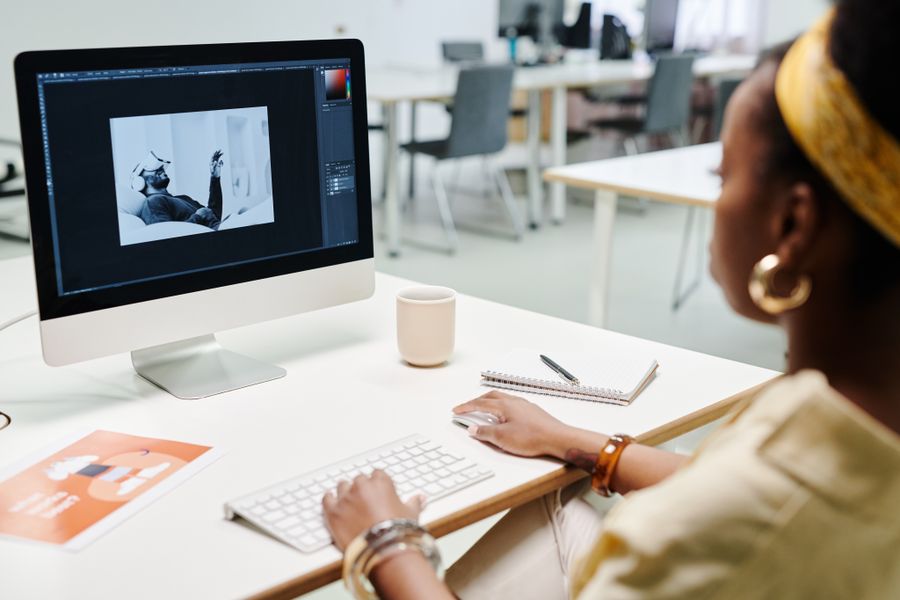
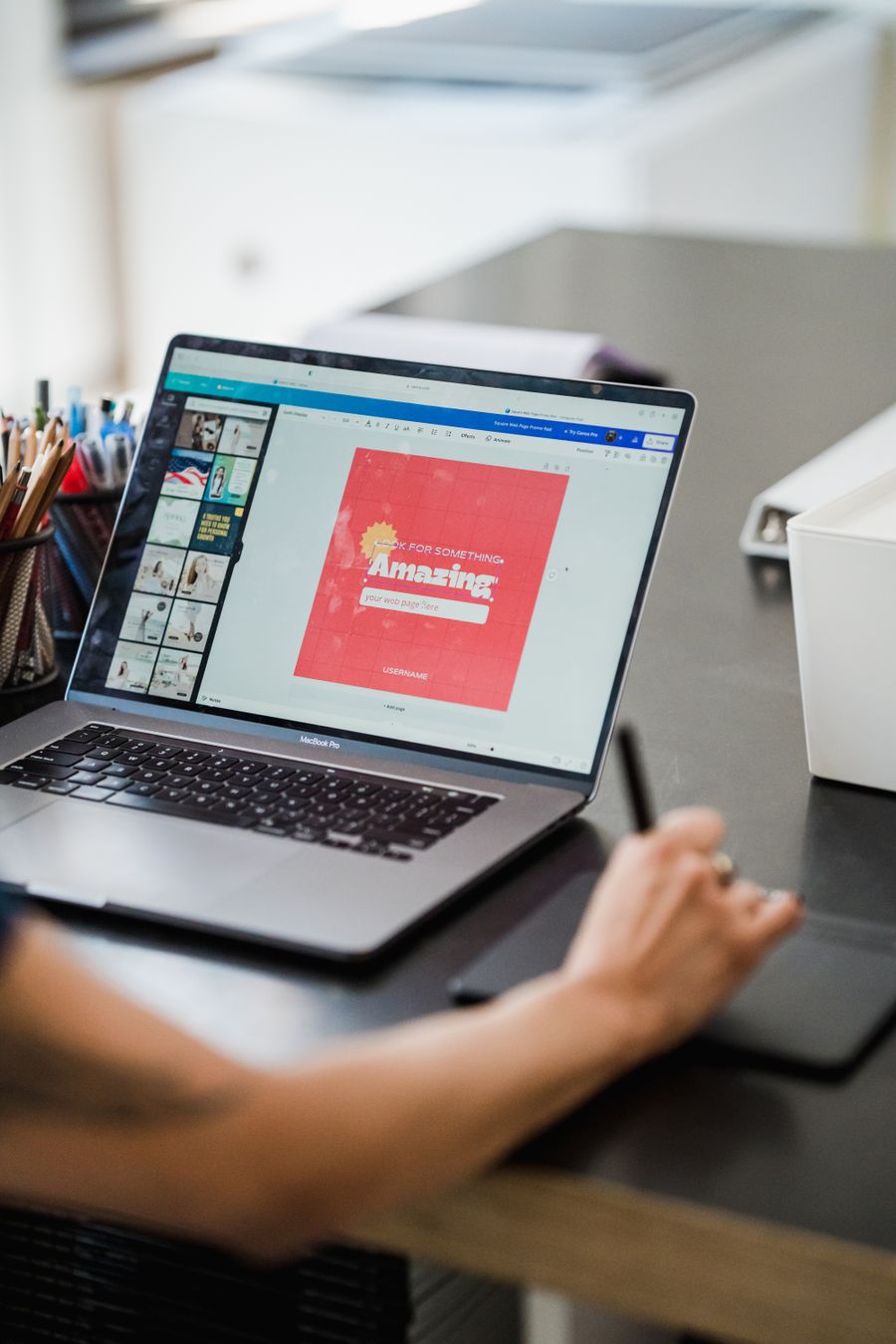
On the laptop screen — Every photoaicompany design tool keeps the craft, drops the chore
Every photoaicompany design tool in the wild — Pure geometry, no noise, shipped in minutes
The details matter — proof that Every photoaicompany design tool is a working tool, not a demo
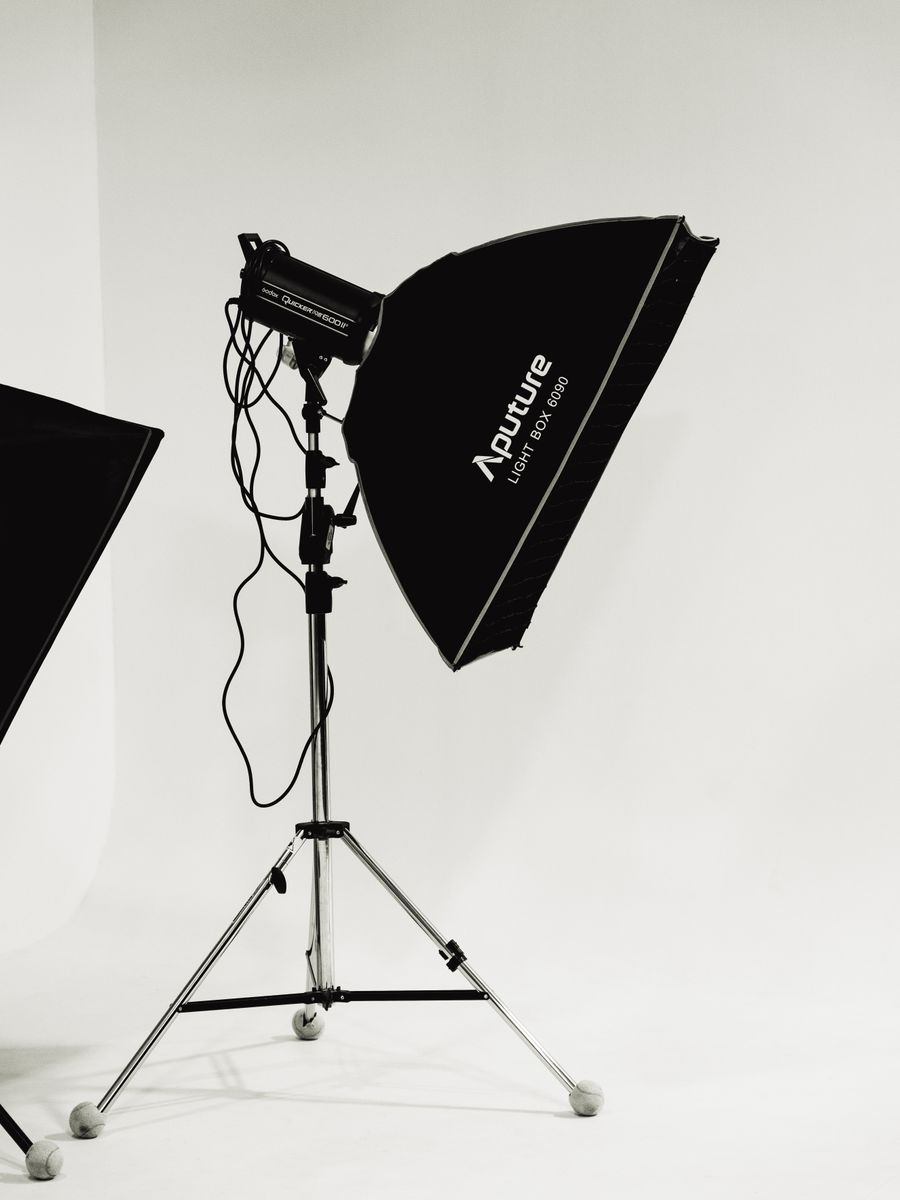
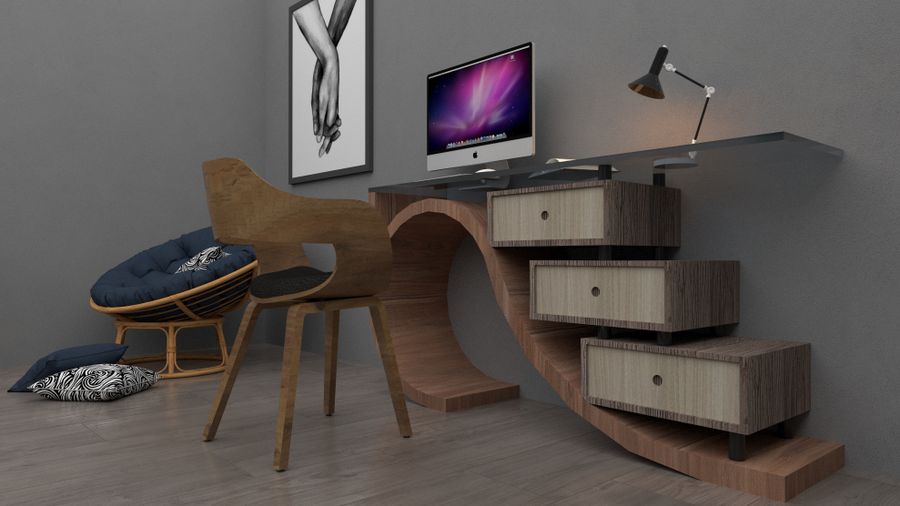
Inside the studio — Every photoaicompany design tool earns its place in the toolbar here
The Every photoaicompany design tool difference, up close: The numbers, visualized
Pencil down, idea captured. Every pixel of this passed through Every photoaicompany design tool
Why people reach for Every photoaicompany design tool: Desk check, on demand
Color, turned all the way up. This Every photoaicompany design tool result took minutes, not hours
Pure geometry, no noise — Every photoaicompany design tool, tuned until it feels invisible
Faces first — Every photoaicompany design tool, applied exactly where the eye lands
Before Every photoaicompany design tool: a blank canvas. After: Sharp at every zoom
 photoaicompany