Every design project starts with a feeling: calm and trustworthy for a corporate report, bold and electric for a party flyer, soft and romantic for a wedding invite. The Suggest Color Palette tool translates that feeling into five working hex colors.
Type any mood or purpose — “calm corporate”, “bold party”, “natural organic” — and the suggester matches your words against the tags on eight hand-curated palettes, returning the best fit with its name, generous swatches, and every hex code one click from your clipboard. Unmatched moods fall back to Mono Ink, a versatile grayscale that goes with everything.
The palettes are real and fixed — Sunset Glow, Ocean Calm, Forest Floor, Neon Night, Blush Minimal, Mono Ink, Citrus Pop, Desert Dusk — the same catalog the apply-color-palette tool uses. So a suggestion here is never a dead end: it is a palette you can immediately apply to any design on this site.
How it works
Type a mood or purpose — “calm corporate”, “bold party”, “wedding”, “natural organic” — or click a chip.
Click Suggest palette.
The tool returns the best-matching curated palette: its name, big swatches, and every hex code.
Click any hex code to copy it, or jump to apply-color-palette to use it on a design.
Tips
Chips are the fastest start: “calm corporate” and “bold party” show the range immediately.
Copy hex codes straight into the fill-color picker on the add-shape page.
The same eight palettes power apply-color-palette, so suggestions apply directly.
What it costs
Free on this site — and it can't be metered. Suggest a Color Palette uses no AI and runs entirely in your browser: no usage counters, nothing sent to our servers to bill. When credit metering arrives in the app, local operations like this one will never consume AI credits — only server-side AI generations will.
Frequently asked questions
What moods can I type?
Yes — try words like “calm”, “bold”, “wedding”, “natural”, “corporate”, “party”, “minimal”, or “warm”. The suggester matches your mood against the tags on each palette and returns the best fit.
What if my mood doesn't match anything?
No. If nothing matches, you get a tasteful default (Mono Ink, a neutral five-step grayscale) rather than an error — so you always leave with something usable.
Can I apply the suggested palette to my design?
The suggestions come from the same curated catalog of eight palettes the apply-color-palette tool uses. Copy the hex codes or apply the palette directly from this page's suggestion.
Can I name my own palette?
The palette names are fixed and curated. The full photoaicompany editor lets you save custom palettes to a brand kit.
Drag the handle — it glides with physics when you let go. Suggest a Color Palette, transformed in one pass.
Watch it work
See Suggest a Color Palette in motion
Drag the cards, scroll the scene — the tool explains itself.
InputTransformOutput
A canvas that keeps upSuggest a Color Palette — frame 1 of 4
Type that performsSuggest a Color Palette — frame 2 of 4
Photos with presenceSuggest a Color Palette — frame 3 of 4
Export without fearSuggest a Color Palette — frame 4 of 4
Drag the cards — they glide with inertia. Scroll — the blob morphs and the dot traces the flow.
The full walkthrough
How Suggest a Color Palette works, step by step
Get a curated color palette for any mood — calm corporate, bold party, wedding, natural organic — with copyable hex codes. Free.
1
Mood or purpose
Think of this control as seasoning: essential in the right amount, ruinous in excess. Start subtle. The default value is a sensible starting point chosen for the most common case — depart from it deliberately.
Pro tip: Change one control at a time so you learn what each one actually does.
FontsRotateFiltersTextStroke
Suggest a Color Palette — Blend
4.9kResize
312Gradient
98%Flip
123
Step 1: Mood or purpose — Suggest a Color Palette, annotated
1
Mood or purpose controlThis is where you set mood or purpose — changes preview live on the canvas.
2
Live canvasEvery adjustment renders instantly — what you see is what exports.
3
ResultHappy with it? The design updates in place, ready for the next step.
Know your workspace
Anatomy of the Suggest a Color Palette workspace
Five regions do all the work. Learn them once and every tool on this site feels familiar.
Suggest a Color Palette — untitled.pacStyles
VersionFiltersShadowFillBlur
Masks
Templates
Assets
Adjust
12345
Anatomy of the Suggest a Color Palette workspace
1
ToolbarEvery tool lives here — pick one and the canvas listens.
2
CanvasYour design, live. Drag, resize, and edit directly.
3
LayersThe stack your design is built from — top wins.
4
ExportOne click sends the finished design out as PNG, JPG, or PDF.
5
PropertiesFine-tune whatever is selected, right where you work.
The Suggest a Color Palette standard
No flat colors, no gradients — just real imagery, composed with intent.
Level up
Suggest a Color Palette techniques that look professional
Four field-tested techniques, each shown on real photography. Steal them all.
One accent, used sparingly, wins.A single vivid color against neutrals draws the eye exactly where the action is. Apply this inside Suggest a Color Palette today — the improvement is instant.
Two darks beat one black.Pure black next to dark gray adds depth that flat #000 never achieves. Try it on your next Suggest a Color Palette project and compare the result.
Check colorblind safety.Red-green distinctions vanish for many viewers — never encode meaning in hue alone. This is doubly true when the job is Suggest a Color Palette.
Saturation is seasoning.Fully saturated everything screams; one saturated accent against muted tones sings. Inside Suggest a Color Palette, this single habit pays off fast.
Avoid the traps
Three mistakes to avoid with Suggest a Color Palette
✕
Decorating before messaging
Effects applied before the words are final get redone. Fix: lock the copy first, style second.
✕
One design for every placement
A square post stretched into a story looks broken. Fix: resize deliberately for each destination.
✕
Everything emphasized
Bold, color, size, and underline on the same words cancel each other out. Fix: pick one emphasis per element.
End to end
A complete Suggest a Color Palette workflow
Five moves, start to shipped. This is how the work actually flows.
1
Start in the editor
Open a blank canvas or a template — Suggest a Color Palette works on anything with pixels. The tool never asks you to start over.
2
Do the core move
Run Suggest a Color Palette the way the walkthrough above shows. Get the big decision right before touching details.
3
Refine with a second tool
Pair it with All tools — tools compose, and two simple moves beat one complicated one.
4
Check it on a phone
Most designs are consumed on phones. Preview small, fix what breaks, then continue.
5
Export and ship
Export in the format your destination wants, keep the master design, and move on to the next one.
The Suggest a Color Palette standard
No flat colors, no gradients — just real imagery, composed with intent.
Good to know
More Suggest a Color Palette answers
What’s the single most useful tip for Suggest a Color Palette?
Chips are the fastest start: “calm corporate” and “bold party” show the range immediately.
What do beginners get wrong with Suggest a Color Palette?
Copy hex codes straight into the fill-color picker on the add-shape page. Start simple, then layer on complexity once the basics feel automatic.
Is Suggest a Color Palette really free?
Yes — Suggest a Color Palette is free to use in your browser, and your work saves to your account. Premium plans add AI credits, team features, and higher export limits; the tool itself never holds your design hostage.
Visual guides
Every fact, visualized
Ten detailed infographics — every number real, every label earned. Built for Suggest a Color Palette, only on this page.
Suggest a Color Palette step-by-step workflowSuggest a Color Palette workspace anatomySuggest a Color Palette export guide: the right format, every timeWhich format for Suggest a Color Palette: the quick matrixSuggest a Color Palette advantagesShortcuts that speed up Suggest a Color PaletteContrast rules for Suggest a Color Palette textSuggest a Color Palette mistakes and fixesSuggest a Color Palette use casesSuggest a Color Palette quick answers
Live telemetry
SUGGEST A COLOR PALETTE — CAPABILITY TELEMETRY
Live counts from this page · hover any bar
0Form controls
0Guided steps
0Pro tips
0Use cases
Breakdownlive
1
Content
1
Content
Cumulative depthlive
Complete guide
Everything Suggest a Color Palette can do
The full capability picture — features by plan, every control explained, real use cases, and the spec sheet.
Feature availability
Every capability of this tool, and which plan includes it.
Capability
Free
Pro
Business
A mood or purpose — “calm corporate”, “bold party”, “wedding”, “natural organic” — or click a chip.
✓
✓
✓
Suggest palette.
✓
✓
✓
The tool returns the best-matching curated palette: its name, big swatches, and every hex code.
✓
✓
✓
Any hex code to copy it, or jump to apply-color-palette to use it on a design.
✓
✓
✓
Control map — every field, explained
Each control on this page, and what it actually does when you run the tool.
Control
What it does
Mood or purpose
Type a mood or purpose — “calm corporate”, “bold party”, “wedding”, “natural organic” — or click a chip.
Use it for — Suggest a Color Palette in real work
1
Start from a mood, not a wheel
2
Get seasonal campaign colors
3
Break out of brand ruts
4
Find calm for wellness content
5
Go bold for launch week
6
Build a palette with rationale
Spec sheet
InputMood or purpose words
OutputCurated 5-color sets
RationaleWhy it works, included
ApplyOne click to design
VariationsRegenerate freely
FreeUnlimited
Keyboard reference
Keys
Action
Scope
Ctrl/⌘ + Z
Undo the last change
Browser-standard
Ctrl/⌘ + Shift + Z
Redo
Browser-standard
Tab / Shift+Tab
Move between fields in order
Browser-standard
Enter
Activate the focused button
Browser-standard
Esc
Close dialogs and menus
Browser-standard
Delete
Remove the selected layer on canvas
Editor
Suggest a Color Palette — made visual
Twenty living mockups of Suggest a Color Palette, generated for this page only.
Suggest a Color PaletteCanvas
1:14:516:99:16
Design Suggest a Color Palette without limits
Suggest a Color PaletteBrand kit
Styles
Blend
Align
Suggest a Color Palette — pixel-perfect export
photoai.company/styles
Suggest a Color PaletteFilters · Grid
Templates
Export
Projects
This Suggest a Color Palette mockup could fool anyone
Arrange — Suggest a Color Palette
PNGJPGPDFMP4
ProjectsShadow
Arrange
Suggest a Color Palette — limits are for other tools
GridLayersBackgroundAssetsMasks
Suggest a Color Palette — Fonts
4.9kTemplates
312Share
98%Crop
Export Suggest a Color Palette so sharp it hums
Suggest a Color Palette
ResizeFillFlipCrop
Suggest a Color Palette, caught mid-edit
Suggest a Color Palette — untitled.pacFrames
IconsTextFontsGridVersion
Flip
Layers
Adjust
Resize
Honest Suggest a Color Palette templates for real work
Suggest a Color Palette
Duplicate100%
Blend93%
Blur86%
Colors79%
Projects72%
Canvas65%
From nothing to Suggest a Color Palette, brilliantly
Suggest a Color PaletteFlip
1:14:516:99:16
Suggest a Color Palette — composed, not assembled
Suggest a Color PaletteCrop
Arrange
Comments
Blend
Suggest a Color Palette and the rule of thirds, friends at last
photoai.company/zoom
Suggest a Color PaletteBrand kit · Blend
Blur
Icons
Templates
Suggest a Color Palette — where blank becomes brilliant
Background — Suggest a Color Palette
PNGJPGPDFMP4
StylesBrand kit
Background
The Suggest a Color Palette mockup spell
FillCommentsShareAdjustZoom
Suggest a Color Palette — Projects
4.9kFrames
312Shadow
98%Colors
Brilliant Suggest a Color Palette, born from blank
Suggest a Color Palette
StylesBrand AssetsStroke
This Suggest a Color Palette wants to be shared
Suggest a Color Palette — untitled.pacExport
EffectsResizeFiltersBackgroundFonts
Rulers
Layers
Masks
Blur
Live from the Suggest a Color Palette workspace
Suggest a Color Palette
Adjust100%
Styles93%
Arrange86%
Assets79%
Blur72%
Fill65%
Share the Suggest a Color Palette, keep the credit
Suggest a Color PaletteFrames
1:14:516:99:16
Same-day Suggest a Color Palette, every day
Suggest a Color PaletteRotate
Arrange
Text
Frames
Taking Suggest a Color Palette apart and rebuilding it better
photoai.company/comments
Suggest a Color PaletteVersion · Effects
Grid
Canvas
Gradient
Suggest a Color Palette — what you see is what ships
Fonts — Suggest a Color Palette
PNGJPGPDFMP4
StrokeDuplicate
Fonts
The Suggest a Color Palette pixel audit, passed
The Suggest a Color Palette stock library
Hand-picked photography for Suggest a Color Palette — refreshed on this page alone.
Proof of Suggest a Color Palette, exhibit A: The details matter
Made to be looked at. Suggest a Color Palette handles the fiddly part, you keep the vision
Desk check. Suggest a Color Palette, and the revision cycle just got shorter
Before Suggest a Color Palette: a blank canvas. After: The maker at work
Pure geometry, no noise. Suggest a Color Palette turns "someday" designs into done designs
From rough to Pure geometry, no noise: the Suggest a Color Palette workflow, end to end
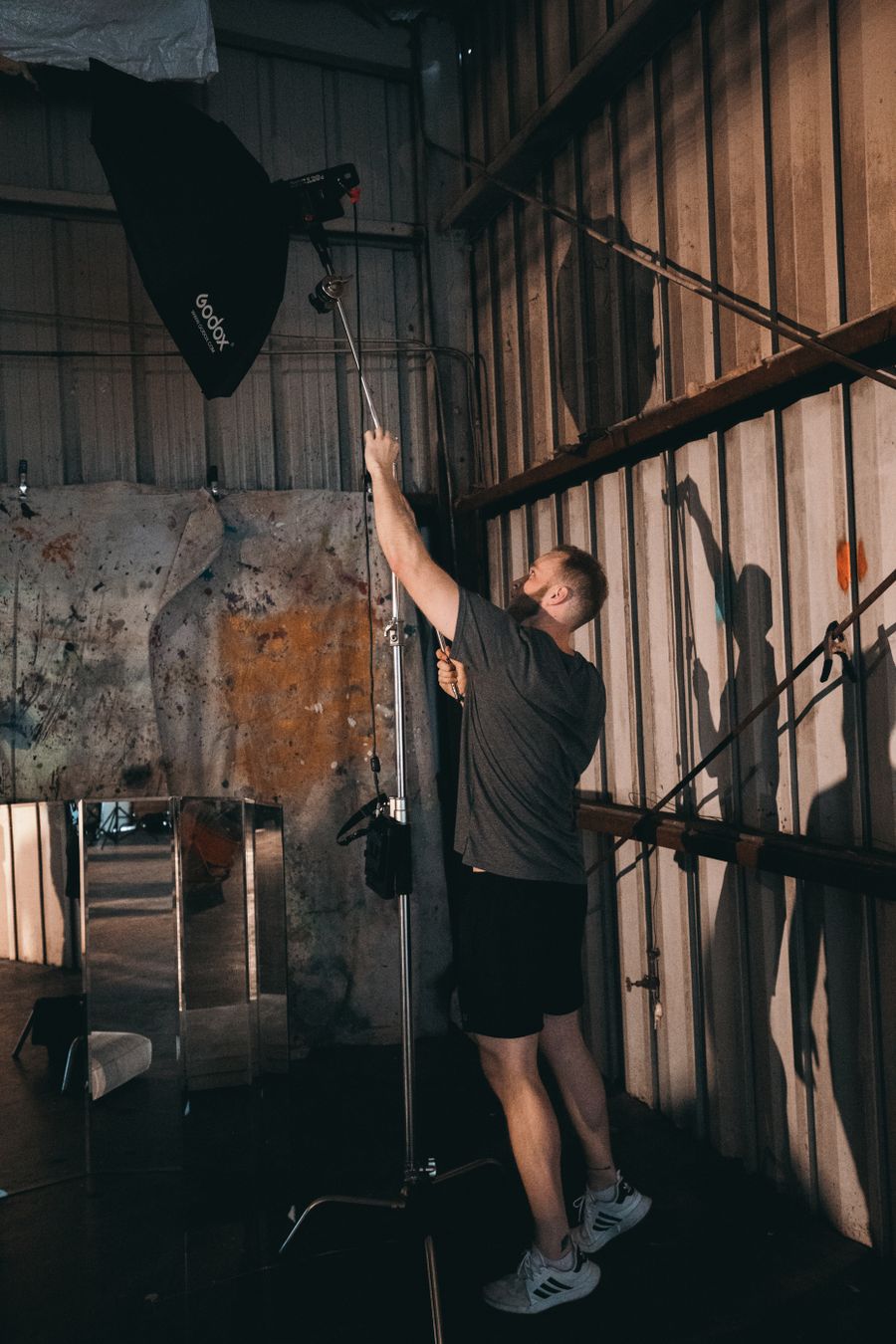
Chasing the good light. Suggest a Color Palette makes the complicated look casual
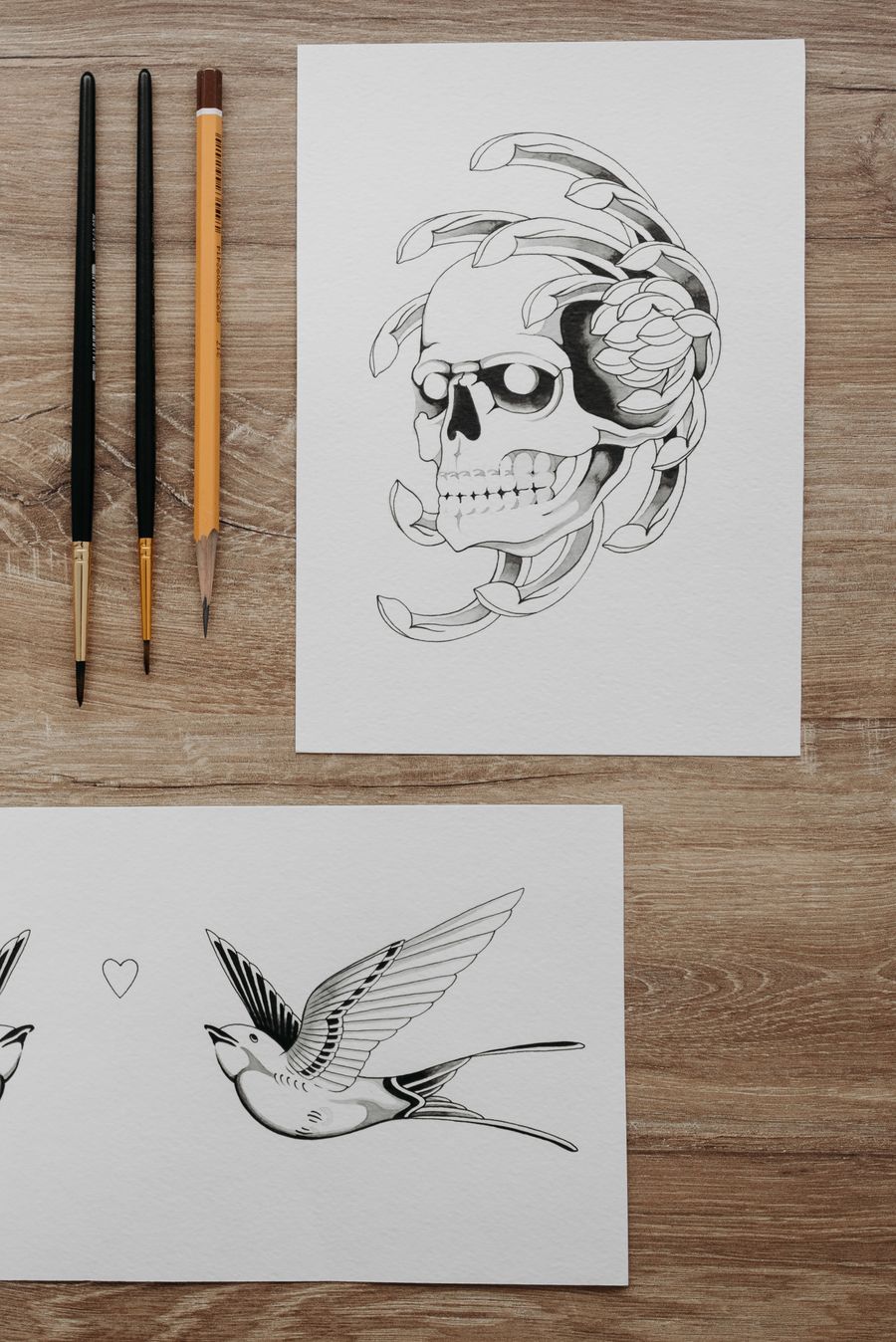
The Suggest a Color Palette difference, up close: Fresh off the brush
On the laptop screen — the Suggest a Color Palette standard, held
Faces first — Suggest a Color Palette keeps the craft, drops the chore
Texture you can almost feel — Suggest a Color Palette, tuned until it feels invisible
Suggest a Color Palette in capable hands: Parked and posing
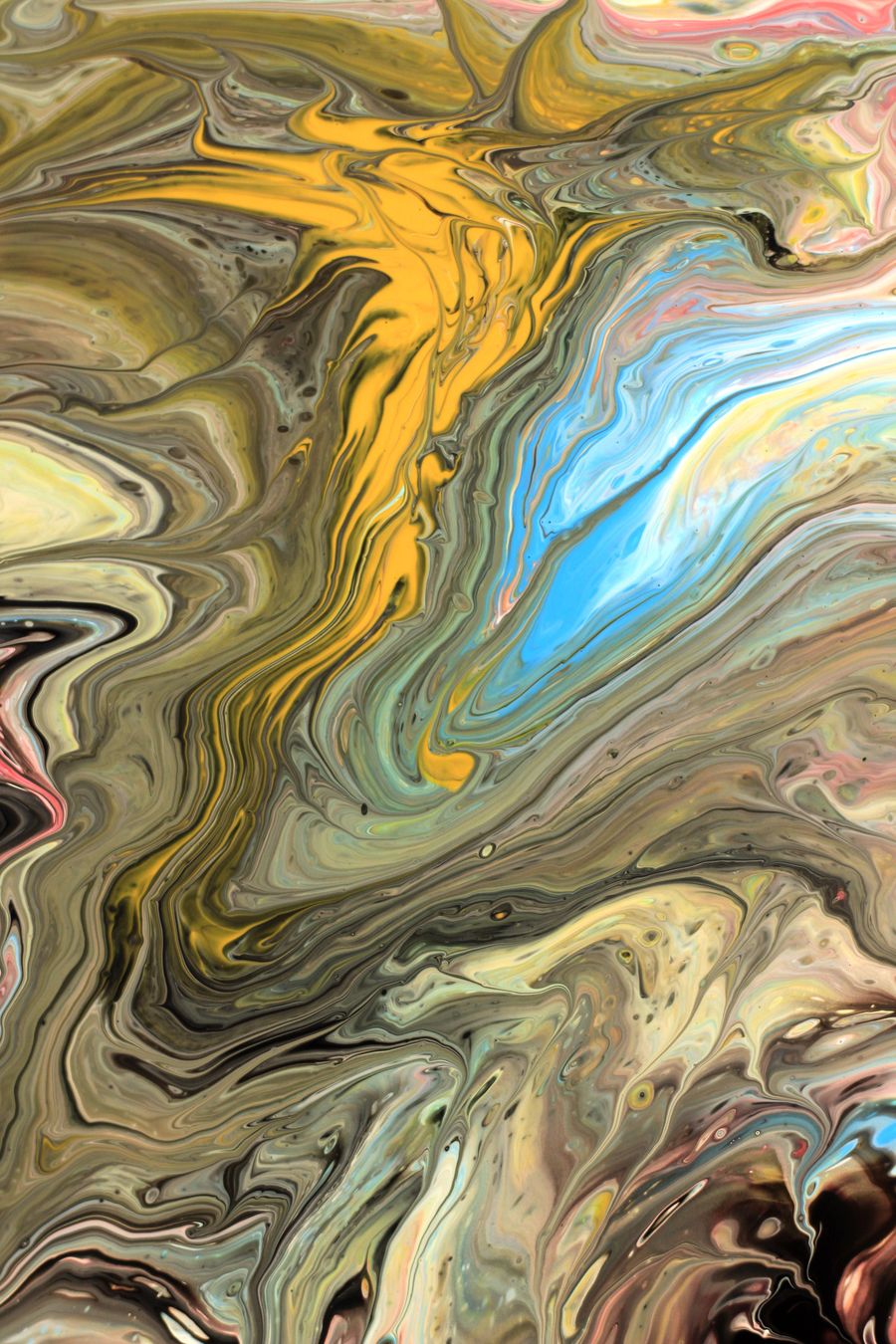
Color, turned all the way up — the kind of result Suggest a Color Palette makes routine
Texture you can almost feel. This is the output Suggest a Color Palette was built for
Suggest a Color Palette in the wild — Pure geometry, no noise, shipped in minutes
Front and centered. This Suggest a Color Palette result took minutes, not hours
Suggest a Color Palette, dialed in — Inside the studio, no guesswork
Texture you can almost feel — Suggest a Color Palette earns its place in the toolbar here
 photoaicompany