Great designs rarely use more than two fonts — one with personality for headings, one quiet workhorse for body text. Suggest a Font Pairing does the matchmaking: describe the mood or purpose — “wedding”, “startup pitch”, “restaurant menu”, “fitness poster” — and it returns a heading font, a body font, and a note on why they work together.
Pairings come from a curated table, not random picks: Playfair Display with Lora for elegant occasions, Montserrat with Inter for tech startups, Anton with Oswald for bold posters, Caveat with Nunito for handmade warmth. Both fonts always come from the 21-font library, so they're immediately usable on your canvas.
Try the mood chips for instant examples, or type your own — anything the table doesn't recognize falls back to a clean, minimal single-family pairing that works anywhere.
How it works
Type a mood or purpose — or click a mood chip.
Click Suggest pairing.
See a heading sample rendered in the suggested heading font and a body sample in the body font, with an explanation.
Use both font names in the add-text tool to set your canvas type in the pairing.
Tips
Stick to the pair: one font for headings, one for body — adding a third usually weakens the design.
Be specific in the mood: “elegant wedding invitation” beats “nice”.
The note explains the pairing's character — match it to your brand's voice.
What it costs
Free on this site — and it can't be metered. Suggest a Font Pairing uses no AI and runs entirely in your browser: no usage counters, nothing sent to our servers to bill. When credit metering arrives in the app, local operations like this one will never consume AI credits — only server-side AI generations will.
Frequently asked questions
What moods are recognized?
Wedding/elegant/luxury/romantic, startup/tech/modern/pitch, restaurant/cafe/menu/food, playful/kids/fun/party, bold/poster/sports/fitness/sale, handmade/craft/personal, code/developer/terminal, and minimal/clean/editorial/corporate. Anything else gets the minimal fallback pairing.
Are both fonts in the library?
Yes — every suggested font is one of the 21 built-in fonts, so you can use it on any canvas right away.
Can I get more than one suggestion?
The tool returns its single best match per mood. Try nearby moods — “wedding” vs “luxury” — to compare alternatives.
Drag the handle — it glides with physics when you let go. Suggest a Font Pairing, transformed in one pass.
Watch it work
See Suggest a Font Pairing in motion
Drag the cards, scroll the scene — the tool explains itself.
InputTransformOutput
A canvas that keeps upSuggest a Font Pairing — frame 1 of 4
Type that performsSuggest a Font Pairing — frame 2 of 4
Photos with presenceSuggest a Font Pairing — frame 3 of 4
Export without fearSuggest a Font Pairing — frame 4 of 4
Drag the cards — they glide with inertia. Scroll — the blob morphs and the dot traces the flow.
The full walkthrough
How Suggest a Font Pairing works, step by step
Describe the mood — wedding, startup pitch, restaurant menu — and get a curated heading + body font pairing from the library.
1
Mood or purpose
Think of this control as seasoning: essential in the right amount, ruinous in excess. Start subtle. The default value is a sensible starting point chosen for the most common case — depart from it deliberately.
Pro tip: Change one control at a time so you learn what each one actually does.
Filters — Suggest a Font Pairing
PNGJPGPDFMP4
ExportZoom
Filters
123
Step 1: Mood or purpose — Suggest a Font Pairing, annotated
1
Mood or purpose controlThis is where you set mood or purpose — changes preview live on the canvas.
2
Live canvasEvery adjustment renders instantly — what you see is what exports.
3
ResultHappy with it? The design updates in place, ready for the next step.
Know your workspace
Anatomy of the Suggest a Font Pairing workspace
Five regions do all the work. Learn them once and every tool on this site feels familiar.
Suggest a Font Pairing — untitled.pacRotate
ShareIconsAssetsCropFilters
Adjust
Blend
Stroke
Grid
12345
Anatomy of the Suggest a Font Pairing workspace
1
ToolbarEvery tool lives here — pick one and the canvas listens.
2
CanvasYour design, live. Drag, resize, and edit directly.
3
LayersThe stack your design is built from — top wins.
4
ExportOne click sends the finished design out as PNG, JPG, or PDF.
5
PropertiesFine-tune whatever is selected, right where you work.
Real pixels
Every backdrop on this page is a genuine photograph, chosen for Suggest a Font Pairing.
Level up
Suggest a Font Pairing techniques that look professional
Four field-tested techniques, each shown on real photography. Steal them all.
Kern the headline like you mean it.Display type set too tight or too loose cheapens the whole design — nudge letter-spacing until headlines breathe evenly. Your Suggest a Font Pairing work will show the difference immediately.
Uppercase is a megaphone.All-caps headlines shout; use them for three words or fewer, then let sentence case do the talking. Apply this inside Suggest a Font Pairing today — the improvement is instant.
Size is hierarchy made visible.Make the most important word the biggest thing on the canvas, then size everything else in service of it. This is doubly true when the job is Suggest a Font Pairing.
Style the verbs, not the filler.Bold the action words that carry meaning; bolding everything bolds nothing. Keep this in mind every time you open Suggest a Font Pairing.
Avoid the traps
Three mistakes to avoid with Suggest a Font Pairing
✕
One design for every placement
A square post stretched into a story looks broken. Fix: resize deliberately for each destination.
✕
Decorating before messaging
Effects applied before the words are final get redone. Fix: lock the copy first, style second.
✕
Everything emphasized
Bold, color, size, and underline on the same words cancel each other out. Fix: pick one emphasis per element.
End to end
A complete Suggest a Font Pairing workflow
Five moves, start to shipped. This is how the work actually flows.
1
Start in the editor
Open a blank canvas or a template — Suggest a Font Pairing works on anything with pixels. The tool never asks you to start over.
2
Do the core move
Run Suggest a Font Pairing the way the walkthrough above shows. Get the big decision right before touching details.
3
Refine with a second tool
Pair it with All tools — tools compose, and two simple moves beat one complicated one.
4
Check it on a phone
Most designs are consumed on phones. Preview small, fix what breaks, then continue.
5
Export and ship
Export in the format your destination wants, keep the master design, and move on to the next one.
Made with Suggest a Font Pairing
This is what Suggest a Font Pairing output looks like in the wild — photographic, detailed, finished.
Good to know
More Suggest a Font Pairing answers
What’s the single most useful tip for Suggest a Font Pairing?
Stick to the pair: one font for headings, one for body — adding a third usually weakens the design.
What do beginners get wrong with Suggest a Font Pairing?
Be specific in the mood: “elegant wedding invitation” beats “nice”. Start simple, then layer on complexity once the basics feel automatic.
Is Suggest a Font Pairing really free?
Yes — Suggest a Font Pairing is free to use in your browser, and your work saves to your account. Premium plans add AI credits, team features, and higher export limits; the tool itself never holds your design hostage.
Visual guides
Every fact, visualized
Ten detailed infographics — every number real, every label earned. Built for Suggest a Font Pairing, only on this page.
Suggest a Font Pairing step-by-step workflowSuggest a Font Pairing workspace anatomySuggest a Font Pairing export guide: the right format, every timeWhich format for Suggest a Font Pairing: the quick matrixSuggest a Font Pairing advantagesShortcuts that speed up Suggest a Font PairingContrast rules for Suggest a Font Pairing textSuggest a Font Pairing mistakes and fixesSuggest a Font Pairing use casesSuggest a Font Pairing quick answers
Live telemetry
SUGGEST A FONT PAIRING — CAPABILITY TELEMETRY
Live counts from this page · hover any bar
0Form controls
0Guided steps
0Pro tips
0Use cases
Breakdownlive
1
Content
1
Position
1
Content
1
Position
Cumulative depthlive
Complete guide
Everything Suggest a Font Pairing can do
The full capability picture — features by plan, every control explained, real use cases, and the spec sheet.
Feature availability
Every capability of this tool, and which plan includes it.
Capability
Free
Pro
Business
A mood or purpose — or click a mood chip.
✓
✓
✓
Suggest pairing.
✓
✓
✓
See a heading sample rendered in the suggested heading font and a body sample in the body font, with an explanation.
✓
✓
✓
Use both font names in the add-text tool to set your canvas type in the pairing.
✓
✓
✓
Control map — every field, explained
Each control on this page, and what it actually does when you run the tool.
Control
What it does
Mood or purpose
Type a mood or purpose — or click a mood chip.
Try one
Set this control, then run the tool — the canvas updates live.
Use it for — Suggest a Font Pairing in real work
1
Pair a display face with body text
2
Match mood: playful, luxe, techy
3
Fix a clashing combo
4
Build a type system fast
5
Learn why pairings work
6
Get 3 options, pick one
Spec sheet
InputMood or purpose words
OutputHeading + body pairs
FromThe 21-face catalog
RationaleIncluded per pair
TryOne-click preview
FreeUnlimited
Keyboard reference
Keys
Action
Scope
Ctrl/⌘ + Z
Undo the last change
Browser-standard
Ctrl/⌘ + Shift + Z
Redo
Browser-standard
Tab / Shift+Tab
Move between fields in order
Browser-standard
Enter
Activate the focused button
Browser-standard
Esc
Close dialogs and menus
Browser-standard
Delete
Remove the selected layer on canvas
Editor
Suggest a Font Pairing — made visual
Twenty living mockups of Suggest a Font Pairing, generated for this page only.
Suggest a Font Pairing
AdjustGridResizeHistor
Watch Suggest a Font Pairing work, live on the canvas
Suggest a Font Pairing — untitled.pacFilters
BlurFlipStylesMasksColors
Align
Templates
Fonts
Shadow
Living, breathing Suggest a Font Pairing preview
Adjust — Suggest a Font Pairing
PNGJPGPDFMP4
AlignDuplicate
Adjust
Hang your Suggest a Font Pairing with pride
photoai.company/text
Suggest a Font PairingProjects · Effects
Comments
Filters
Adjust
A new grammar for Suggest a Font Pairing
ZoomBrand kitLayersStylesFonts
Suggest a Font Pairing — Comments
4.9kFill
312Resize
98%Templates
Suggest a Font Pairing — what you see is what ships
Suggest a Font PairingColors
1:14:516:99:16
Suggest a Font Pairing: the canvas grew up
Suggest a Font Pairing
Blur100%
Layers93%
Arrange86%
Share79%
Gradient72%
Fonts65%
Suggest a Font Pairing beyond the canvas
Suggest a Font PairingHistory
Share
Rotate
Duplicate
This Suggest a Font Pairing has a job to do
Suggest a Font Pairing
HistorMasksCanvasRulers
Composition class, starring Suggest a Font Pairing
Suggest a Font Pairing — untitled.pacStroke
CropBrand kitGradientBlendComments
Masks
Blur
Filters
Icons
Suggest a Font Pairing — every pixel accounted for
Blur — Suggest a Font Pairing
PNGJPGPDFMP4
ProjectsAdjust
Blur
Suggest a Font Pairing and the rule of thirds, friends at last
photoai.company/filters
Suggest a Font PairingZoom · Opacity
Adjust
Assets
Text
Overnight studio, instant Suggest a Font Pairing
AssetsTextShareIconsCanvas
Suggest a Font Pairing — Background
4.9kProjects
312Resize
98%Comments
Studio quality Suggest a Font Pairing, on demand
Suggest a Font PairingResize
1:14:516:99:16
Suggest a Font Pairing — brilliance, from scratch
Suggest a Font Pairing
Filters100%
Fonts93%
Rotate86%
Masks79%
Adjust72%
Crop65%
Suggest a Font Pairing — the upgrade you feel
Suggest a Font PairingVersion
Zoom
Assets
Rotate
Rebuilding Suggest a Font Pairing, one layer at a time
Suggest a Font Pairing
FramesCommenRulersBrand
Same-day Suggest a Font Pairing, every day
Suggest a Font Pairing — untitled.pacOpacity
FontsCropZoomCanvasFlip
Assets
Gradient
Icons
Rulers
Studio-grade results, Suggest a Font Pairing speed
Grid — Suggest a Font Pairing
PNGJPGPDFMP4
IconsLayers
Grid
The Suggest a Font Pairing export, inspected at 200%
photoai.company/history
Suggest a Font PairingColors · Export
Text
Masks
Adjust
Suggest a Font Pairing — the mockup is alive
The Suggest a Font Pairing stock library
Hand-picked photography for Suggest a Font Pairing — refreshed on this page alone.
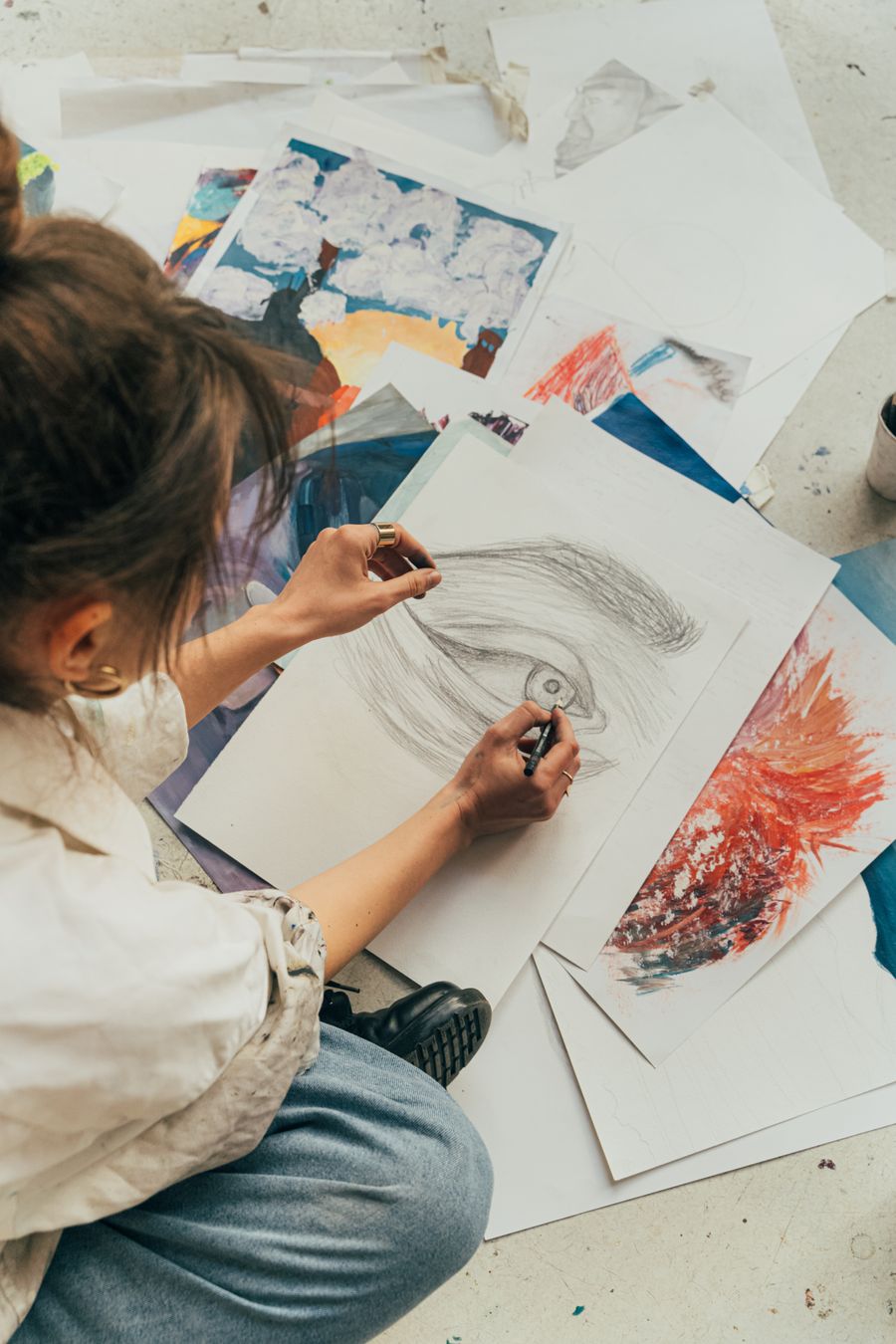
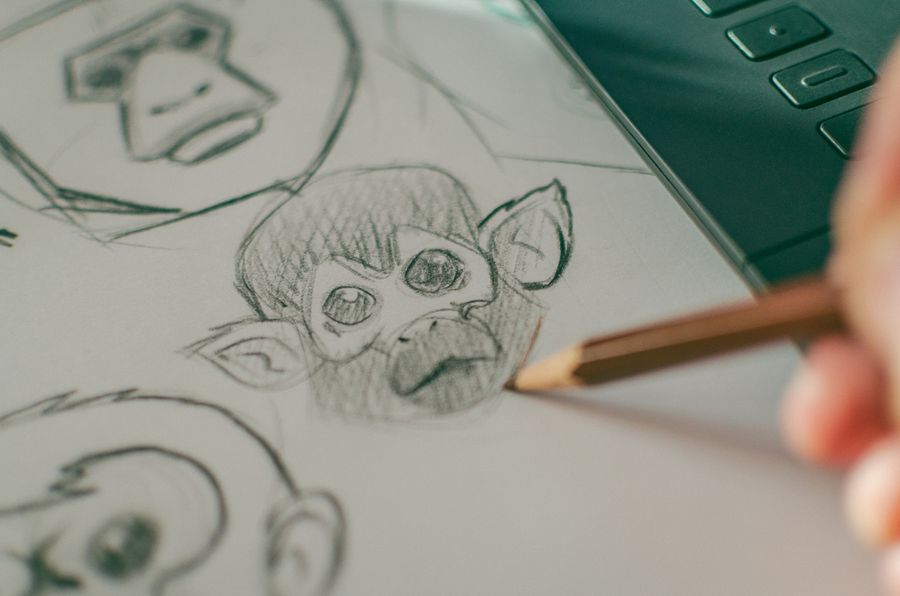
Proof of Suggest a Font Pairing, exhibit A: Pencil down, idea captured
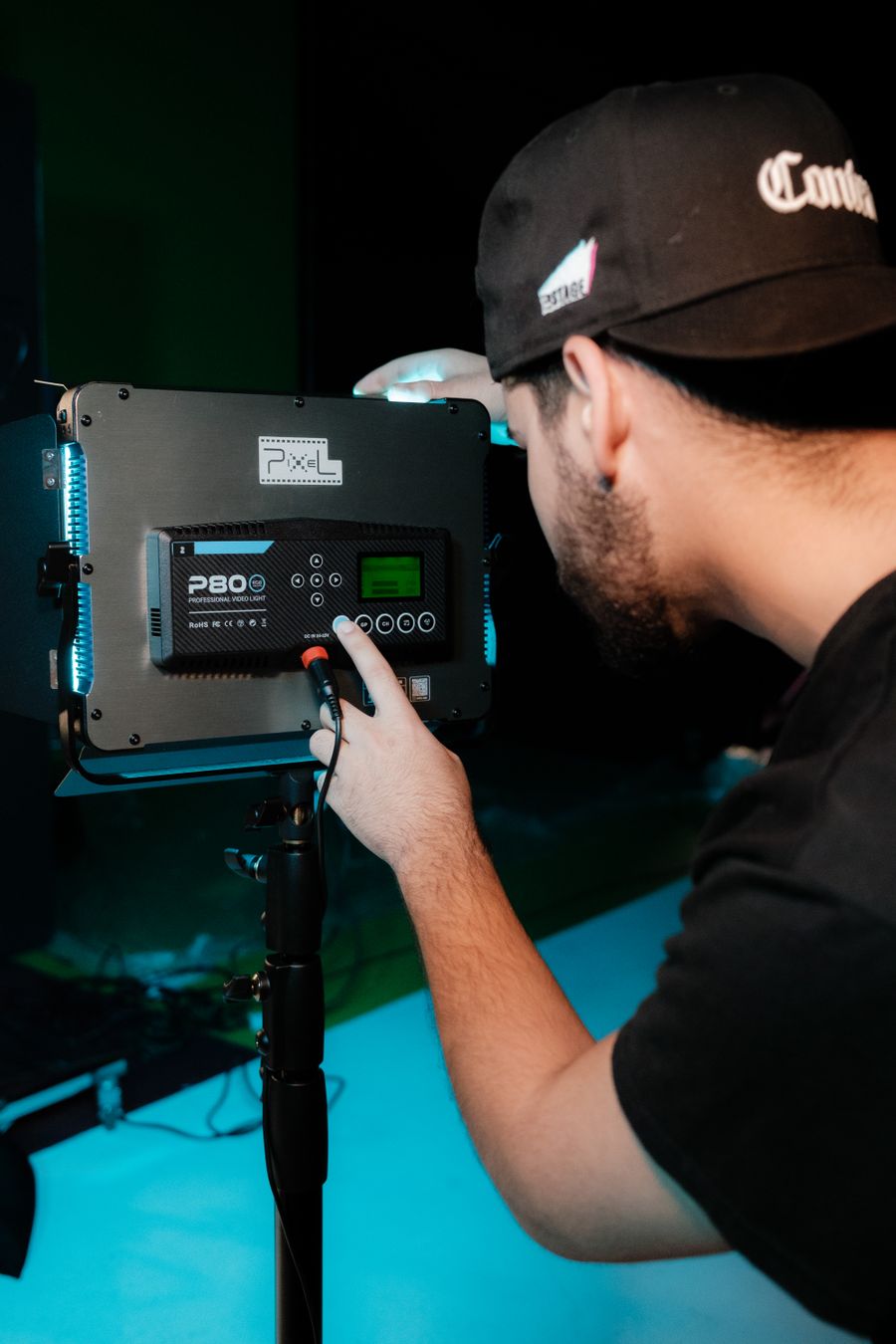
Inside the studio. Every pixel of this passed through Suggest a Font Pairing
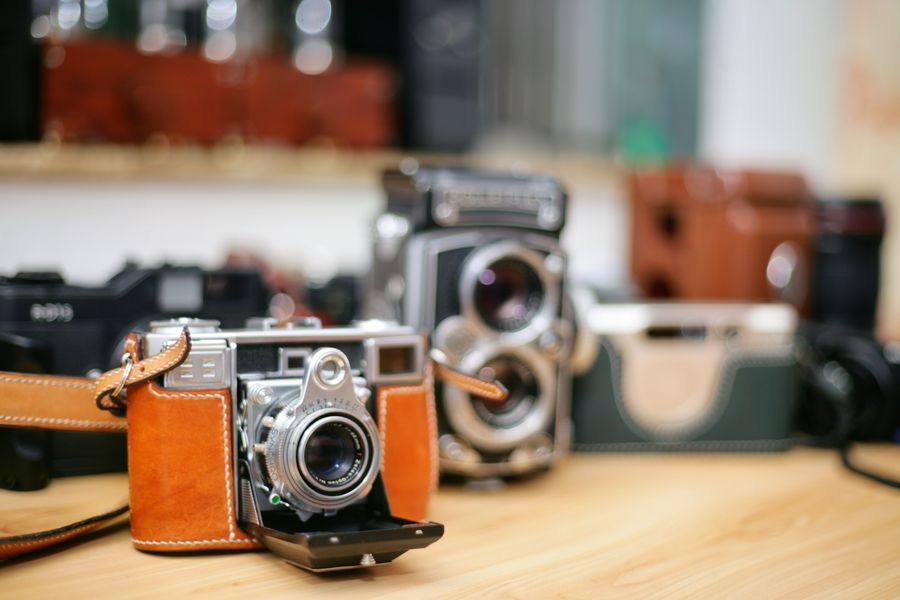
Through the lens — Suggest a Font Pairing at its most useful
Suggest a Font Pairing, frame by frame — Desk check is the receipt
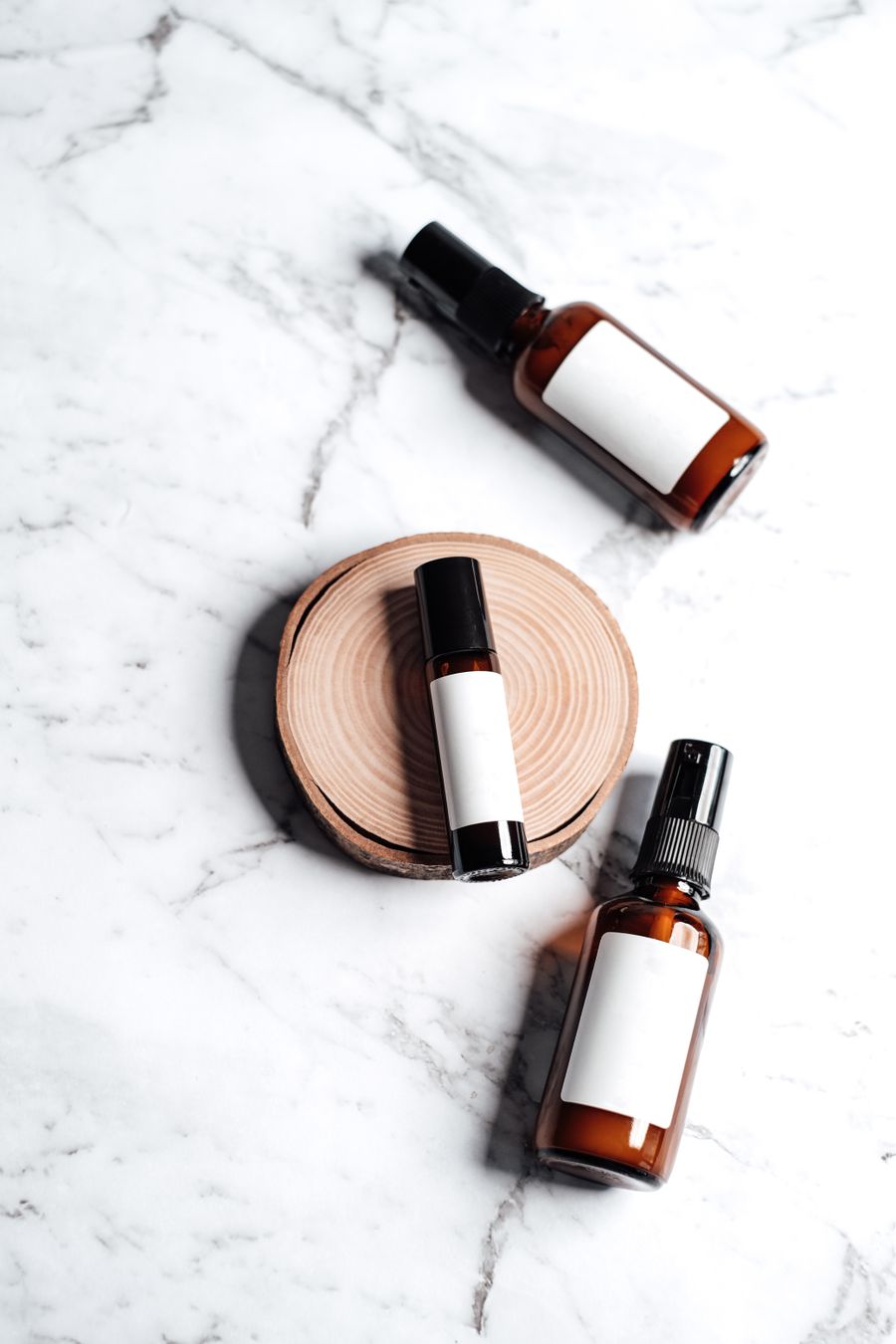
Suggest a Font Pairing in capable hands: Texture you can almost feel
Fresh off the brush. Suggest a Font Pairing turns "someday" designs into done designs
Pencil down, idea captured: this is what Suggest a Font Pairing looks like in real hands
From rough to Made to be looked at: the Suggest a Font Pairing workflow, end to end
Suggest a Font Pairing at full stretch — Parked and posing, zero compromises
Why people reach for Suggest a Font Pairing: The maker at work, on demand
Fresh off the brush. This Suggest a Font Pairing result took minutes, not hours
Pure geometry, no noise. Suggest a Font Pairing, and the deadline stopped being scary
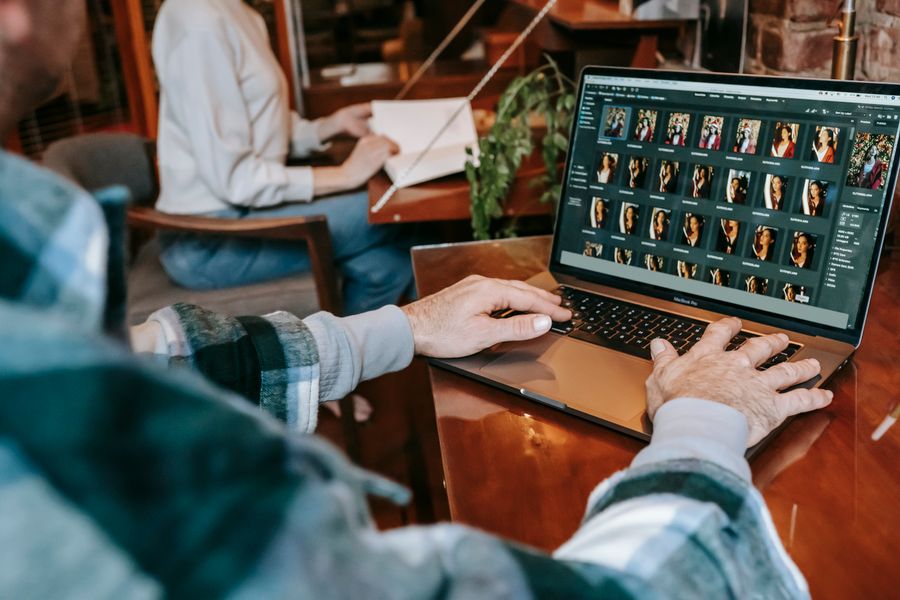
On the laptop screen — Suggest a Font Pairing, tuned until it feels invisible
No templates were harmed: Pure geometry, no noise, built freehand with Suggest a Font Pairing
Faces first — one click of Suggest a Font Pairing and the layout snaps into place
Paper first, pixels after — Suggest a Font Pairing doing what it was designed to do
Pure geometry, no noise — proof that Suggest a Font Pairing is a working tool, not a demo
Desk check — Suggest a Font Pairing, applied exactly where the eye lands
 photoaicompany