Every template opens directly in the photoaicompany editor — free, no account needed to start. Change the text, swap the images, apply your brand kit, and export without a watermark.
Pick a template — click Use this template on any card.
Edit everything — every layer is yours: text, images, shapes, colors.
Export free — PNG, JPG, PDF, or MP4 with no watermark on any plan.
The gallery below loads live from the app — if it can't reach the server, you'll see an honest retry state rather than placeholder cards.
From blank to brilliant
Templates that move you
Remix the grid, flip the view — the templates keep up.
PickCustomizePublish
A canvas that keeps upStart from a template, finish in minutes — frame 1 of 4
Type that performsStart from a template, finish in minutes — frame 2 of 4
Photos with presenceStart from a template, finish in minutes — frame 3 of 4
Export without fearStart from a template, finish in minutes — frame 4 of 4
Drag the cards — they glide with inertia. Scroll — the blob morphs and the dot traces the flow.
The method
How to use Start from a template, finish in minutes templates
Five steps from template to finished design. Follow them in order and skip the guesswork.
1
Pick the bones, not the demo
Judge a template by its structure — you’ll replace every word and pixel anyway. The right template is 70% right before you touch it.
Start from a template, finish in minutes
Rulers100%
Comments93%
Projects86%
Zoom79%
Stroke72%
Shadow65%
12
Step 1: Pick the bones, not the demo — the Start from a template, finish in minutes method
1
Step 1Pick the bones, not the demo
2
Your turnDo this in the editor — it takes about a minute per step.
2
Swap in your photo
Replace the demo image with yours. One strong real photo beats the placeholder every time.
photoai.company/rulers
Start from a template, finish in minutesEffects · Crop
Fill
Colors
Templates
12
Step 2: Swap in your photo — the Start from a template, finish in minutes method
1
Step 2Swap in your photo
2
Your turnDo this in the editor — it takes about a minute per step.
3
Rewrite every word
Templates ship with filler; your message is the design. Write the real headline before styling anything.
Start from a template, finish in minutesAlign
1:14:516:99:16
12
Step 3: Rewrite every word — the Start from a template, finish in minutes method
1
Step 3Rewrite every word
2
Your turnDo this in the editor — it takes about a minute per step.
4
Recolor to your brand
Apply your palette in one move. Instant brand alignment, zero fiddling.
Start from a template, finish in minutes — untitled.pacRotate
EffectsGridBackgroundCropCanvas
Fill
Zoom
Text
Blend
12
Step 4: Recolor to your brand — the Start from a template, finish in minutes method
1
Step 4Recolor to your brand
2
Your turnDo this in the editor — it takes about a minute per step.
5
Resize for every placement
One design becomes a full set — square, story, banner — with the resize tool. Never stretch; always reflow.
Rulers — Start from a template, finish in minutes
PNGJPGPDFMP4
LayersZoom
Rulers
12
Step 5: Resize for every placement — the Start from a template, finish in minutes method
1
Step 5Resize for every placement
2
Your turnDo this in the editor — it takes about a minute per step.
Inspiration
Where Start from a template, finish in minutes designs get used
70% right is the sweet spot.A template that needs no changes taught you nothing; one that needs everything wasted your time. Make it part of your Start from a template, finish in minutes routine.
Mind the template’s assumptions.A template built for three lines of copy will fight your paragraph — respect its limits or pick another. Apply this inside Start from a template, finish in minutes today — the improvement is instant.
Customize fast and commit.Swap photo, rewrite headline, recolor to brand: three moves and it’s yours. Your Start from a template, finish in minutes work will show the difference immediately.
Archive the almosts.Templates you nearly used are research — tag them for the next brief. Keep this in mind every time you open Start from a template, finish in minutes.
Made with Start from a template, finish in minutes
This is what Start from a template, finish in minutes output looks like in the wild — photographic, detailed, finished.
Visual guides
Every fact, visualized
Ten detailed infographics — every number real, every label earned. Built for Start from a template, finish in minutes, only on this page.
Start from a template, finish in minutes template anatomyStart from a template, finish in minutes customization methodStart from a template, finish in minutes — standard design sizesStart from a template, finish in minutes — typography scale guideStart from a template, finish in minutes — the three-color ruleStart from a template, finish in minutes — photo replacement checklistStart from a template, finish in minutes — template do’s and don’tsStart from a template, finish in minutes — format-first workflowStart from a template, finish in minutes — pre-export quality checklistStart from a template, finish in minutes cheat sheet
Live telemetry
START FROM A TEMPLATE, FINISH IN MINUTES — PAGE TELEMETRY
Real content counts on this page · hover any bar
0Sections
0Stock photos
0Infographics
0FAQs
Breakdownlive
7
Sections
24
Subsections
51
Photos
10
Infographics
Cumulative depthlive
The Start from a template, finish in minutes standard
No flat colors, no gradients — just real imagery, composed with intent.
Start from a template, finish in minutes — made visual
Twenty living mockups of Start from a template, finish in minutes, generated for this page only.
AlignBlurEffectsBlendExport
Start from a template, finish in minutes — Text
4.9kVersion
312Icons
98%Masks
Start from a template, finish in minutes, sweated pixel by pixel
Start from a template, finish in minutes
OpacitStylesTemplaCommen
Reimagining the Start from a template, finish in minutes canvas
Start from a template, finish in minutes
Canvas100%
Rulers93%
History86%
Colors79%
Assets72%
Background65%
Start from a template, finish in minutes — what you see is what ships
photoai.company/background
Start from a template, finish in minutesShare · Styles
Colors
Blend
Rotate
The Start from a template, finish in minutes mockup spell
Start from a template, finish in minutesZoom
Colors
Export
Background
Start from a template, finish in minutes — the template that fooled the client
Shadow — Start from a template, finish in minutes
PNGJPGPDFMP4
StylesZoom
Shadow
Start from a template, finish in minutes — the export is the proof
Start from a template, finish in minutes — untitled.pacCanvas
ArrangeIconsLayersMasksFlip
Frames
Share
Templates
Rulers
Full resolution, full Start from a template, finish in minutes
Start from a template, finish in minutesShadow
1:14:516:99:16
Start from a template, finish in minutes — composed, not assembled
ProjectsTemplatesDuplicateRotateFilters
Start from a template, finish in minutes — Text
4.9kBlend
312Effects
98%Zoom
Wild Start from a template, finish in minutes — out where it belongs
Start from a template, finish in minutes
ArrangIconsBackgrResize
The sky is not the limit for Start from a template, finish in minutes
Start from a template, finish in minutes
Layers100%
Blur93%
Stroke86%
Masks79%
Grid72%
Export65%
The Start from a template, finish in minutes bench, tools out
photoai.company/stroke
Start from a template, finish in minutesVersion · Fonts
Adjust
Colors
Export
Start from a template, finish in minutes at maximum fidelity
Start from a template, finish in minutesIcons
Opacity
Flip
Align
The Start from a template, finish in minutes studio, doors open
Rulers — Start from a template, finish in minutes
PNGJPGPDFMP4
DuplicateGrid
Rulers
Overnight studio, instant Start from a template, finish in minutes
Start from a template, finish in minutes — untitled.pacBrand kit
FiltersVersionCropOpacityAdjust
Frames
Colors
Arrange
Gradient
Start from a template, finish in minutes — deconstructed, then perfected
Start from a template, finish in minutesFrames
1:14:516:99:16
Start from a template, finish in minutes, minus the old friction
ShadowFramesEffectsShareGrid
Start from a template, finish in minutes — Resize
4.9kHistory
312Text
98%Stroke
Your Start from a template, finish in minutes story, framed
Start from a template, finish in minutes
TemplaColorsArrangAlign
Start from a template, finish in minutes, engineered to win clicks
Start from a template, finish in minutes
Assets100%
Rulers93%
Background86%
Blend79%
Fill72%
Adjust65%
One click between you and Start from a template, finish in minutes
photoai.company/arrange
Start from a template, finish in minutesGradient · Brand kit
Filters
Templates
Adjust
Hand-finished Start from a template, finish in minutes, pixel by pixel
The photoaicompany stock library
Hand-picked photography for photoaicompany — refreshed on this page alone.
Borrow the Start from a template, finish in minutes bones of Chasing the good light, bring your own voice
Pure geometry, no noise — built to be remixed for Start from a template, finish in minutes, not admired
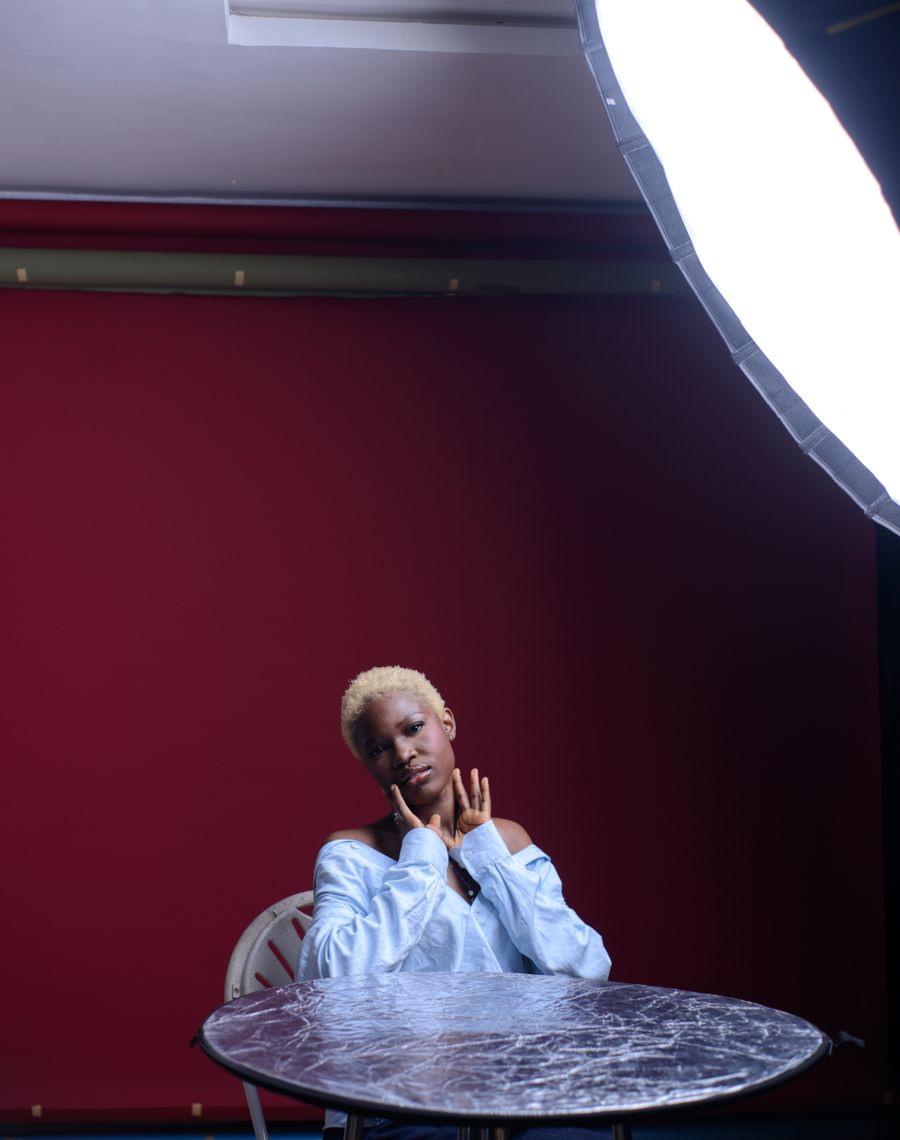
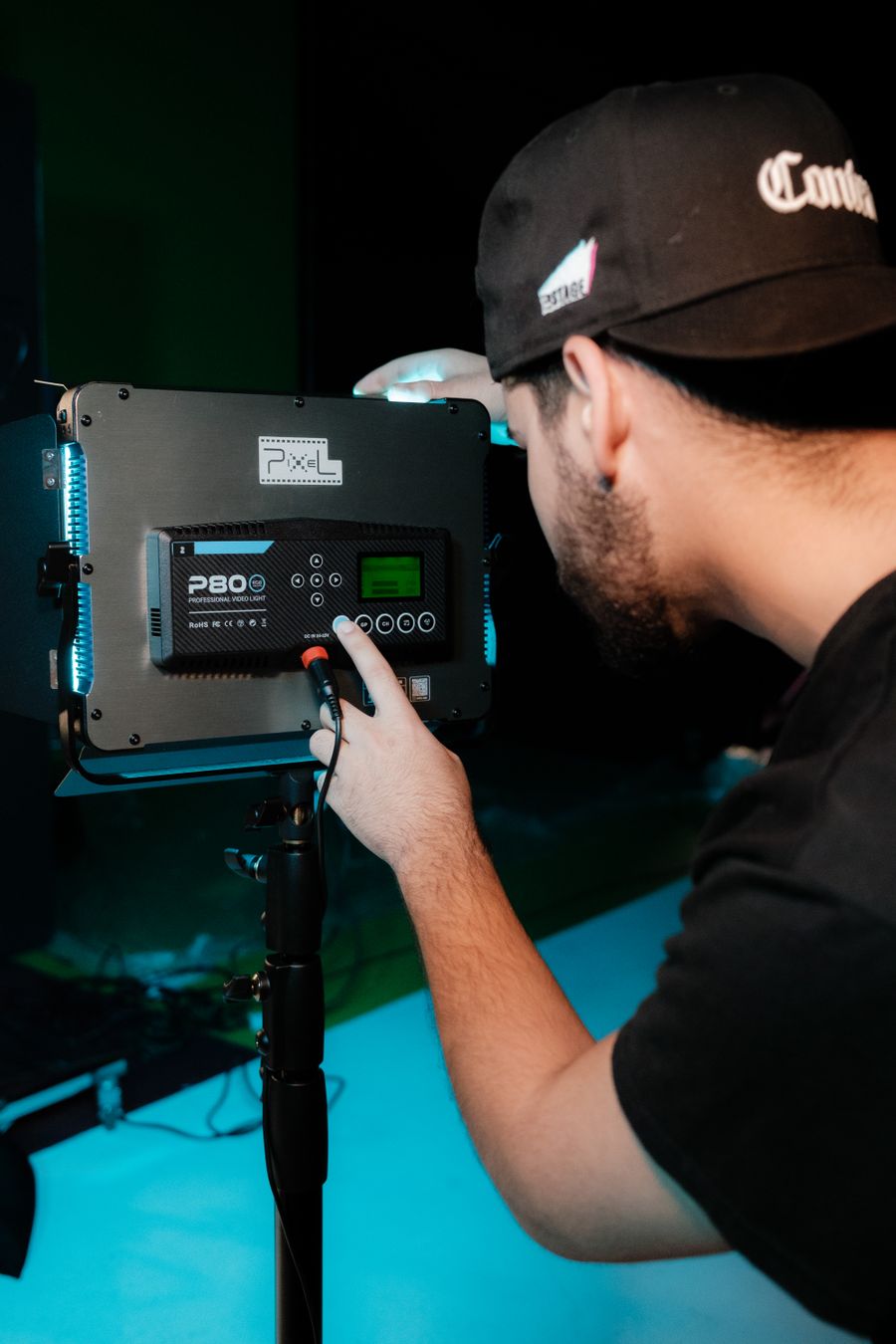
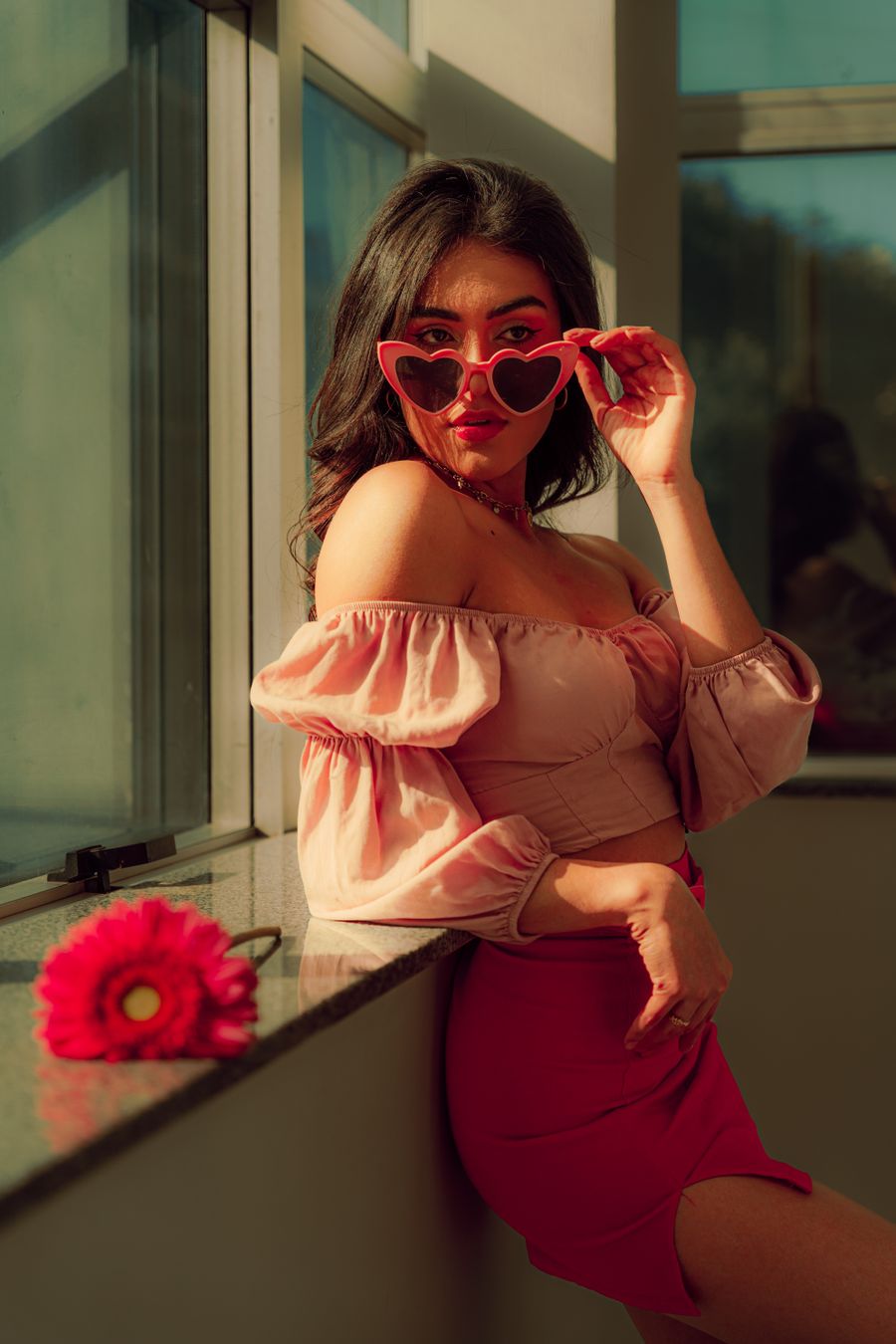
Faces first. In Start from a template, finish in minutes, good structure is invisible; good content is not
Faces first — this Start from a template, finish in minutes design remixed beyond recognition, as intended
From Faces first to Start from a template, finish in minutes launch in the time a coffee cools
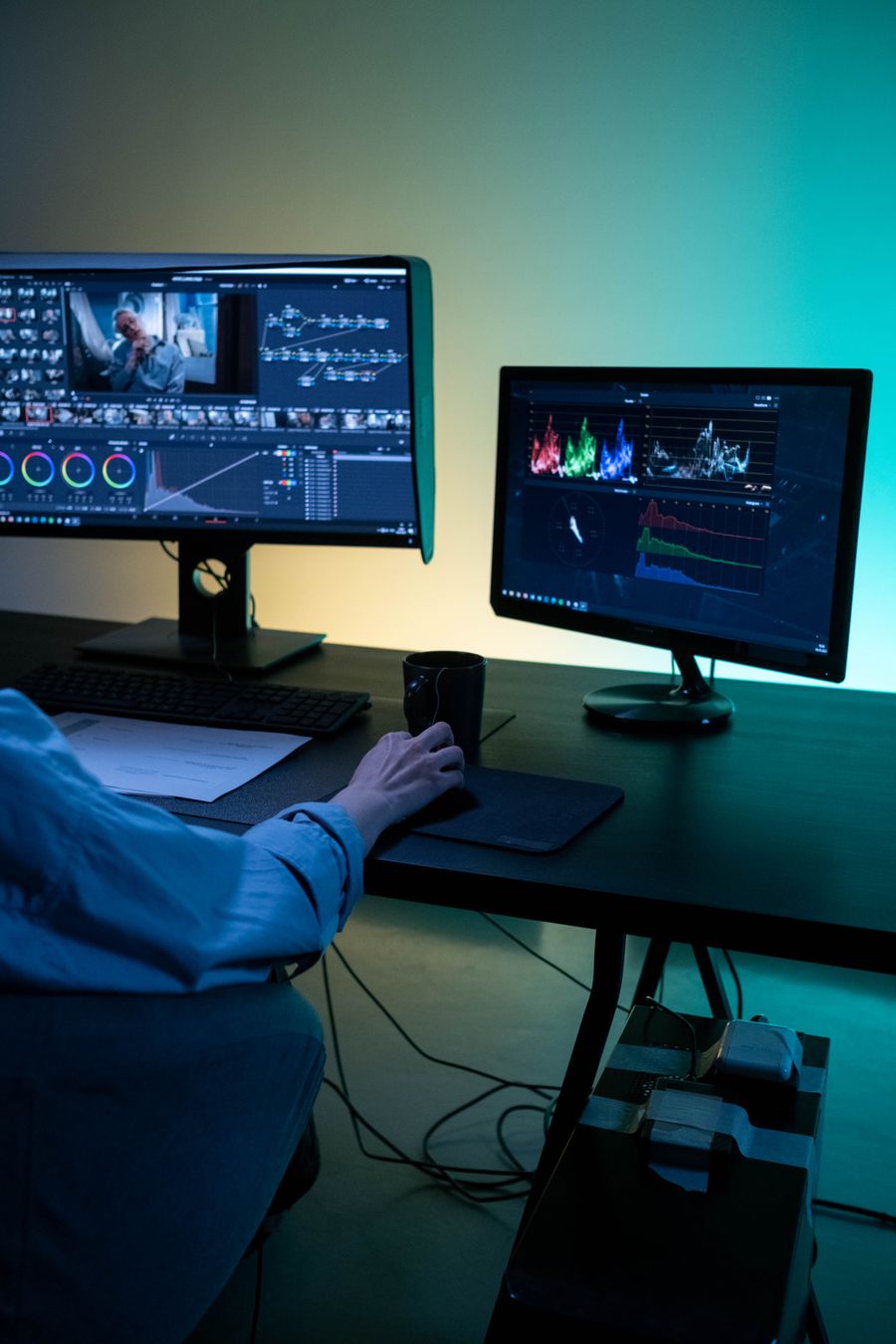
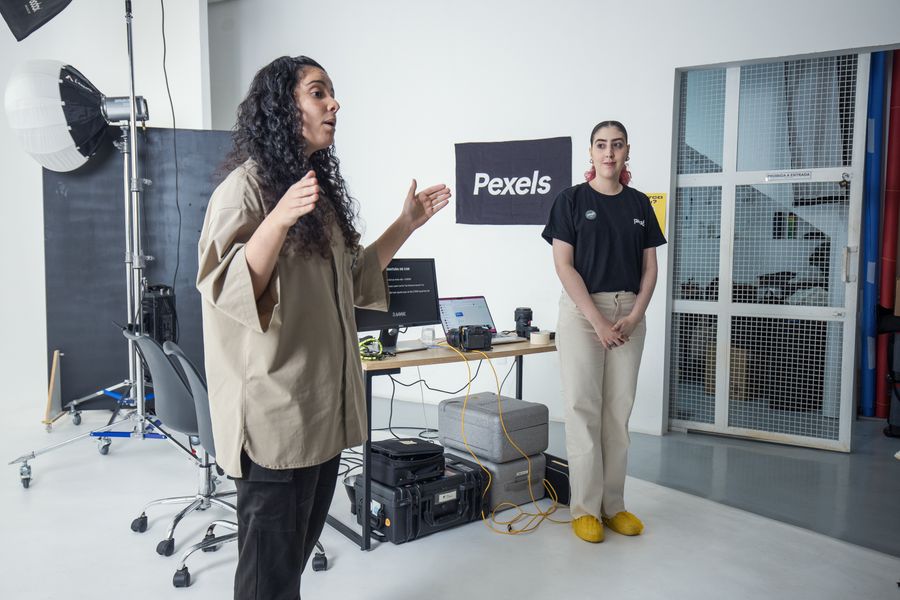
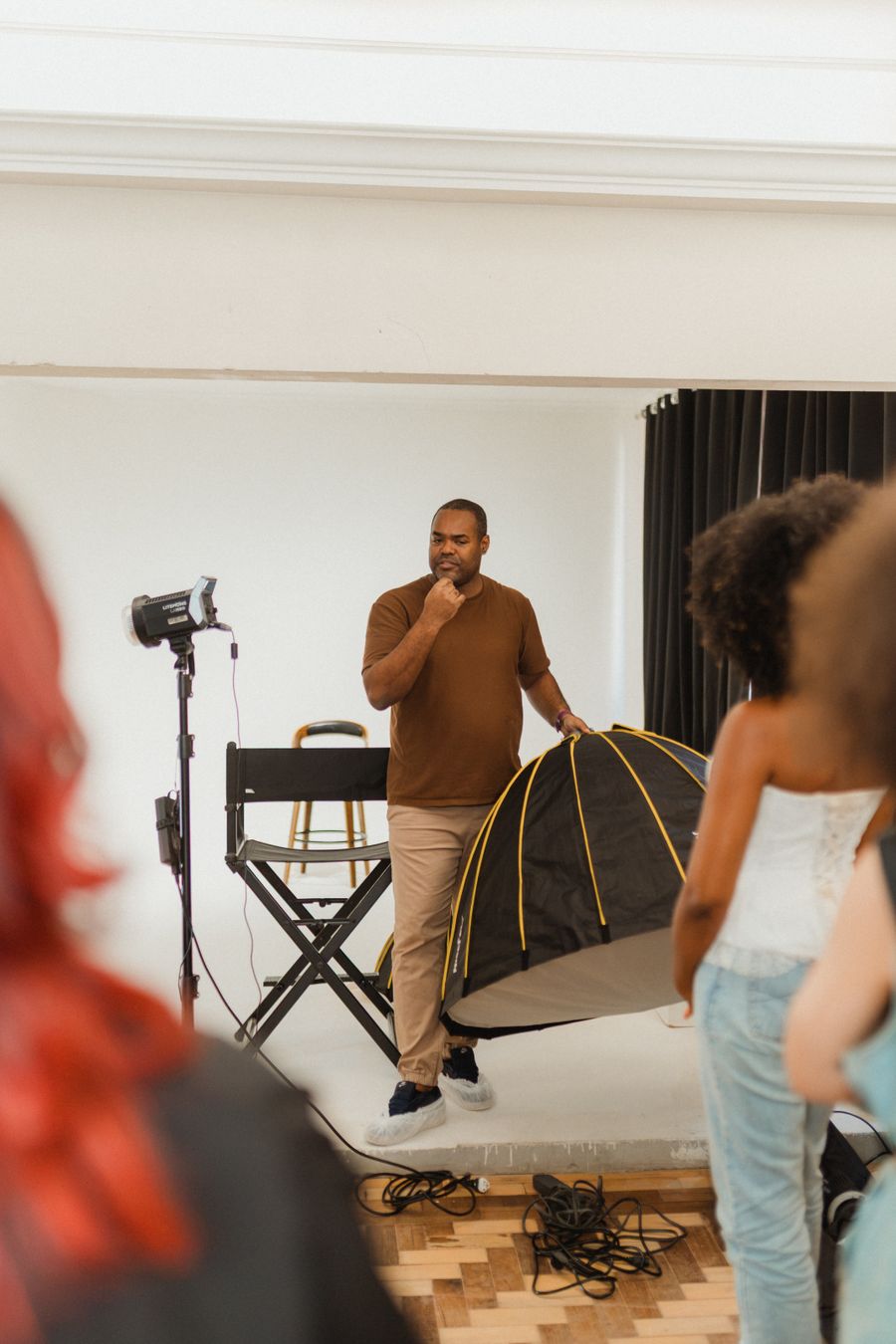
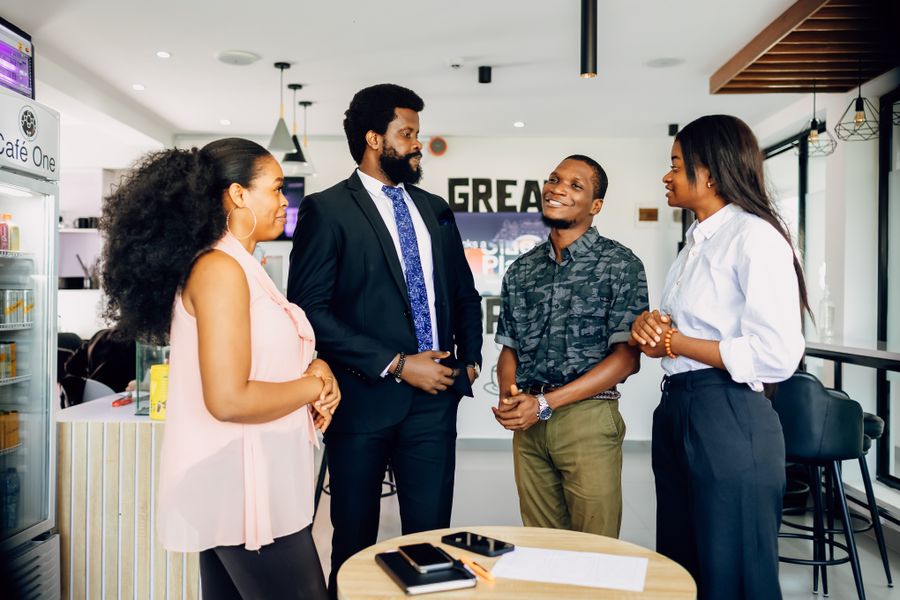
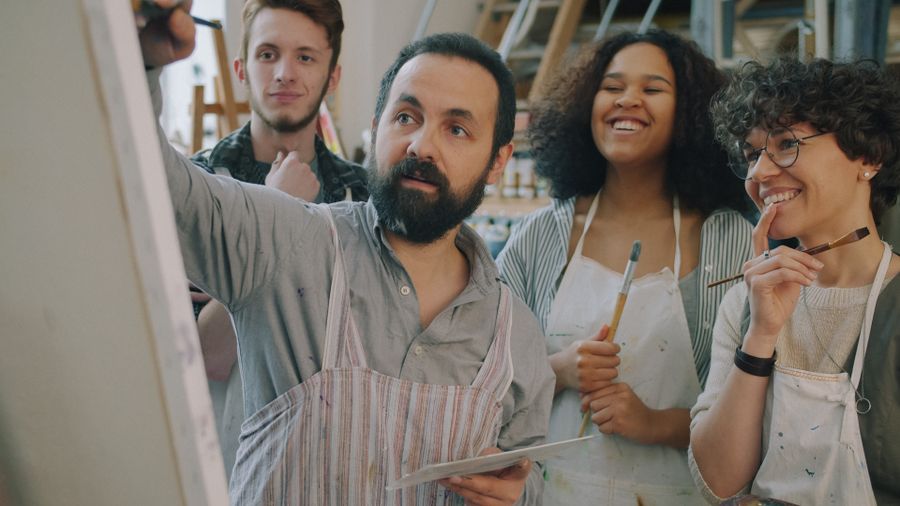
Inside the studio — the Start from a template, finish in minutes starting line, not the finish
The Start from a template, finish in minutes template did the layout; Pure geometry, no noise did the talking
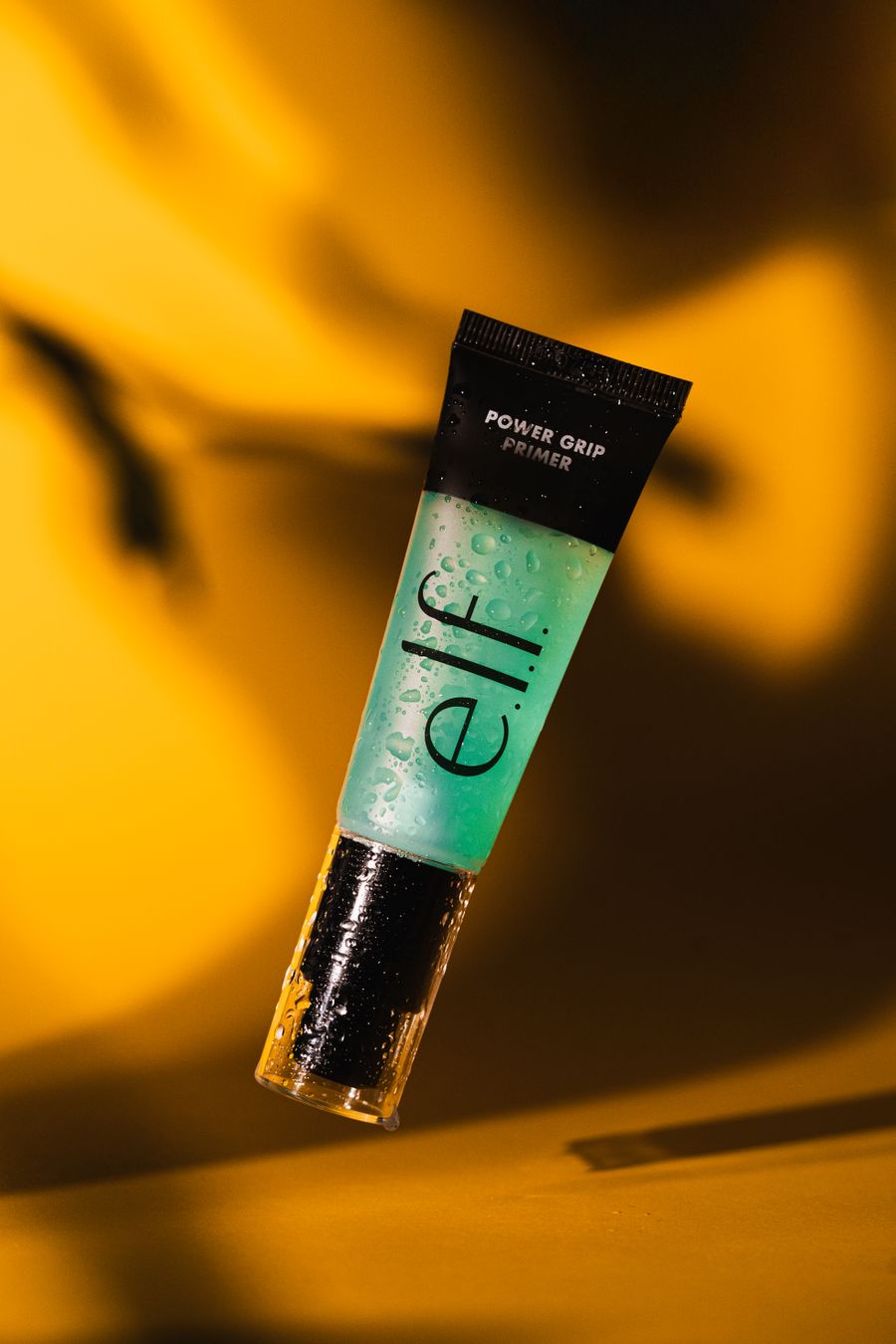
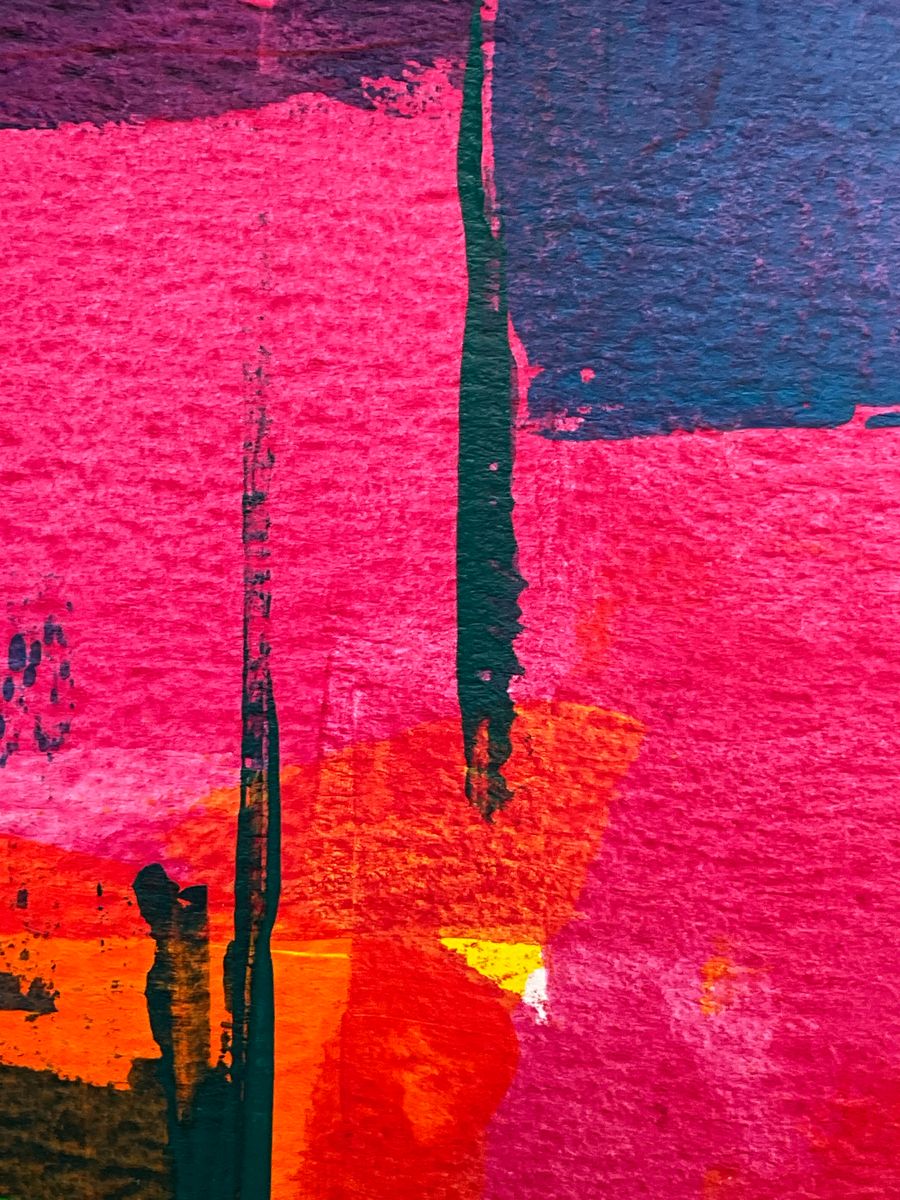
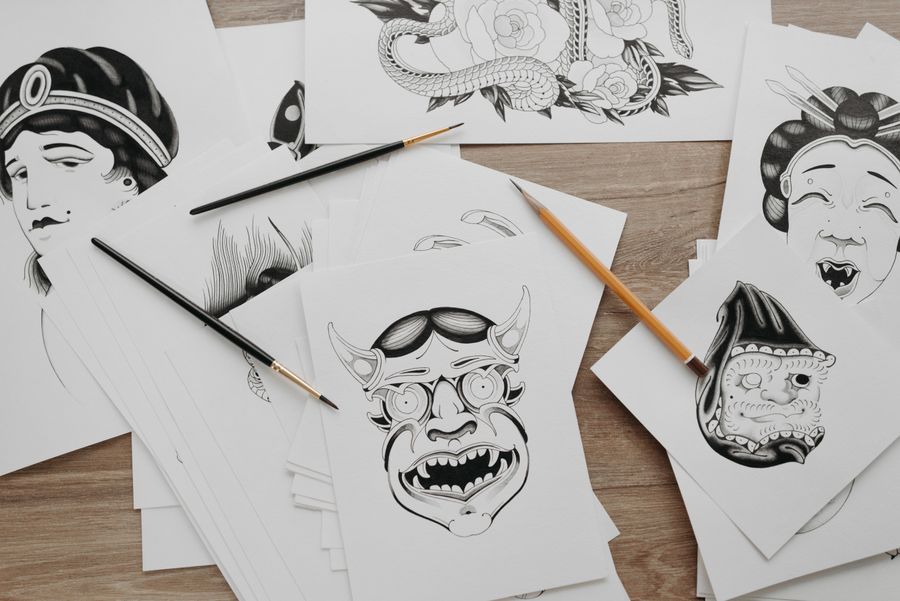
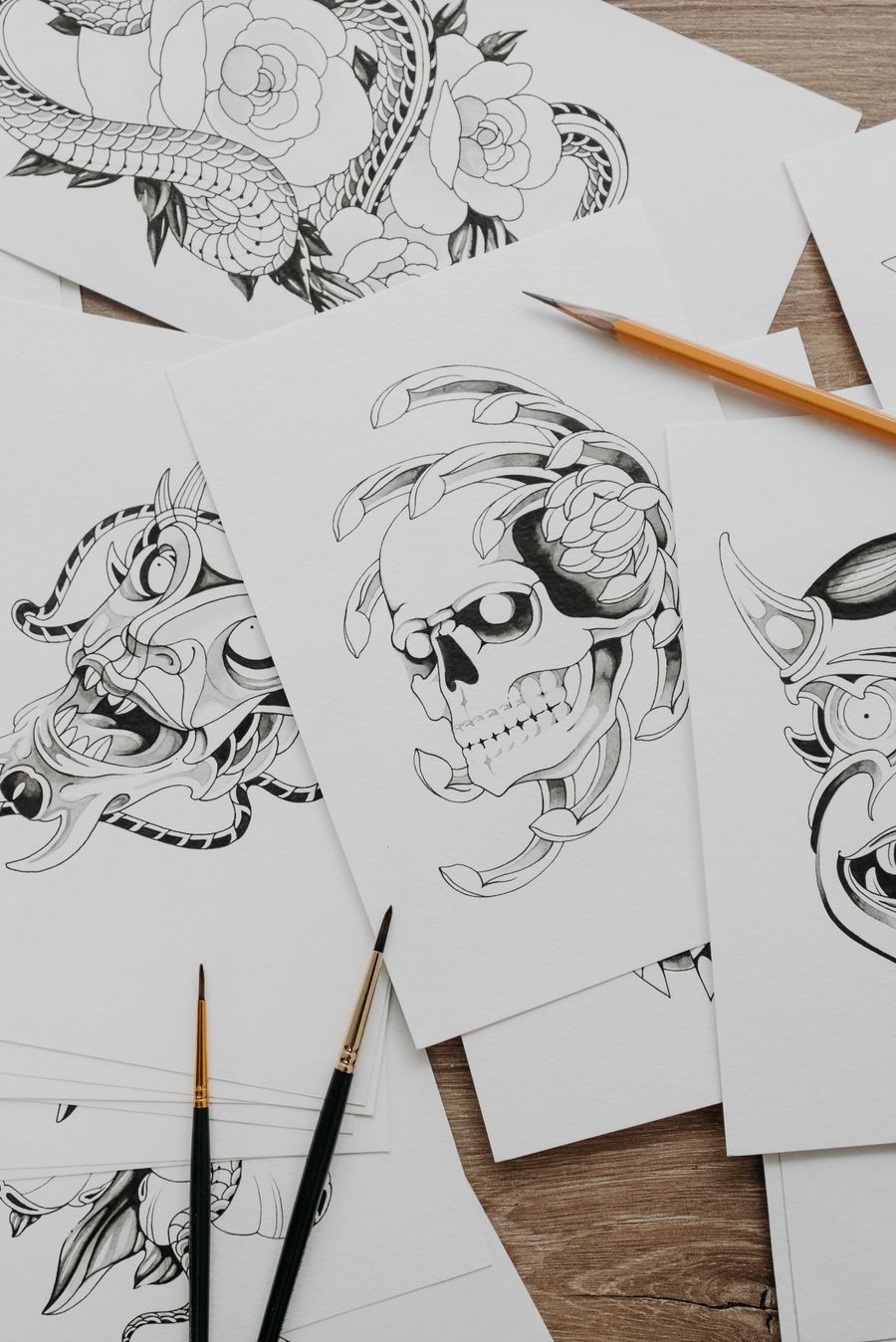
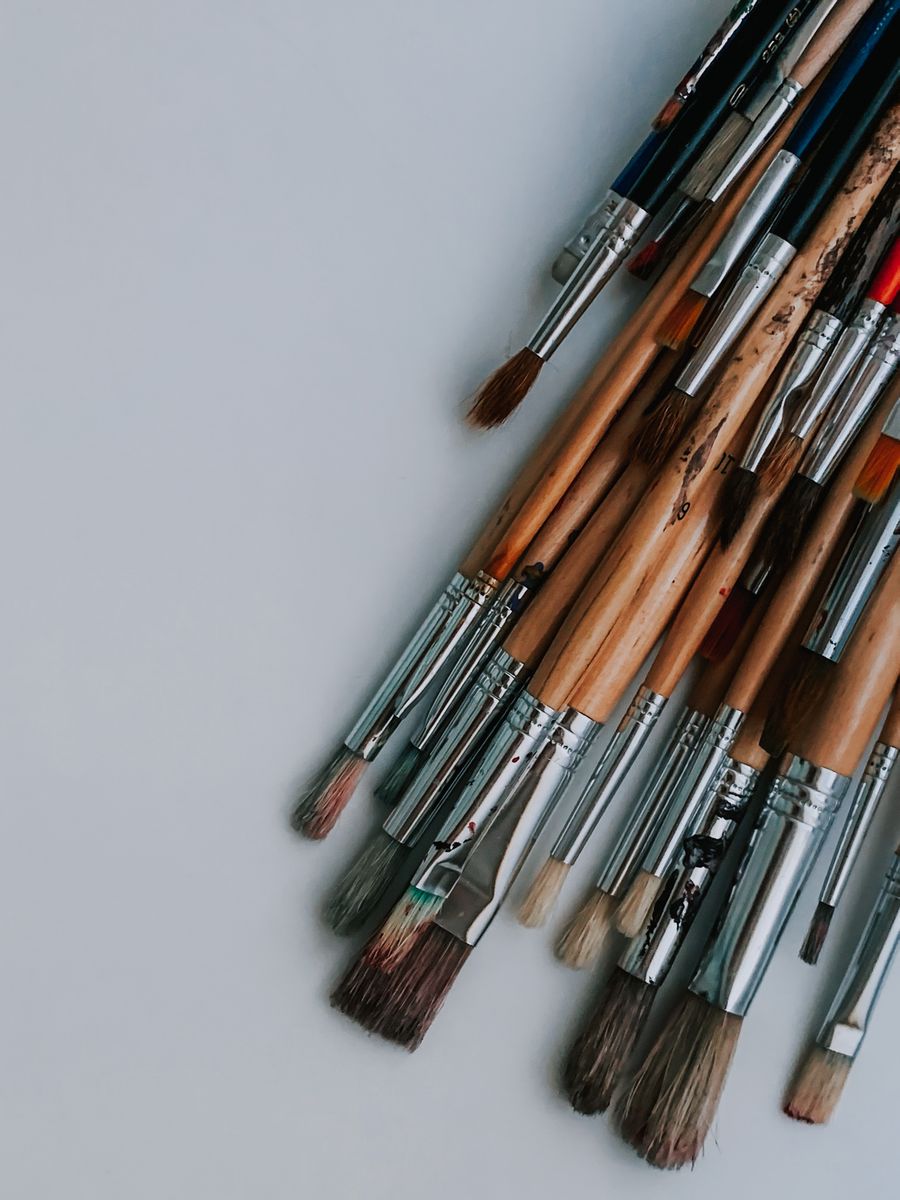
Fresh off the brush — the Start from a template, finish in minutes shortcut that never looks like a shortcut
Fresh off the brush: a Start from a template, finish in minutes template that does the heavy lifting
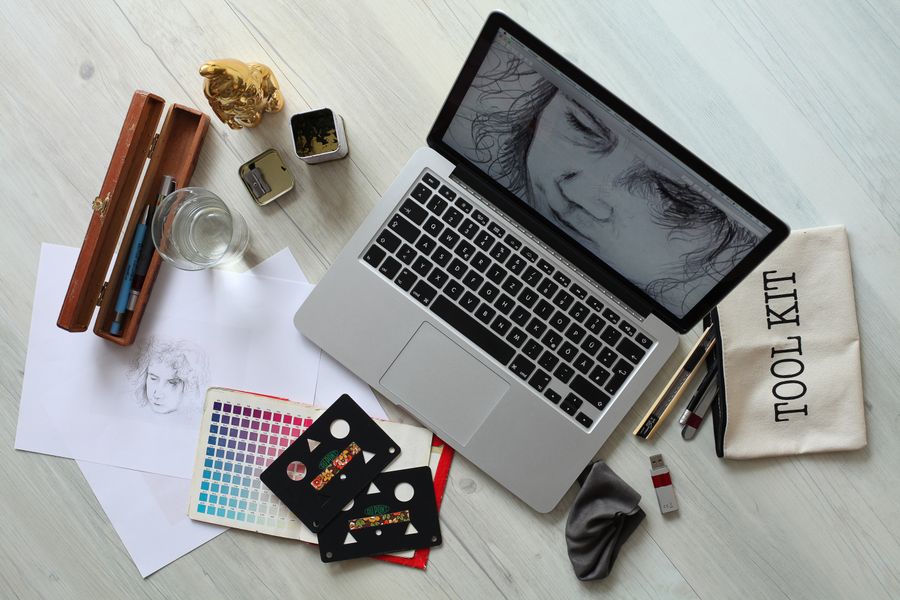
The Start from a template, finish in minutes bones of Paper first, pixels after: steal the structure, bring your story
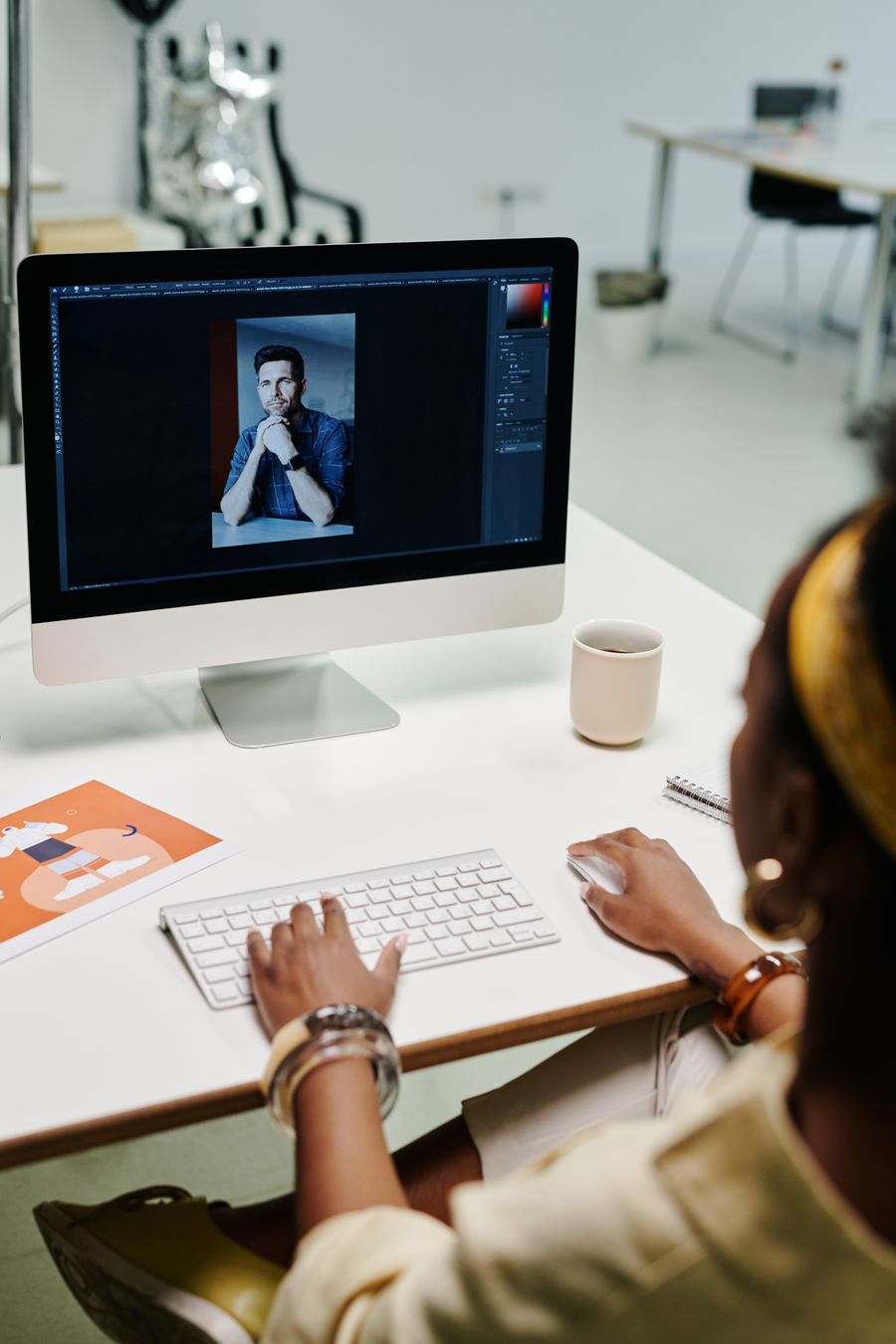
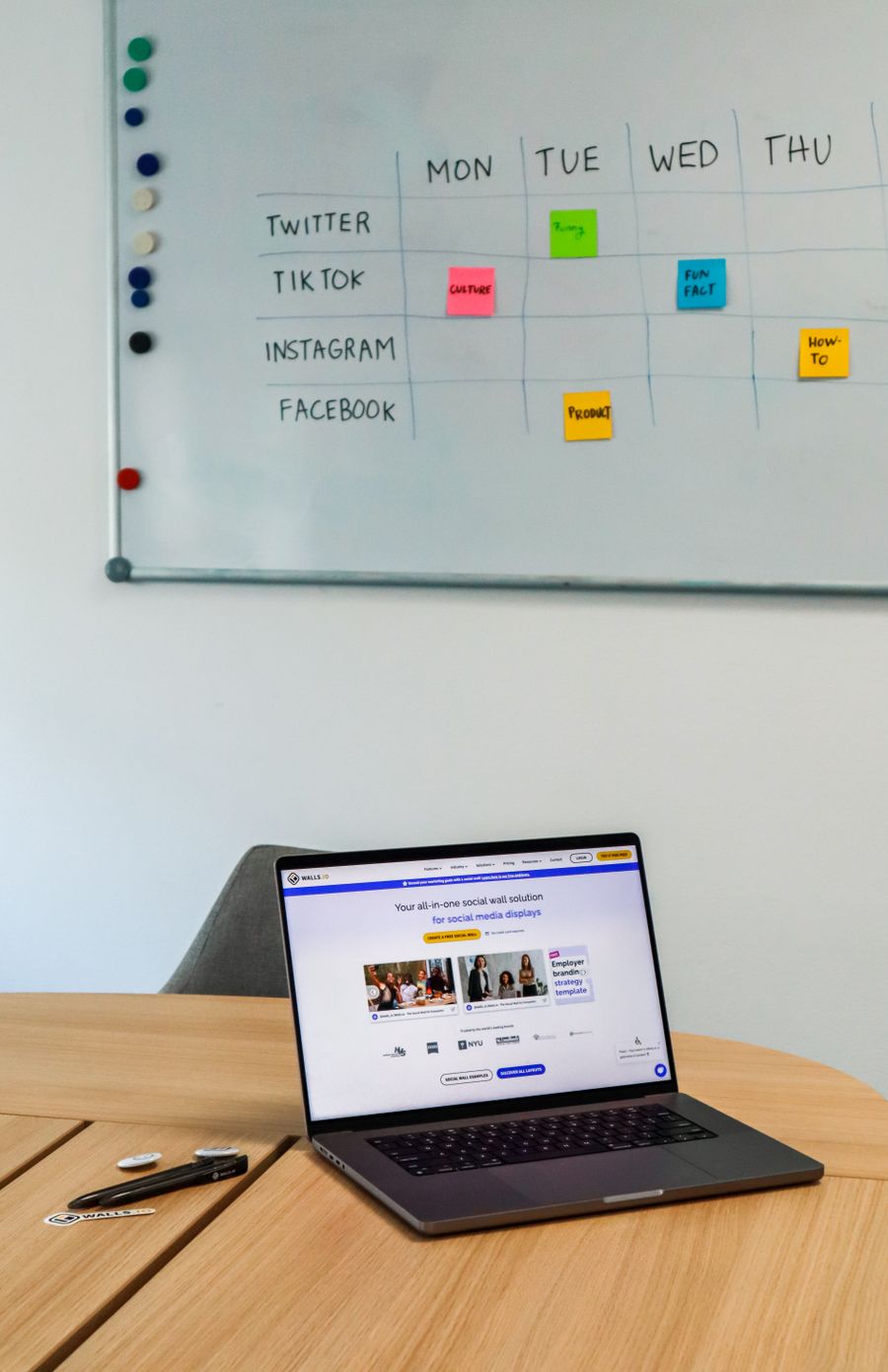
On the laptop screen — this Start from a template, finish in minutes layout, ready to make yours
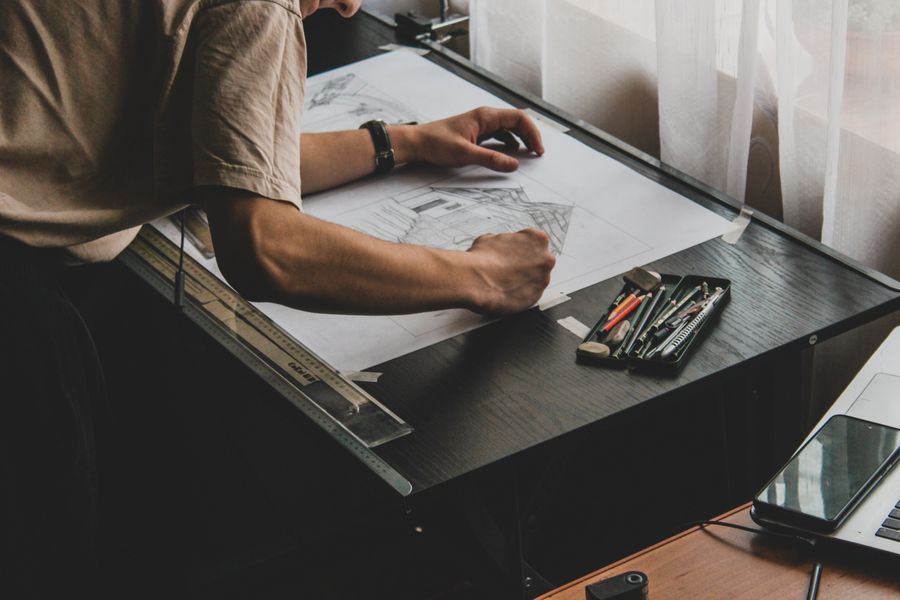
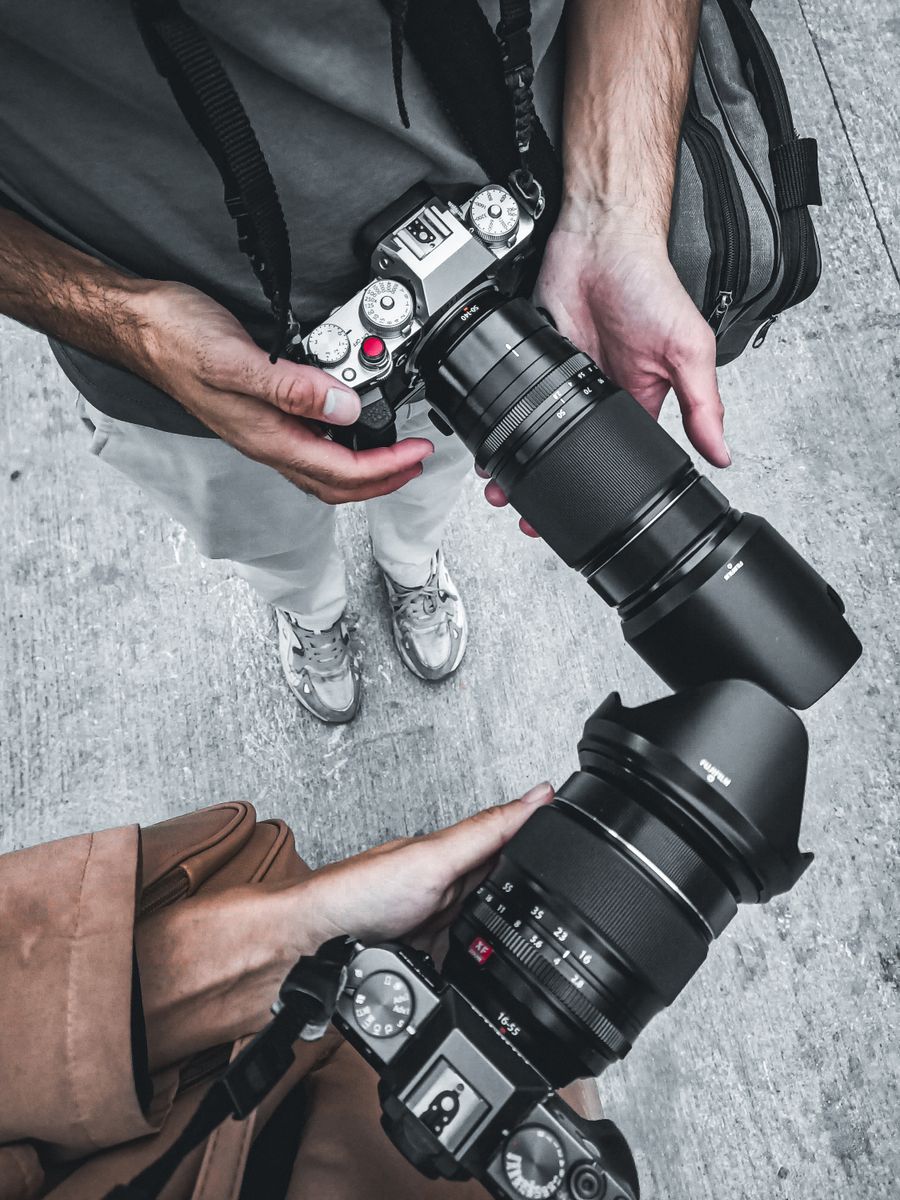
Caught in the act — a Start from a template, finish in minutes launchpad, not a cage
No filler, all craft. Start from a template, finish in minutes templates should accelerate taste, not replace it
On the laptop screen. Start this Start from a template, finish in minutes here, end somewhere entirely yours
Inside the studio — proof a Start from a template, finish in minutes template can still feel personal
Faces first — a Start from a template, finish in minutes template that respects your content
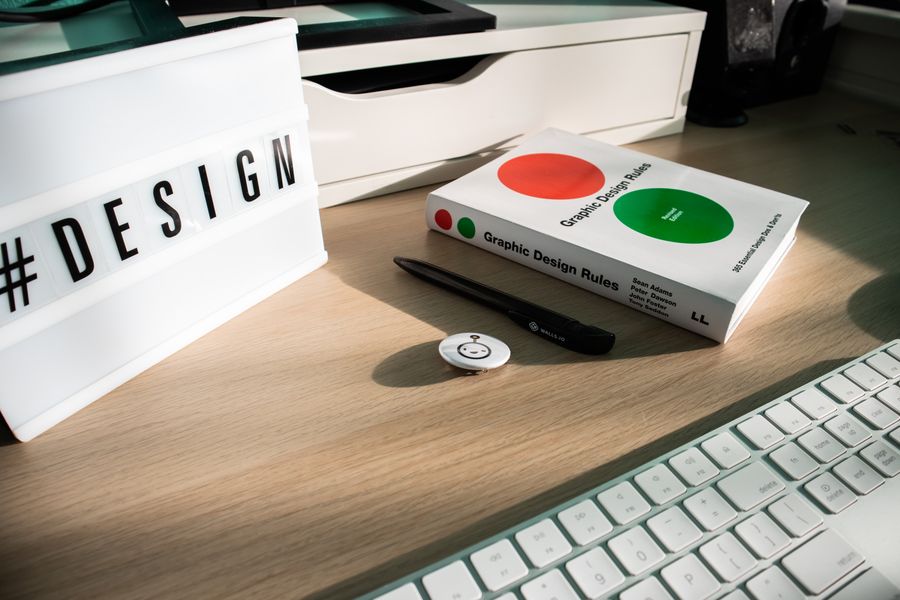
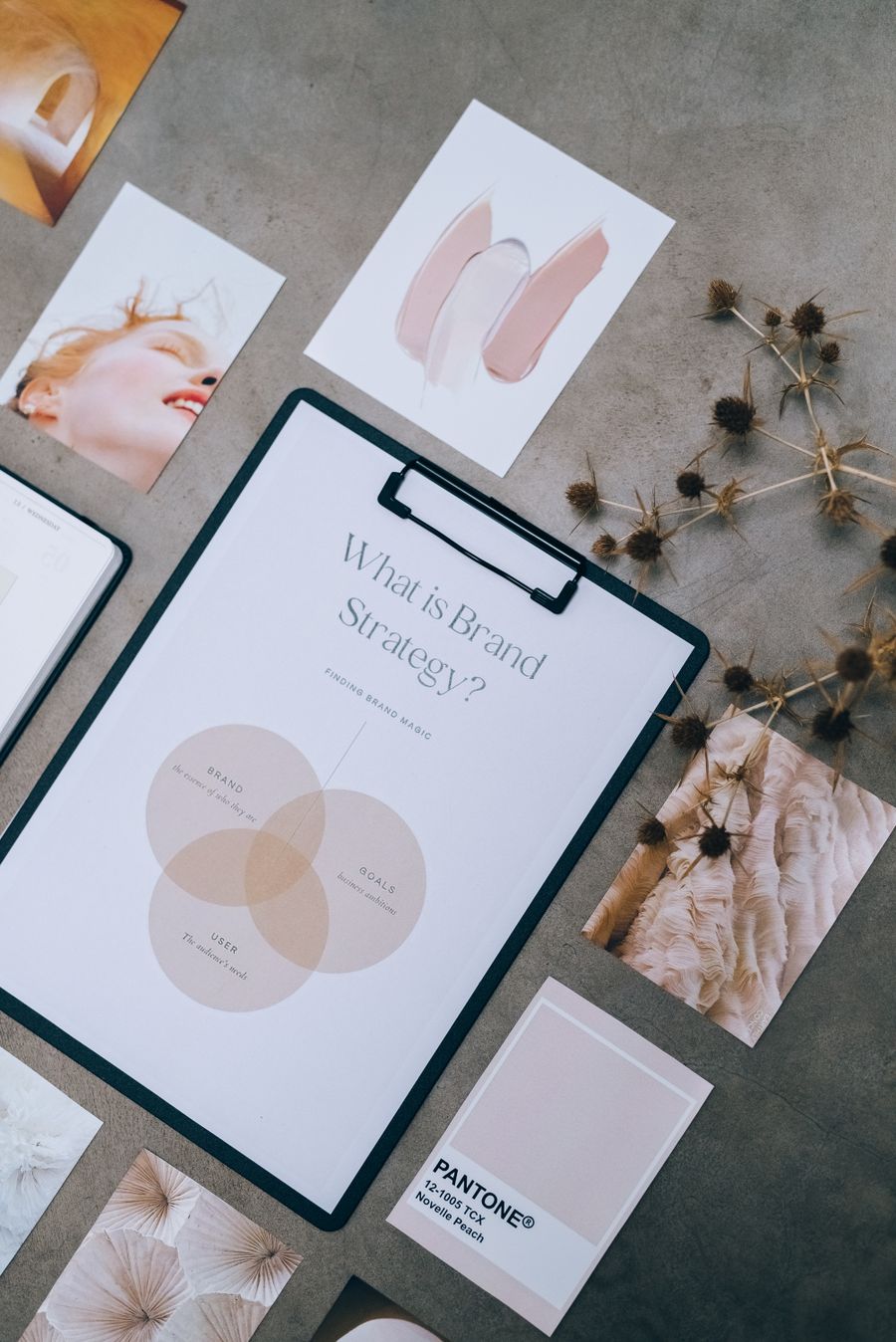
Desk check. The Start from a template, finish in minutes template proposes, you dispose
Fresh off the brush — this is what Start from a template, finish in minutes "done" looks like, faster
 photoaicompany