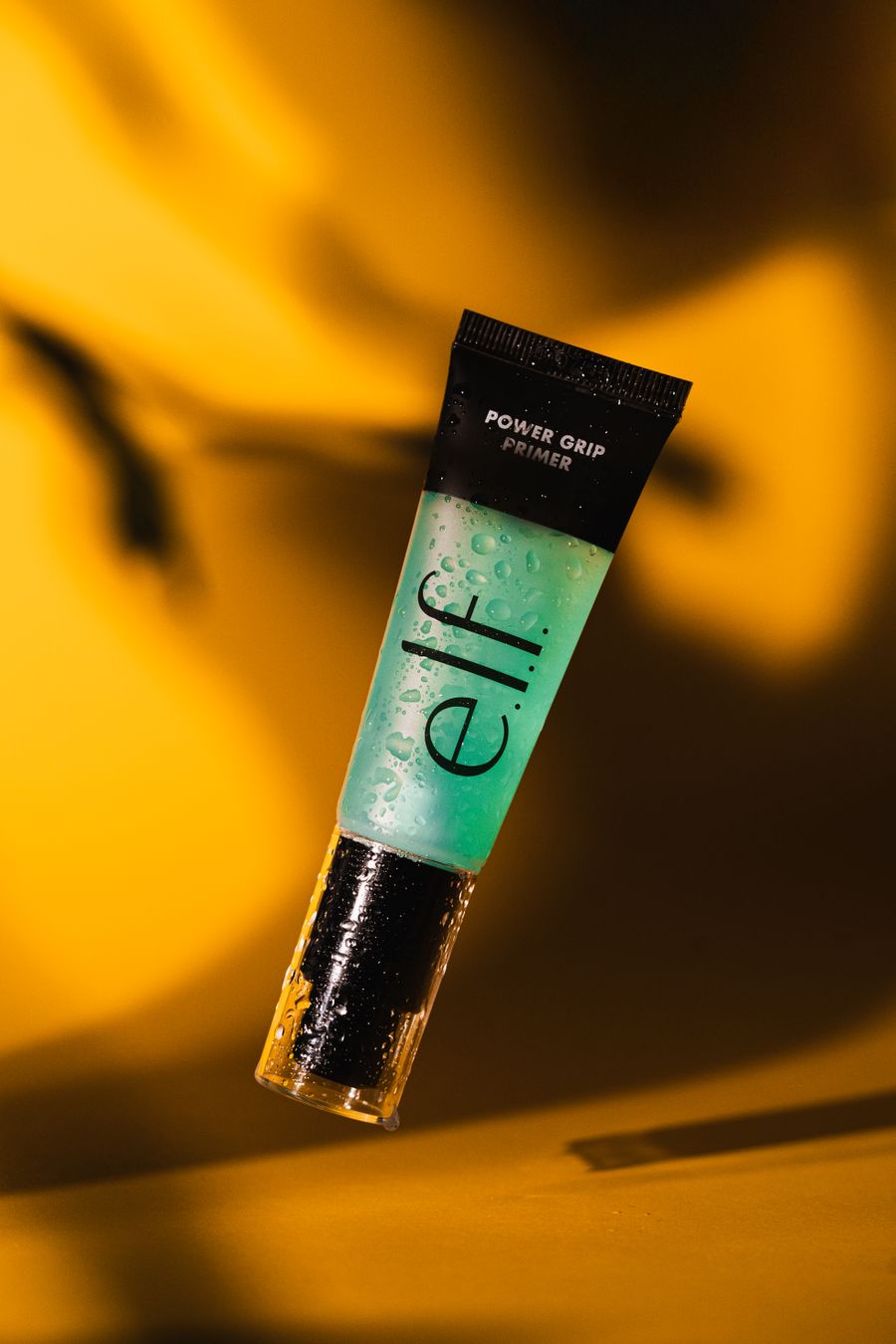
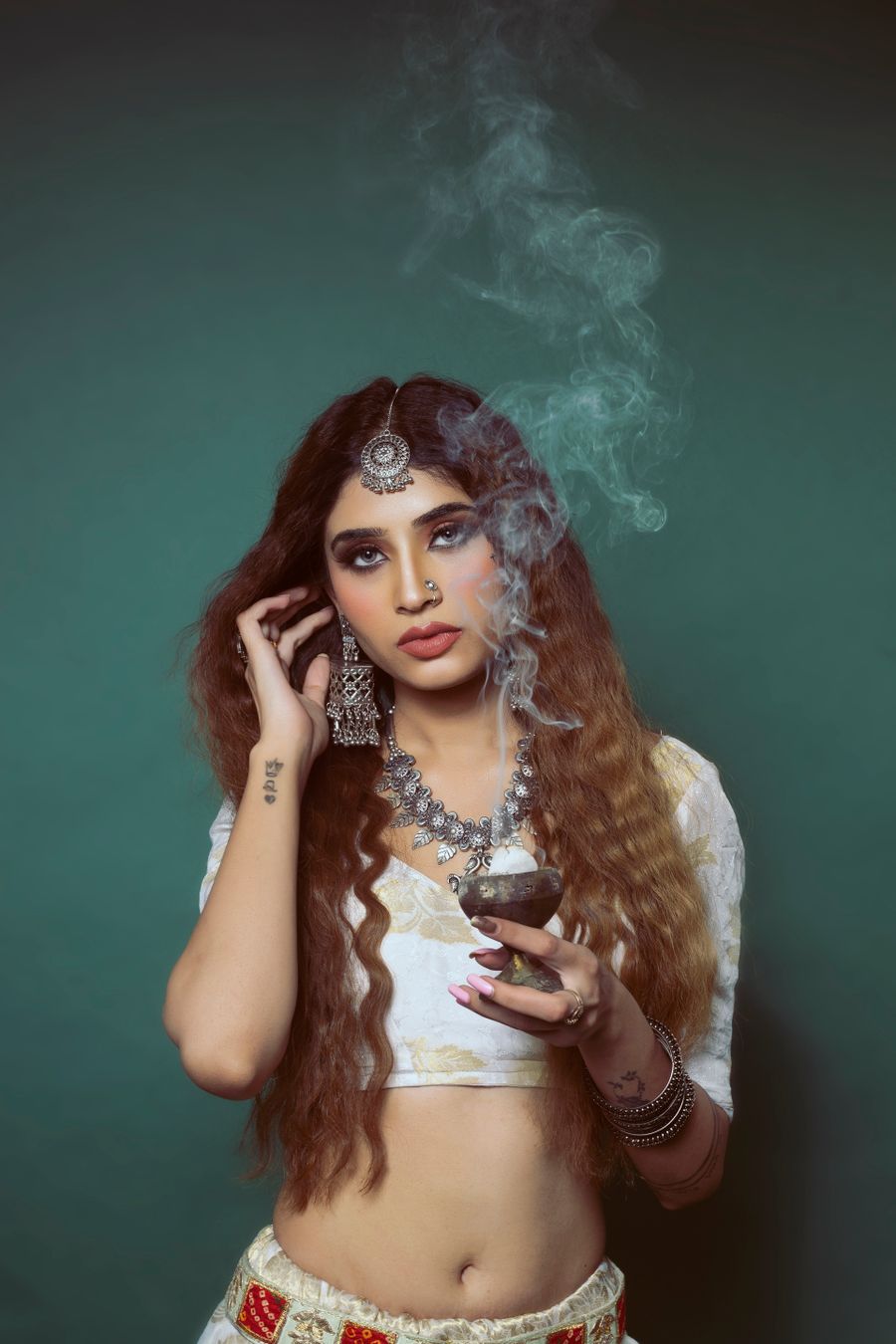
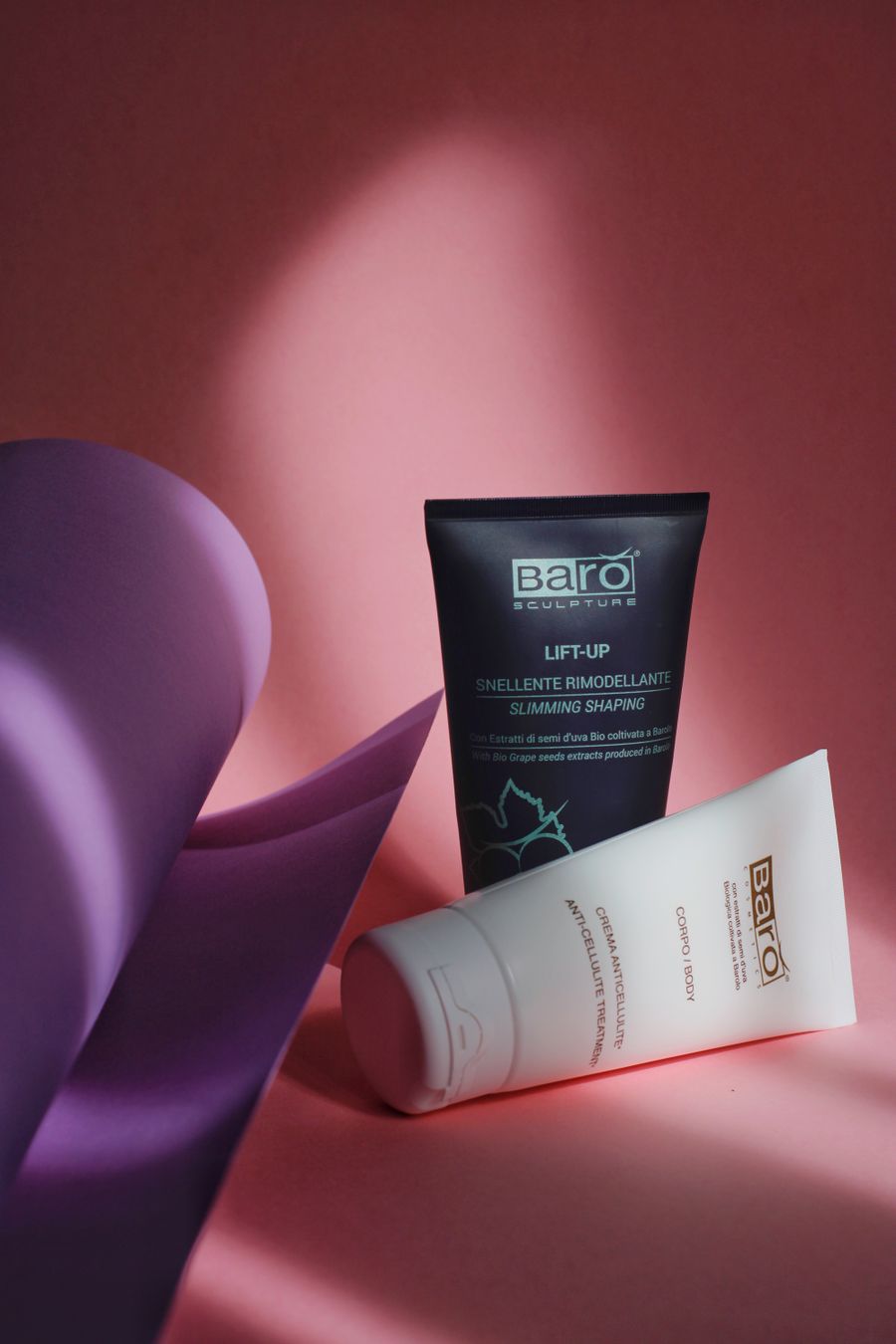
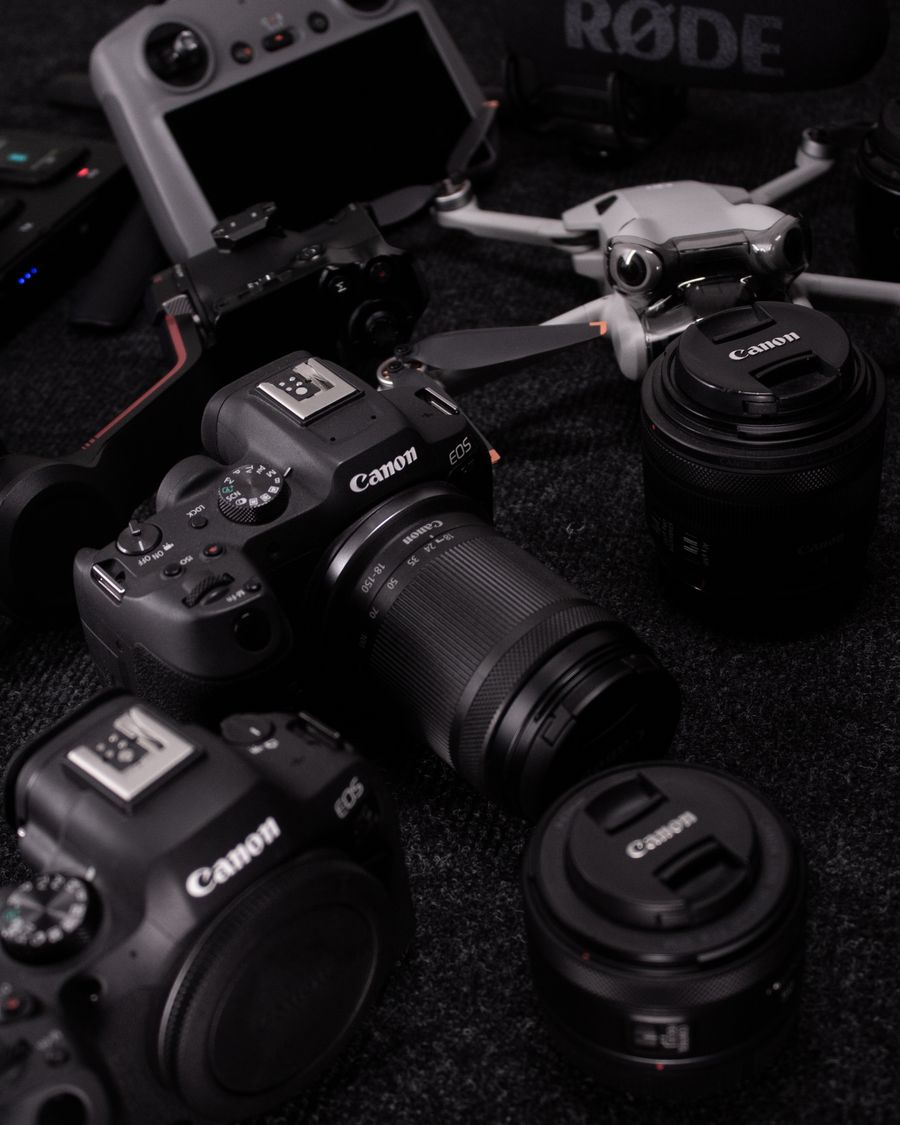
Vertical 9:16 templates for TikTok covers, intros, and text overlays.
TikTok is vertical-first: every design should be 1080×1920 px, with key text kept inside the safe zone so profile icons, captions, and buttons never cover it. These templates put your hook in the first frame and keep titles in the visible center band.
Use them for video covers, series branding, and text-overlay cards. Export as MP4 and your design drops straight into your TikTok edit.
Recommended sizes
Use
Size
Video / cover
1080 × 1920 px (9:16)
ready to customize
How to use a tiktok videos template
Click Use this template on any design you like.
The editor opens with the template loaded — edit text, images, colors, and fonts.
Apply your brand kit in one click to restyle the whole design.
Export as PNG, JPG, PDF, or MP4 — no watermark, ever.
Frequently asked questions
TikTok videos are 1080×1920 px (9:16 vertical). Keep important text in the middle band — roughly the central 1080×1200 px — so the UI chrome doesn't cover it.
Yes. Designs can be exported as MP4 or WebM video straight from the editor, ready to upload to TikTok.
Yes — templates open in the editor free, and exports carry no watermark on any plan. Some templates are marked Pro and need a paid plan to use.
No. Click Use this template and start editing anonymously. You'll only need an account when you want to save your work to the cloud.
From blank to brilliant
TikTok Videos templates, in motion
Remix the grid, flip the view — the templates keep up.
PickCustomizePublish
A canvas that keeps upTikTok Videos templates — frame 1 of 4
Type that performsTikTok Videos templates — frame 2 of 4
Photos with presenceTikTok Videos templates — frame 3 of 4
Export without fearTikTok Videos templates — frame 4 of 4
Drag the cards — they glide with inertia. Scroll — the blob morphs and the dot traces the flow.
The method
How to use TikTok Videos templates
Five steps from template to finished design. Follow them in order and skip the guesswork.
1
Pick the bones, not the demo
Judge a template by its structure — you’ll replace every word and pixel anyway. The right template is 70% right before you touch it.
TikTok Videos
Filters100%
Stroke93%
Templates86%
Align79%
Duplicate72%
Opacity65%
12
Step 1: Pick the bones, not the demo — the TikTok Videos method
1
Step 1Pick the bones, not the demo
2
Your turnDo this in the editor — it takes about a minute per step.
2
Swap in your photo
Replace the demo image with yours. One strong real photo beats the placeholder every time.
AdjustZoomBrand kitFramesHistory
TikTok Videos — Crop
4.9kBackground
312Duplicate
98%Rotate
12
Step 2: Swap in your photo — the TikTok Videos method
1
Step 2Swap in your photo
2
Your turnDo this in the editor — it takes about a minute per step.
3
Rewrite every word
Templates ship with filler; your message is the design. Write the real headline before styling anything.
photoai.company/blur
TikTok VideosVersion · Fill
Align
Zoom
Gradient
12
Step 3: Rewrite every word — the TikTok Videos method
1
Step 3Rewrite every word
2
Your turnDo this in the editor — it takes about a minute per step.
4
Recolor to your brand
Apply your palette in one move. Instant brand alignment, zero fiddling.
photoai.company/fonts
TikTok VideosBlur · Duplicate
Layers
Filters
Align
12
Step 4: Recolor to your brand — the TikTok Videos method
1
Step 4Recolor to your brand
2
Your turnDo this in the editor — it takes about a minute per step.
5
Resize for every placement
One design becomes a full set — square, story, banner — with the resize tool. Never stretch; always reflow.
TikTok VideosShare
Resize
History
Icons
12
Step 5: Resize for every placement — the TikTok Videos method
1
Step 5Resize for every placement
2
Your turnDo this in the editor — it takes about a minute per step.
Inspiration
Where TikTok Videos designs get used
Consistency compounds.Same spacing, same styles, same voice across every piece — that’s what a brand actually is. Your TikTok Videos work will show the difference immediately.
Steal structure, not style.Borrow the layout logic you admire, then dress it in your own voice. Apply this inside TikTok Videos today — the improvement is instant.
Start from the message, not the decoration.Write the one sentence this design must communicate, then build everything in service of it. Make it part of your TikTok Videos routine.
Document the decisions.Note why the palette, type, and layout were chosen — future-you inherits the reasoning. This is doubly true when the job is TikTok Videos.
Real pixels
Every backdrop on this page is a genuine photograph, chosen for TikTok Videos templates.
Visual guides
Every fact, visualized
Ten detailed infographics — every number real, every label earned. Built for TikTok Videos templates, only on this page.
 photoaicompany