One-click brand consistency across everything you design.
A brand kit is your visual identity in a box: logo, colors, and fonts, saved once and applied everywhere. Start from these brand-kit templates to define a palette and type pairing, then apply it to any design — or any template — with a single click.
Teams on Business plans get more brand kits and shared team workflows, so everyone's designs stay on-brand automatically.
Recommended sizes
Use
Size
Brand board
1920 × 1080 px
ready to customize
How to use a brand kits template
Click Use this template on any design you like.
The editor opens with the template loaded — edit text, images, colors, and fonts.
Apply your brand kit in one click to restyle the whole design.
Export as PNG, JPG, PDF — no watermark, ever.
Frequently asked questions
A saved set of your logo, brand colors, and brand fonts. Apply it to any design in one click instead of restyling everything by hand.
Free plans include brand kits with limits; paid plans raise the cap — Business plans are built for teams managing multiple brands.
Yes — templates open in the editor free, and exports carry no watermark on any plan. Some templates are marked Pro and need a paid plan to use.
No. Click Use this template and start editing anonymously. You'll only need an account when you want to save your work to the cloud.
From blank to brilliant
Brand Kits templates, in motion
Remix the grid, flip the view — the templates keep up.
PickCustomizePublish
A canvas that keeps upBrand Kits templates — frame 1 of 4
Type that performsBrand Kits templates — frame 2 of 4
Photos with presenceBrand Kits templates — frame 3 of 4
Export without fearBrand Kits templates — frame 4 of 4
Drag the cards — they glide with inertia. Scroll — the blob morphs and the dot traces the flow.
The method
How to use Brand Kits templates
Five steps from template to finished design. Follow them in order and skip the guesswork.
1
Pick the bones, not the demo
Judge a template by its structure — you’ll replace every word and pixel anyway. The right template is 70% right before you touch it.
Colors — Brand Kits
PNGJPGPDFMP4
CanvasStroke
Colors
12
Step 1: Pick the bones, not the demo — the Brand Kits method
1
Step 1Pick the bones, not the demo
2
Your turnDo this in the editor — it takes about a minute per step.
2
Swap in your photo
Replace the demo image with yours. One strong real photo beats the placeholder every time.
BackgroundCropCommentsStrokeLayers
Brand Kits — Canvas
4.9kFlip
312Fill
98%Export
12
Step 2: Swap in your photo — the Brand Kits method
1
Step 2Swap in your photo
2
Your turnDo this in the editor — it takes about a minute per step.
3
Rewrite every word
Templates ship with filler; your message is the design. Write the real headline before styling anything.
Brand Kits
Fonts100%
Export93%
Masks86%
Shadow79%
Flip72%
Colors65%
12
Step 3: Rewrite every word — the Brand Kits method
1
Step 3Rewrite every word
2
Your turnDo this in the editor — it takes about a minute per step.
4
Recolor to your brand
Apply your palette in one move. Instant brand alignment, zero fiddling.
Brand Kits — untitled.pacTemplates
AlignCanvasMasksGridFill
Crop
Version
Background
Blend
12
Step 4: Recolor to your brand — the Brand Kits method
1
Step 4Recolor to your brand
2
Your turnDo this in the editor — it takes about a minute per step.
5
Resize for every placement
One design becomes a full set — square, story, banner — with the resize tool. Never stretch; always reflow.
Brand Kits — untitled.pacTemplates
FiltersGradientAlignColorsBackground
Share
Rulers
Zoom
Assets
12
Step 5: Resize for every placement — the Brand Kits method
1
Step 5Resize for every placement
2
Your turnDo this in the editor — it takes about a minute per step.
Inspiration
Where Brand Kits designs get used
Sub-brands borrow, never steal.Campaign looks can flex the brand, but the core marks and colors stay untouched. Inside Brand Kits, this single habit pays off fast.
Clear space is non-negotiable.The logo’s exclusion zone exists for a reason — nothing enters it, no matter how tight the layout. Try it on your next Brand Kits project and compare the result.
Audit the kit yearly.Brands drift: fonts get swapped, colors wander. A yearly kit review keeps everything honest. Keep this in mind every time you open Brand Kits.
Two fonts, three colors, one voice.Restraint is the whole brand game — every extra choice dilutes the signal. Apply this inside Brand Kits today — the improvement is instant.
Shot on real photography
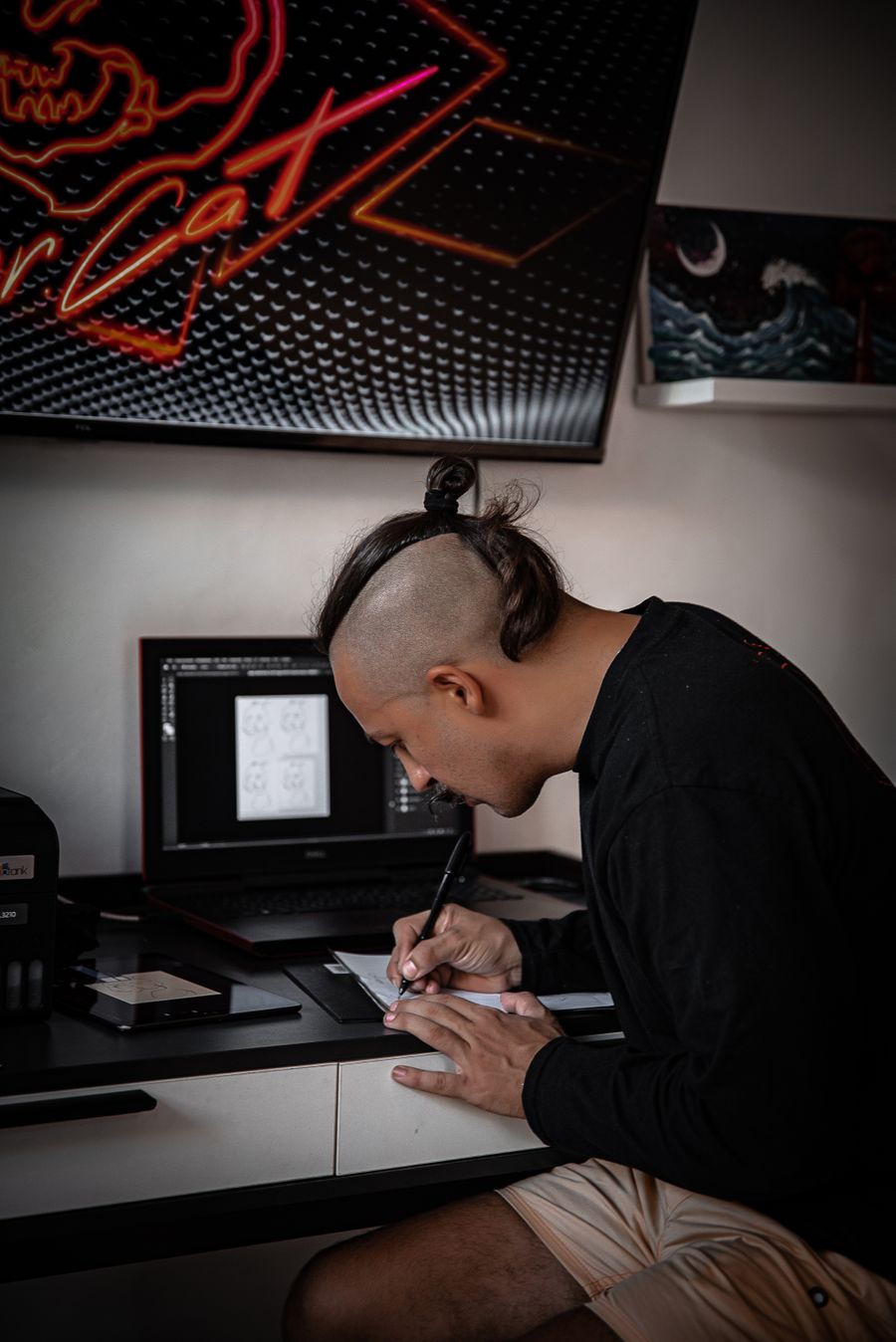
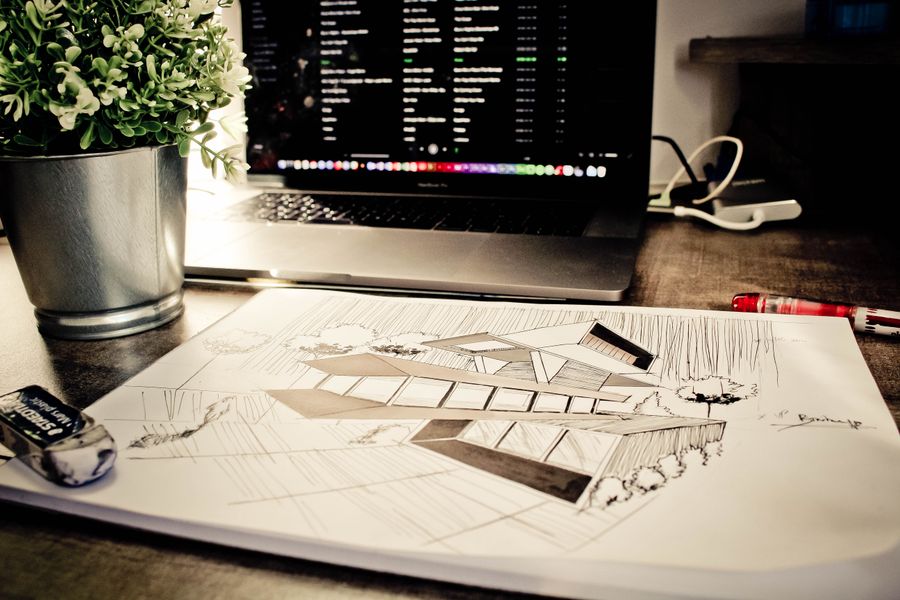
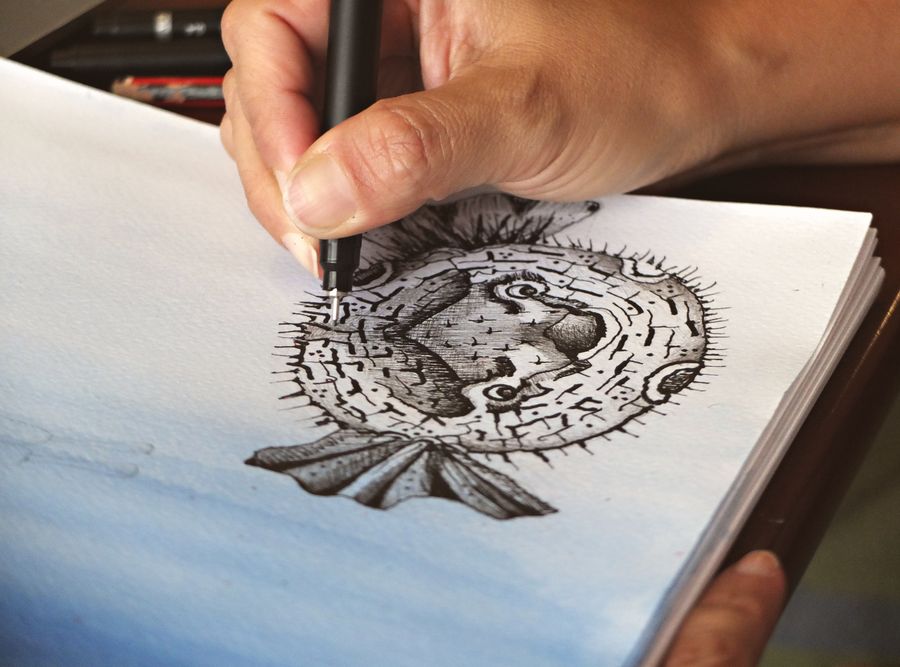
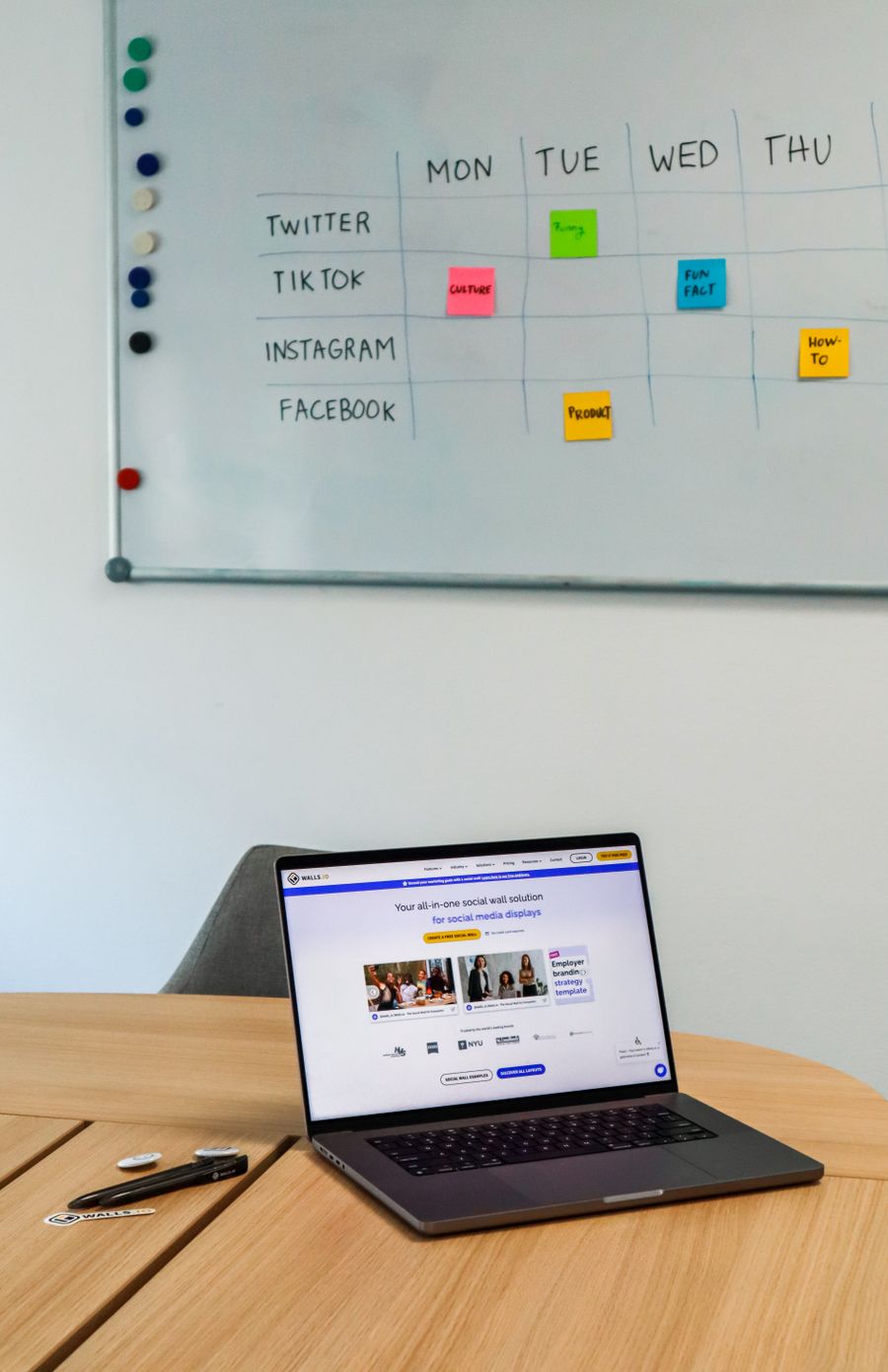
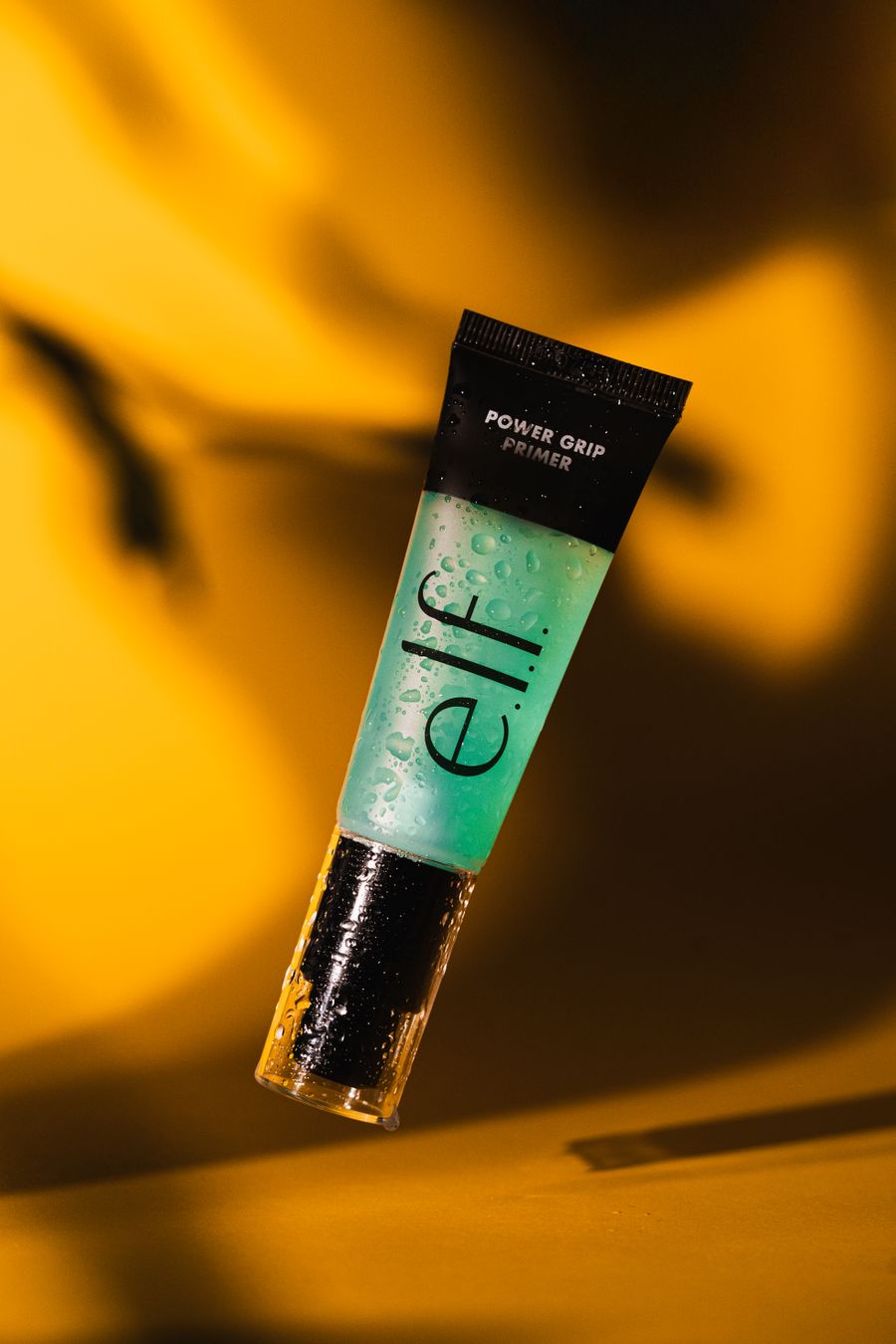
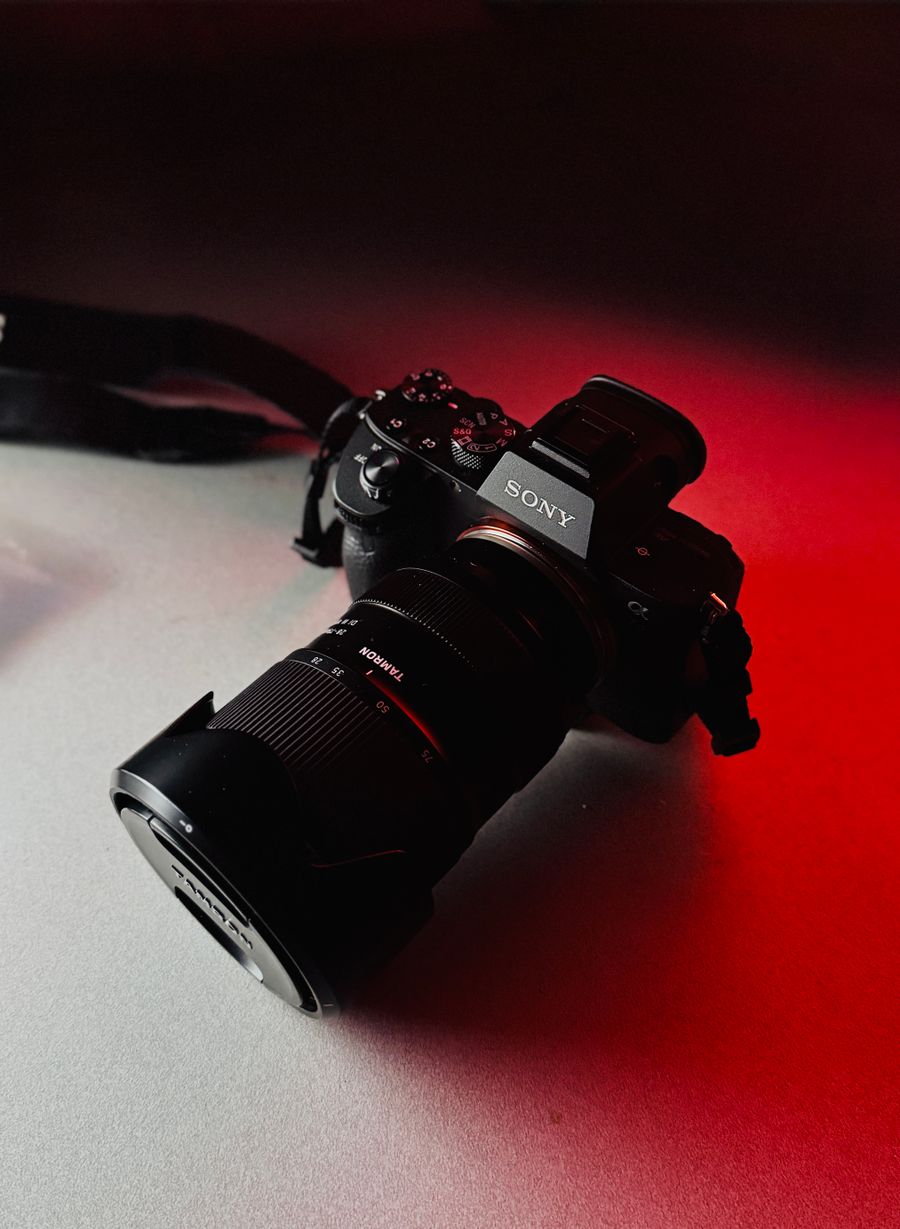
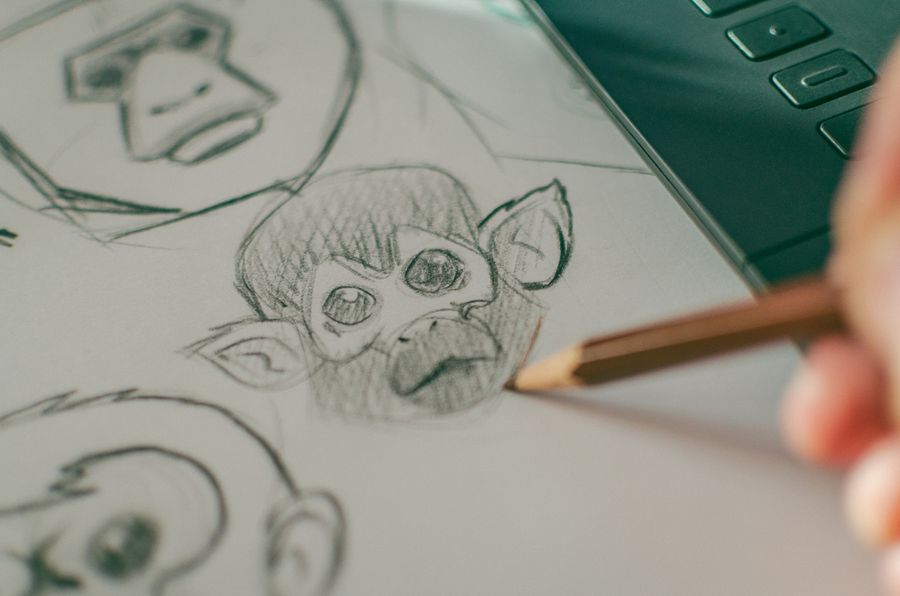
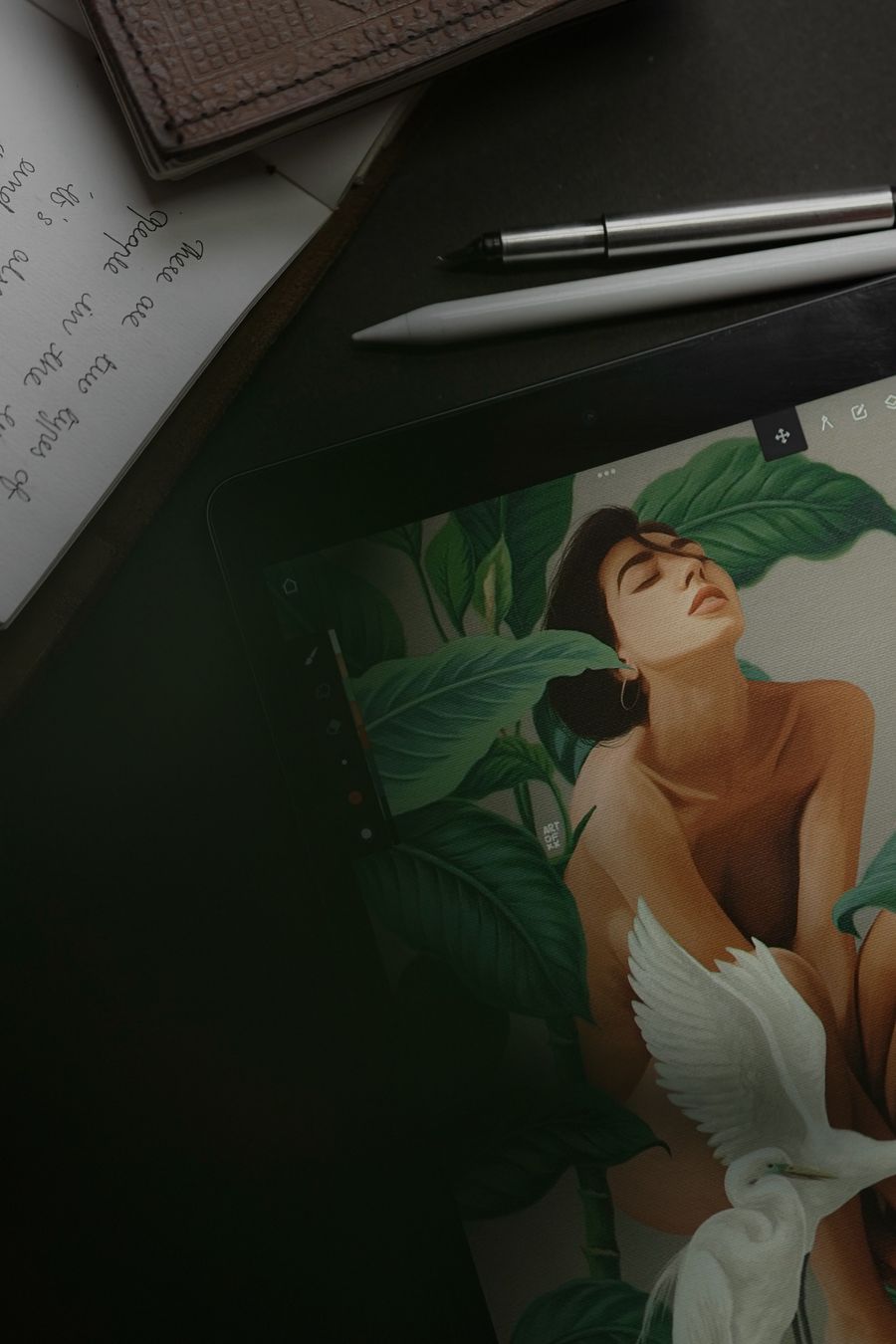
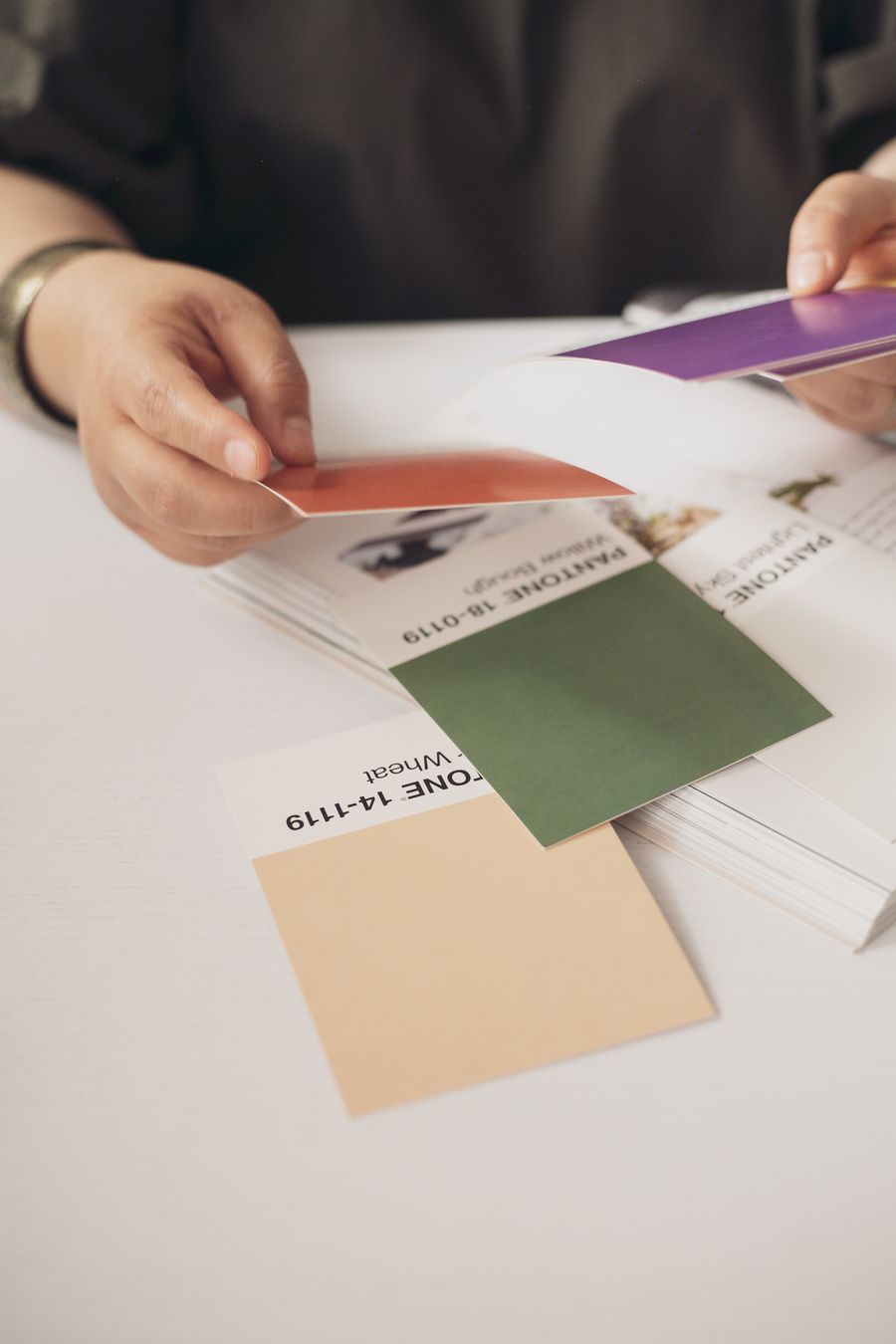
Brand Kits templates — every visual on this page is a real photograph, not a placeholder.
Visual guides
Every fact, visualized
Ten detailed infographics — every number real, every label earned. Built for Brand Kits templates, only on this page.
 photoaicompany