Facebook compresses images hard, so the winning formula is simple shapes, large type, and high contrast. These templates are sized at 1080×1080 px for square posts and 1200×630 px for link posts, and they hold up after Facebook's compression.

Event covers, sale announcements, and quote graphics are all here — customize in the browser, export, and post directly to your page or group.

Recommended sizes

UseSize
Square post1080 × 1080 px
Link post1200 × 630 px
Event cover1920 × 1005 px

ready to customize

How to use a facebook posts template

  1. Click Use this template on any design you like.
  2. The editor opens with the template loaded — edit text, images, colors, and fonts.
  3. Apply your brand kit in one click to restyle the whole design.
  4. Export as PNG, JPG, PDF — no watermark, ever.

Frequently asked questions

1080×1080 px for square posts and 1200×630 px for link posts. PNG for graphics with text, JPG for photos.

Facebook recompresses uploads, which punishes thin type and busy backgrounds. These templates use bold type and flat color areas that survive compression.

Yes — templates open in the editor free, and exports carry no watermark on any plan. Some templates are marked Pro and need a paid plan to use.

No. Click Use this template and start editing anonymously. You'll only need an account when you want to save your work to the cloud.

From blank to brilliant

Facebook Posts templates, in motion

Remix the grid, flip the view — the templates keep up.

PickCustomizePublish
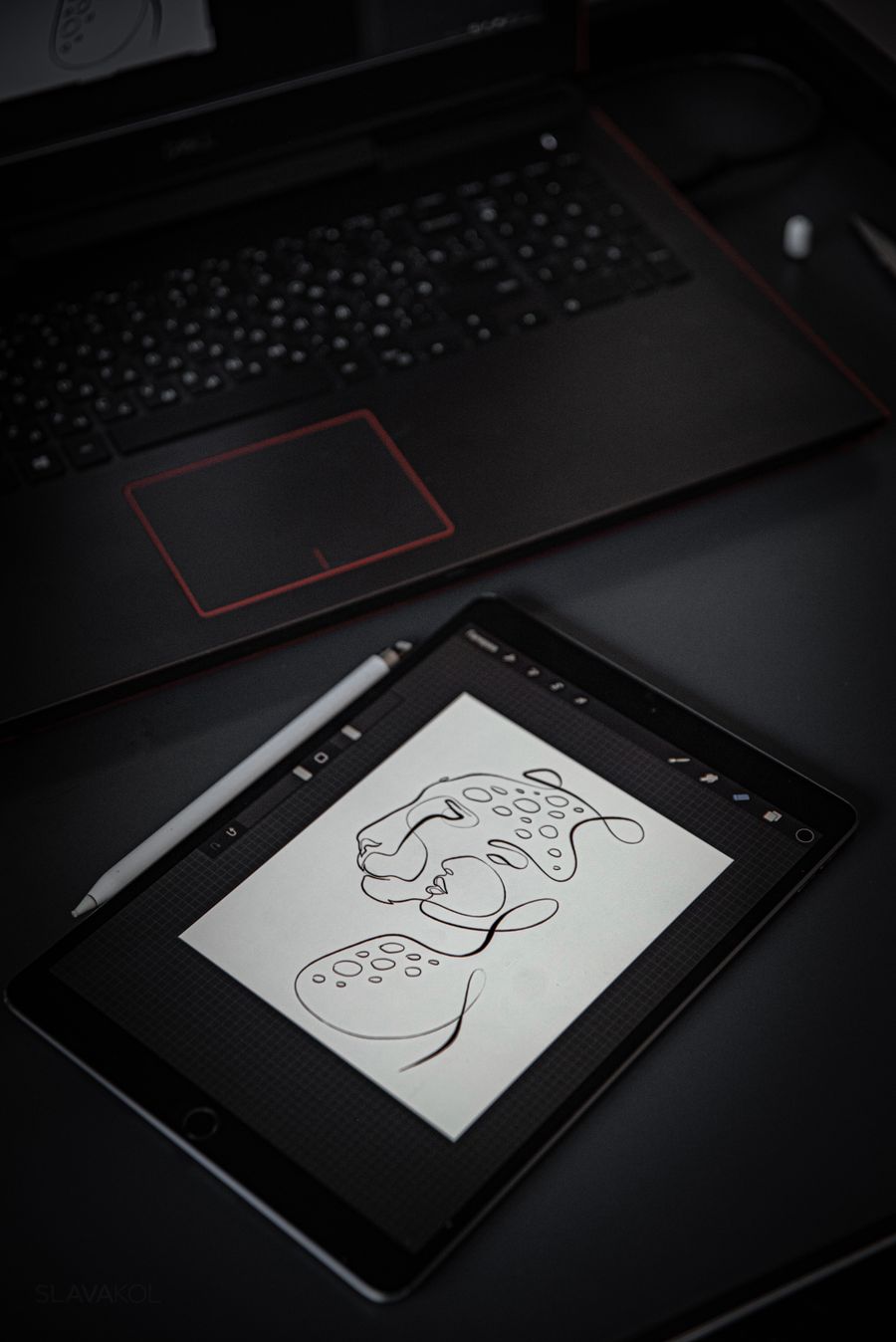
Workplace with artworks for inspiration of designer — Facebook Posts templates motion card

A canvas that keeps upFacebook Posts templates — frame 1 of 4

Teal abstract texture with brush strokes — Facebook Posts templates motion card

Type that performsFacebook Posts templates — frame 2 of 4

Photos on marble surface — Facebook Posts templates motion card

Photos with presenceFacebook Posts templates — frame 3 of 4

Focused woman working on laptop in modern office — Facebook Posts templates motion card

Export without fearFacebook Posts templates — frame 4 of 4

Drag the cards — they glide with inertia. Scroll — the blob morphs and the dot traces the flow.

The method

How to use Facebook Posts templates

Five steps from template to finished design. Follow them in order and skip the guesswork.

1

Pick the bones, not the demo

Judge a template by its structure — you’ll replace every word and pixel anyway. The right template is 70% right before you touch it.

Mockup of brand strategy — Facebook Posts annotated figure
Duplicate — Facebook Posts
PNGJPGPDFMP4
CommentsCrop
Step 1: Pick the bones, not the demo — the Facebook Posts method
  1. 1
    Step 1 Pick the bones, not the demo
  2. 2
    Your turn Do this in the editor — it takes about a minute per step.
2

Swap in your photo

Replace the demo image with yours. One strong real photo beats the placeholder every time.

Photographs on wooden wall — Facebook Posts annotated figure
Facebook Posts
ColorsShareResizeBlur
Step 2: Swap in your photo — the Facebook Posts method
  1. 1
    Step 2 Swap in your photo
  2. 2
    Your turn Do this in the editor — it takes about a minute per step.
3

Rewrite every word

Templates ship with filler; your message is the design. Write the real headline before styling anything.

Facebook PostsAdjust
Vibrant abstract art with dynamic flow — Facebook Posts annotated figure
Shadow
Resize
Zoom
Step 3: Rewrite every word — the Facebook Posts method
  1. 1
    Step 3 Rewrite every word
  2. 2
    Your turn Do this in the editor — it takes about a minute per step.
4

Recolor to your brand

Apply your palette in one move. Instant brand alignment, zero fiddling.

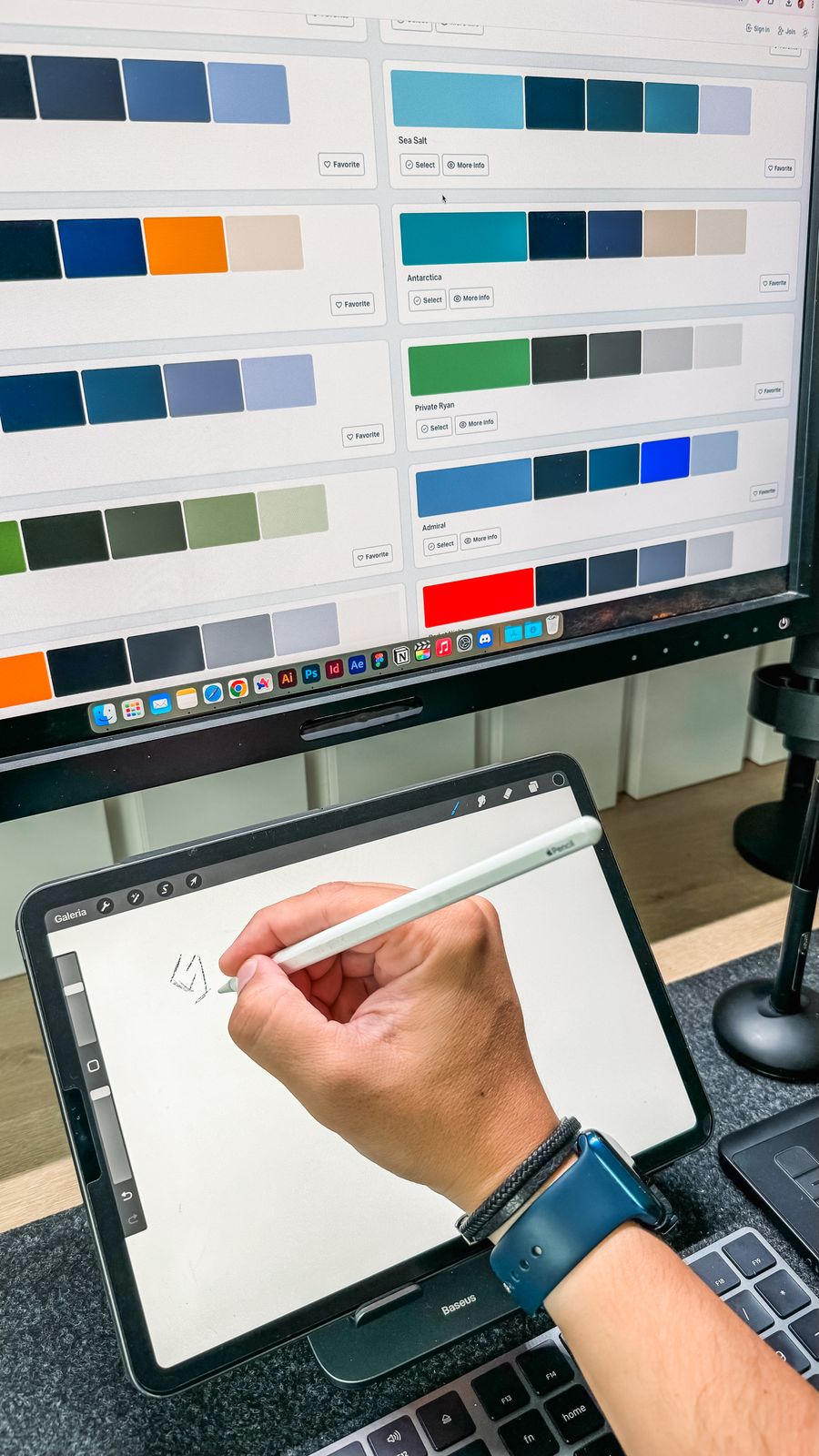
A person editing a photo using a computer — Facebook Posts annotated figure
Blend — Facebook Posts
PNGJPGPDFMP4
FontsResize
Step 4: Recolor to your brand — the Facebook Posts method
  1. 1
    Step 4 Recolor to your brand
  2. 2
    Your turn Do this in the editor — it takes about a minute per step.
5

Resize for every placement

One design becomes a full set — square, story, banner — with the resize tool. Never stretch; always reflow.

Facebook PostsBackground
People working together — Facebook Posts annotated figure
Crop
Canvas
Frames
Step 5: Resize for every placement — the Facebook Posts method
  1. 1
    Step 5 Resize for every placement
  2. 2
    Your turn Do this in the editor — it takes about a minute per step.
Inspiration

Where Facebook Posts designs get used

Professional video editing workspace with keyboard — Facebook Posts in use
Document the decisions. Note why the palette, type, and layout were chosen — future-you inherits the reasoning. Your Facebook Posts work will show the difference immediately.
A woman sketching a furniture — Facebook Posts in use
Preview on the real device. A design judged on desktop and consumed on phones needs a phone check before shipping. This is doubly true when the job is Facebook Posts.
Colleagues planning a business — Facebook Posts in use
Sleep on the almost-done. Fresh eyes catch what tired eyes forgive — review once more in the morning. Inside Facebook Posts, this single habit pays off fast.
Close up photo of an abstract painting — Facebook Posts in use
Less, but better. Remove one element and see if the design improves — repeat until it stops improving. Facebook Posts rewards this discipline more than most tools do.
Visual guides

Every fact, visualized

Ten detailed infographics — every number real, every label earned. Built for Facebook Posts templates, only on this page.

Anatomy of a Facebook Posts templatestemplateSix zones every good template nails.Headline zoneTop third. One message, sized tosurvive a two-second glance.Hero photoThe emotional anchor. Swap in yourown strongest image.Body copySupporting detail, left-aligned,generous line spacing.Brand stripLogo and palette applied — instantrecognition.CTA blockOne action, one button. Never twocompeting asks.Safe marginsBreathing room on all sides; nothingtouches the edge.
Facebook Posts templates template anatomy
The 5-step Facebook Posts templates methodTemplate to finished design in five moves.1Pick the bonesJudge structure, not demo content — 70% right is thesweet spot.2Swap the photoYour image replaces the placeholder. One strong photowins.3Rewrite every wordReal headline first, styling second. Filler never ships.4Recolor to brandApply your palette in one move — instant alignment.5Resize & exportReflow for each placement, export sharp, keep themaster.
Facebook Posts templates customization method
Standard sizes, memorizedReal dimensions the platforms actually use.Instagram post — 1080 × 1080The square workhorse. Start here for feeds.Story / Reel — 1080 × 1920Full-bleed vertical. Keep text inside the central 80%.YouTube thumbnail — 1280 × 72016:9. Big type, high contrast, readable at 120px wide.Presentation — 1920 × 1080Widescreen slides. One idea per slide, always.
Facebook Posts templates — standard design sizes
Typography scale that worksA scale, not a guess.Display — 48px and upHeadlines earn attention at scale. Go big or go home.Heading — 28–36pxSection titles. Clearly smaller than display, clearlybigger than body.Body — 18–24pxReadable copy. Below 16px on web is a squint test.Caption — 12–14pxFine print and labels. Never for anything that matters.
Facebook Posts templates — typography scale guide
Color: the 3-color ruleRestraint is the whole game.1BackgroundThe stage. Quiet, calm,out of the way.2InkYour text color. Maximumcontrast, always.3AccentOne vivid color,reserved for actions andhighlights.
Facebook Posts templates — the three-color rule
Photo swap checklistRun this every time you replace the demo image.✓One strong photo, not five weak onesGive it room — let it carry the design.✓Text lives in quiet zonesSkies, walls, blurred edges — not over faces.✓Grade matches the paletteWarm photo + cool palette = visual argument.✓Export at 2x for retinaBlur hides at fit-to-screen and ambushes at 100%.
Facebook Posts templates — photo replacement checklist
Do / don’tFast rules for template work.DoDon’tCustomize the structure✓Ship the demo content✓Keep one accent color✓Add a fifth font✓Resize per placement✓Stretch one design everywhere✓
Facebook Posts templates — template do’s and don’ts
Pick your format firstDimensions decide where the design can live.1Name the placementFeed, story, thumbnail, slide — each has its owngrammar.2Set dimensions before stylingReflowing a finished design is surgery; starting rightis hygiene.3Design at 2x the smallest exportDownscaling stays sharp. Upscaling never does.
Facebook Posts templates — format-first workflow
Export QACheck these before anything ships.✓Preview at 100% zoomArtifacts hide at fit-to-screen.✓Text inside safe zonesPlatforms crop edges and cover corners with UI.✓PNG for text, JPG for photosJPG smudges letterforms — never for type-heavy work.✓Master saved in the appExports are disposable; the design is the asset.
Facebook Posts templates — pre-export quality checklist
Facebook Posts templates: the 60-secondversionEverything above, compressed.5StepsBones, photo,words, color,export.3Colors maxBackground, ink,one accent.2xExport scaleRetina-sharp,every time.1MessageOne design, onejob, one CTA.
Facebook Posts templates cheat sheet

Live telemetry

FACEBOOK POSTS TEMPLATES — PAGE TELEMETRY

Real content counts on this page · hover any bar
0Sections
0Stock photos
0Infographics
0FAQs
Breakdownlive
Sections
Subsections
Photos
Infographics
Cumulative depthlive
Sections: 9Sections+ Sub: 15+ Sub+ Photos: 66+ Photos+ Infographics: 76+ Infographics