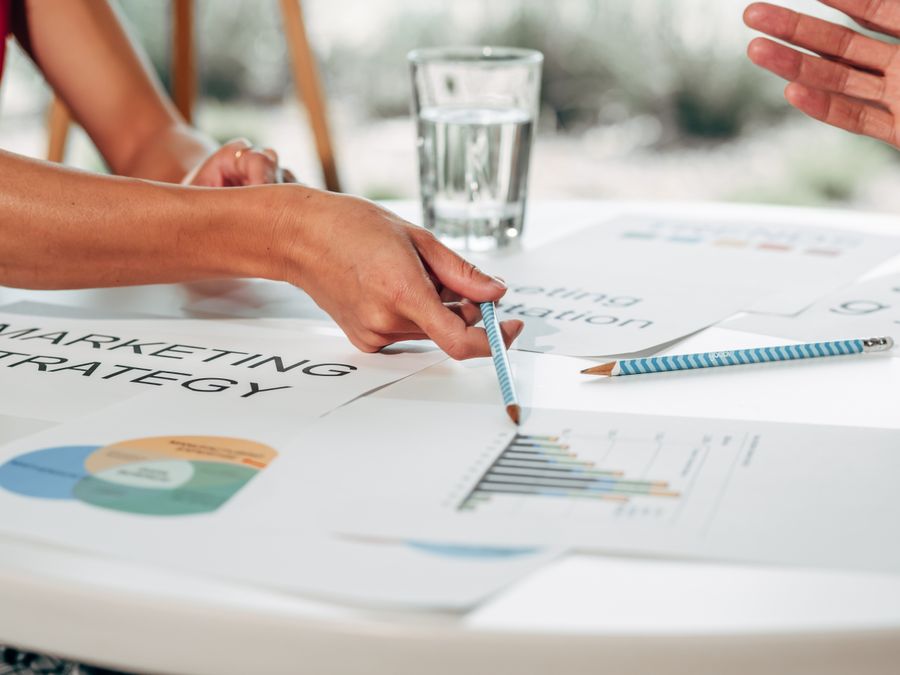
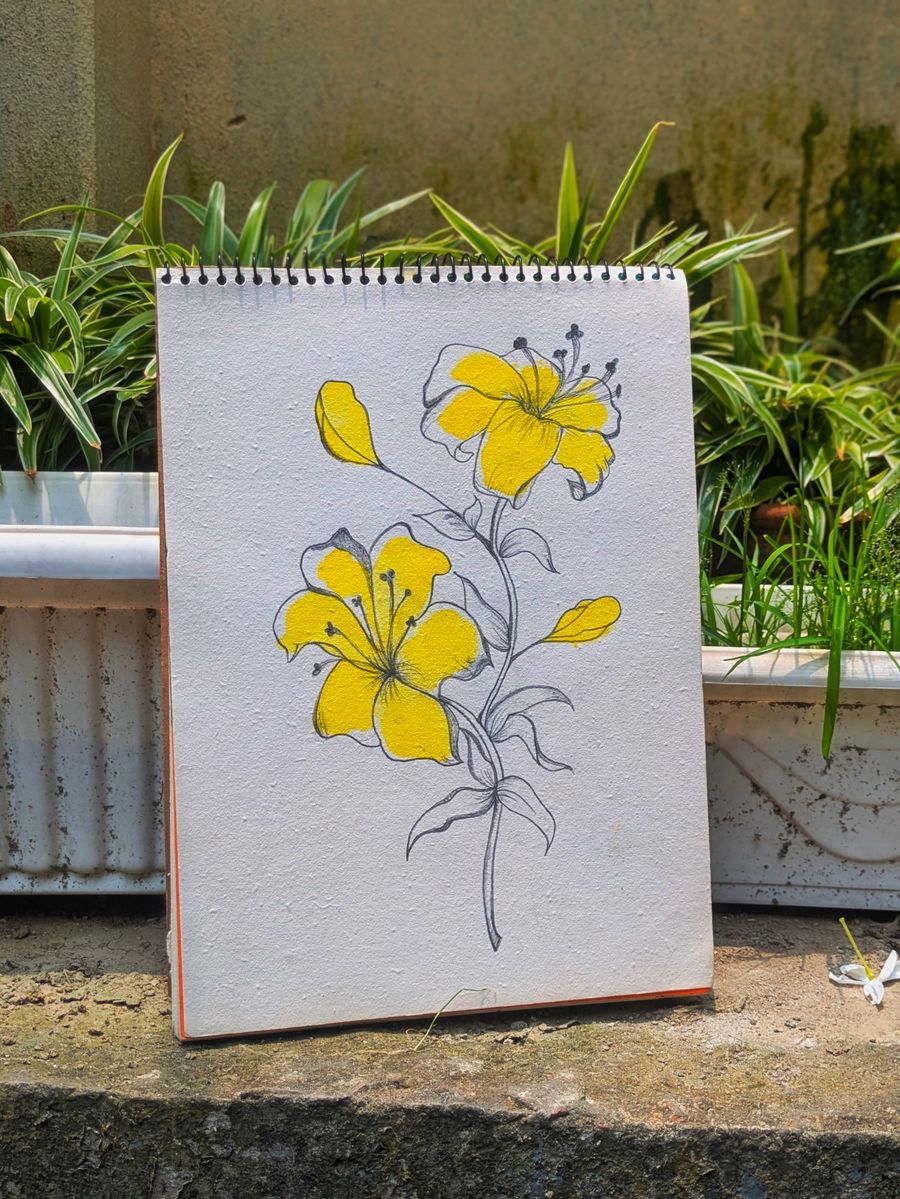
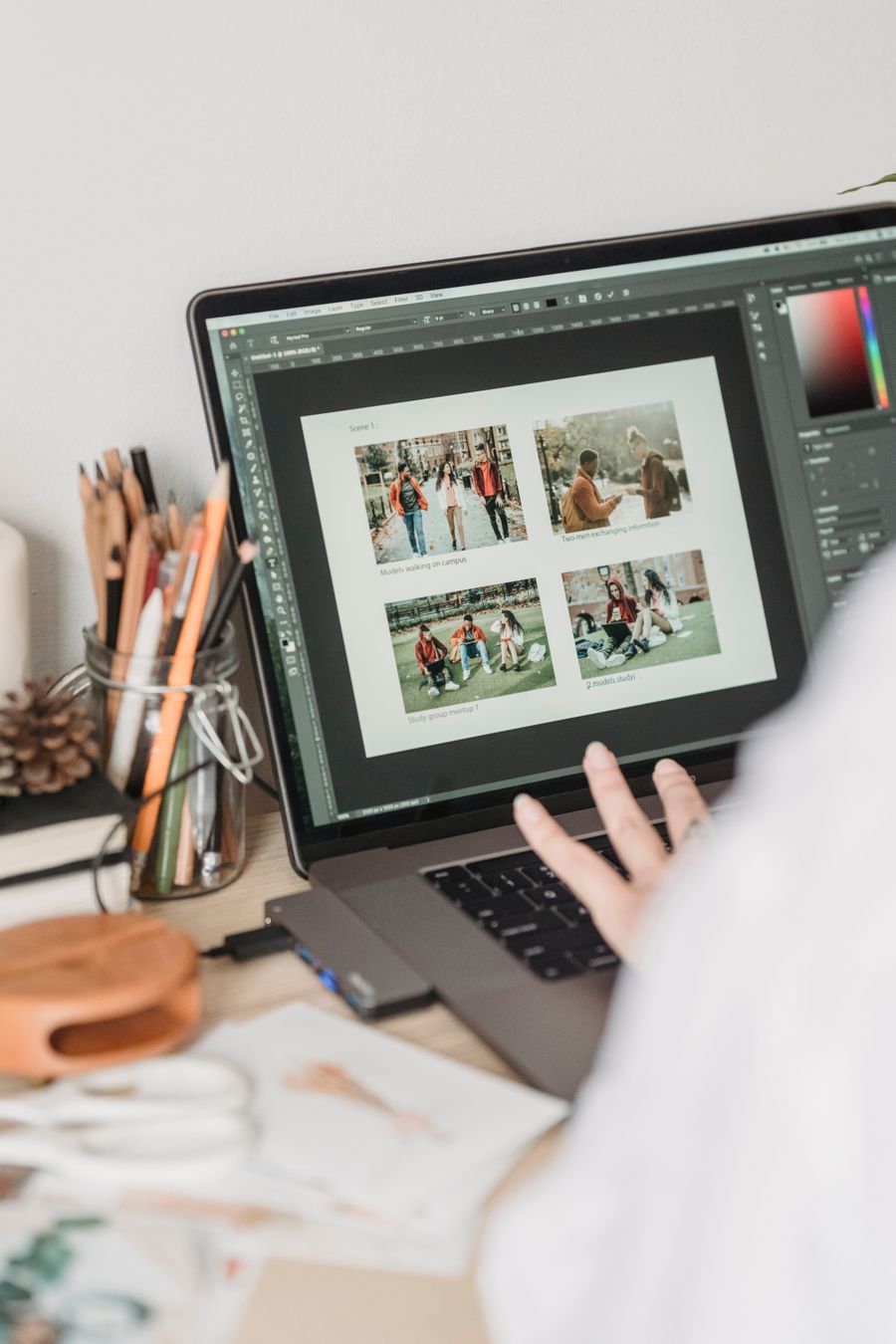
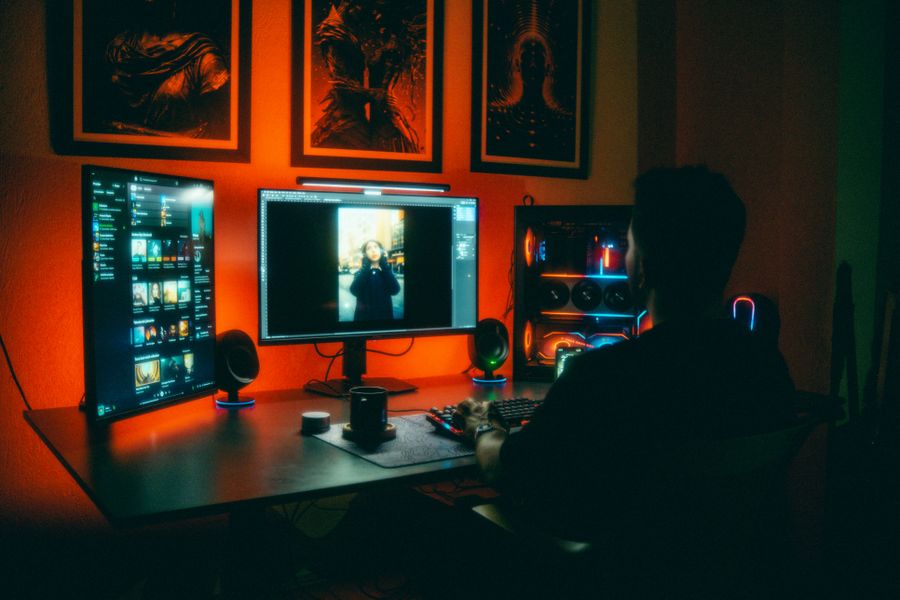
Posters are read in three passes: the glance (headline), the approach (hero image), and the read (details). These templates are designed for large formats with type that scales and compositions that hold together at 24×36 in and beyond.
Resize any design to your exact print dimensions with one click, then export a high-resolution PDF for the printer.
Recommended sizes
Use
Size
Large poster
24 × 36 in
Medium poster
18 × 24 in
A2 poster
420 × 594 mm
ready to customize
How to use a posters template
Click Use this template on any design you like.
The editor opens with the template loaded — edit text, images, colors, and fonts.
Apply your brand kit in one click to restyle the whole design.
Export as PNG, JPG, PDF — no watermark, ever.
Frequently asked questions
150–300 DPI at final size. Export a high-resolution PDF from the editor — Pro plans unlock the highest PDF quality.
Yes — templates open in the editor free, and exports carry no watermark on any plan. Some templates are marked Pro and need a paid plan to use.
No. Click Use this template and start editing anonymously. You'll only need an account when you want to save your work to the cloud.
From blank to brilliant
Posters templates, in motion
Remix the grid, flip the view — the templates keep up.
PickCustomizePublish
A canvas that keeps upPosters templates — frame 1 of 4
Type that performsPosters templates — frame 2 of 4
Photos with presencePosters templates — frame 3 of 4
Export without fearPosters templates — frame 4 of 4
Drag the cards — they glide with inertia. Scroll — the blob morphs and the dot traces the flow.
The method
How to use Posters templates
Five steps from template to finished design. Follow them in order and skip the guesswork.
1
Pick the bones, not the demo
Judge a template by its structure — you’ll replace every word and pixel anyway. The right template is 70% right before you touch it.
Posters — untitled.pacComments
AdjustIconsFiltersHistoryRulers
Gradient
Background
Fill
Version
12
Step 1: Pick the bones, not the demo — the Posters method
1
Step 1Pick the bones, not the demo
2
Your turnDo this in the editor — it takes about a minute per step.
2
Swap in your photo
Replace the demo image with yours. One strong real photo beats the placeholder every time.
Posters
Share100%
Rulers93%
Align86%
Rotate79%
Opacity72%
Fill65%
12
Step 2: Swap in your photo — the Posters method
1
Step 2Swap in your photo
2
Your turnDo this in the editor — it takes about a minute per step.
3
Rewrite every word
Templates ship with filler; your message is the design. Write the real headline before styling anything.
Posters — untitled.pacText
RulersMasksColorsCommentsBackground
Layers
Version
Resize
Icons
12
Step 3: Rewrite every word — the Posters method
1
Step 3Rewrite every word
2
Your turnDo this in the editor — it takes about a minute per step.
4
Recolor to your brand
Apply your palette in one move. Instant brand alignment, zero fiddling.
PostersGradient
1:14:516:99:16
12
Step 4: Recolor to your brand — the Posters method
1
Step 4Recolor to your brand
2
Your turnDo this in the editor — it takes about a minute per step.
5
Resize for every placement
One design becomes a full set — square, story, banner — with the resize tool. Never stretch; always reflow.
Posters — untitled.pacBackground
CommentsGridCanvasMasksTemplates
Resize
Version
Colors
Adjust
12
Step 5: Resize for every placement — the Posters method
1
Step 5Resize for every placement
2
Your turnDo this in the editor — it takes about a minute per step.
Inspiration
Where Posters designs get used
Compare against the best, not the average.Measure your work against the feeds you admire — comfort with average is the real competitor. Try it on your next Posters project and compare the result.
Design the system, not the page.Styles, spacing, and components that repeat become a language — speak it fluently. Your Posters work will show the difference immediately.
White space is a material.Treat empty space like ink — spend it deliberately, not as leftover. Apply this inside Posters today — the improvement is instant.
Squint test everything.Blur your vision: whatever still reads is your true hierarchy — fix the rest. This is doubly true when the job is Posters.
The Posters templates standard
No flat colors, no gradients — just real imagery, composed with intent.
Visual guides
Every fact, visualized
Ten detailed infographics — every number real, every label earned. Built for Posters templates, only on this page.
 photoaicompany