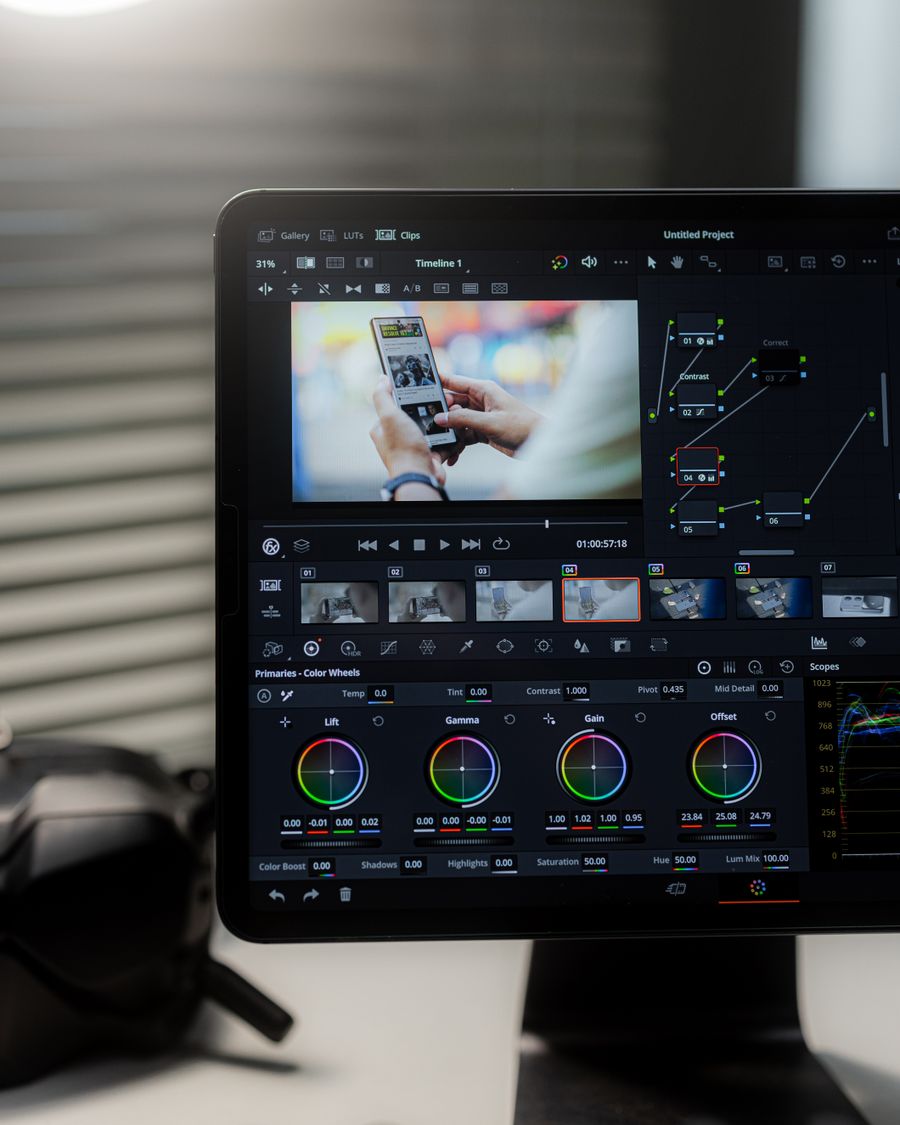
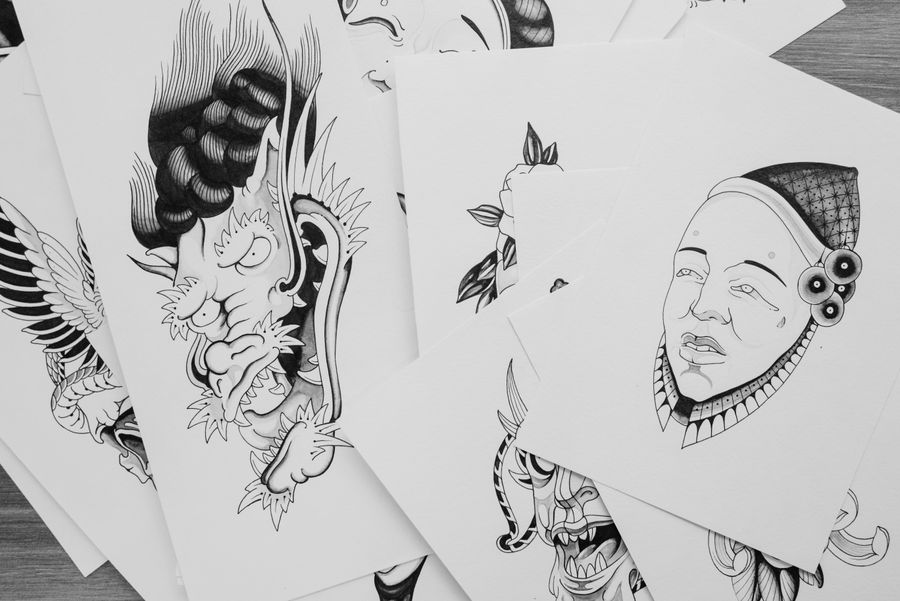
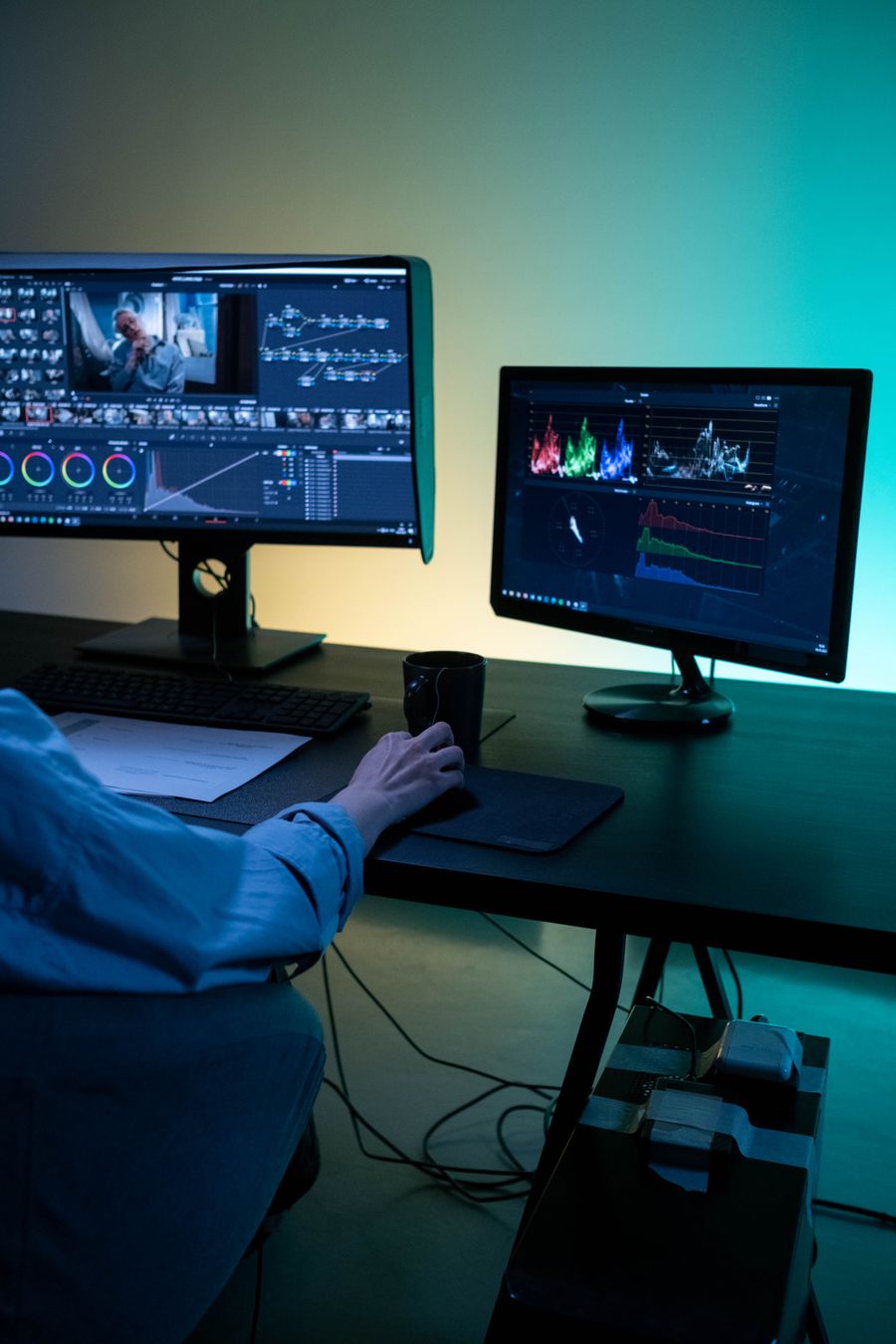
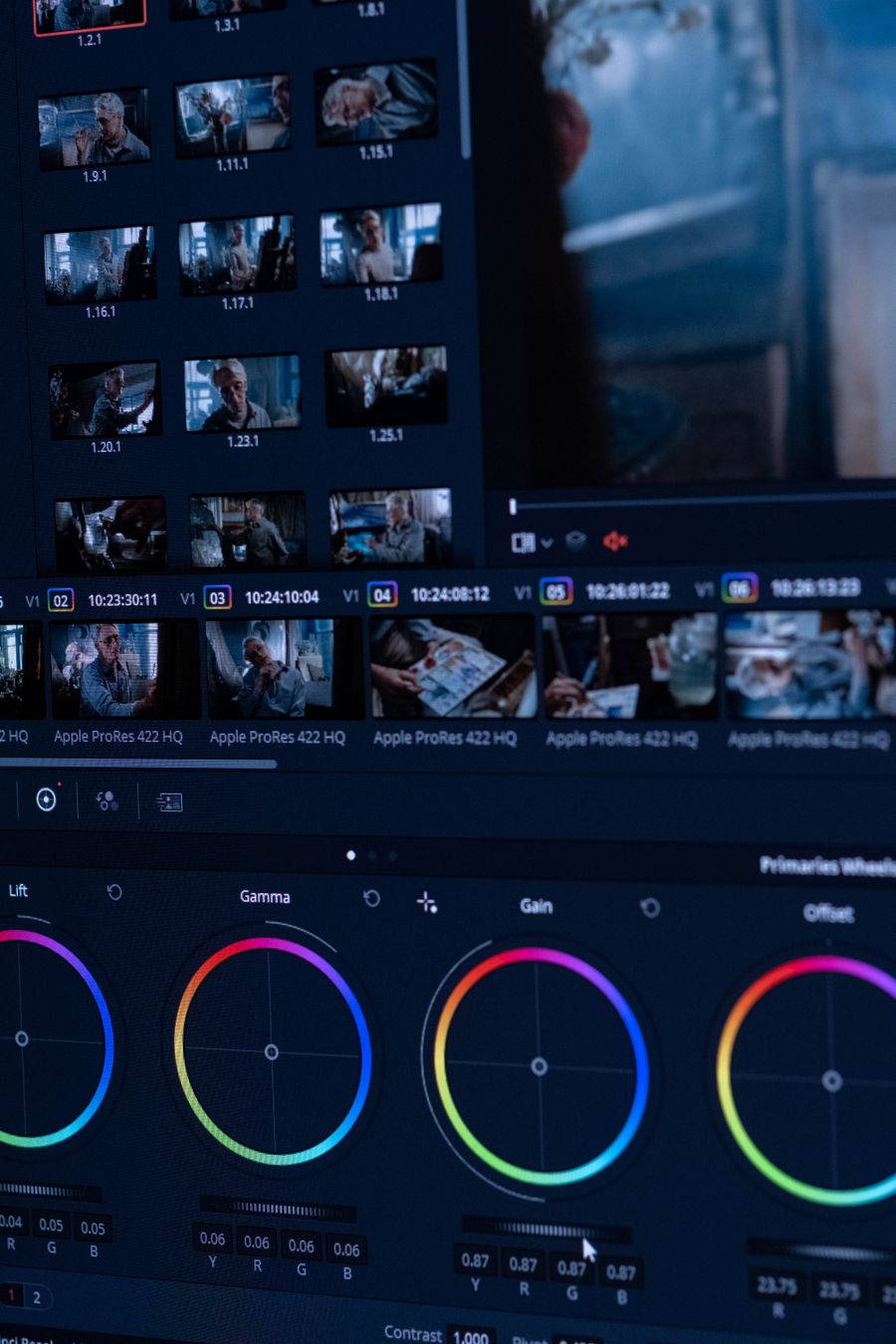
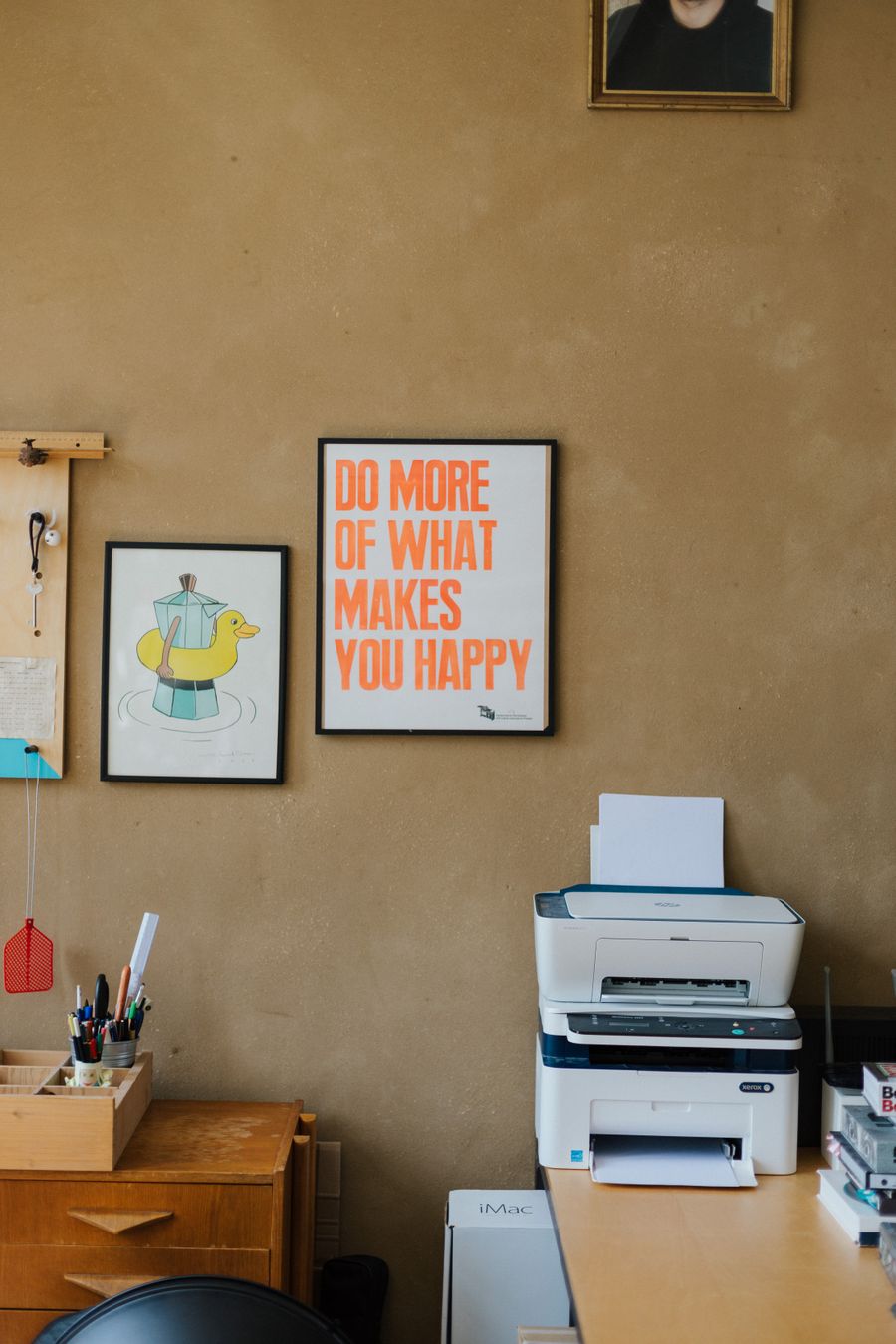
Headers, banners, and promo blocks that survive the inbox.
Email clients are the harshest design environment on earth — images off by default, widths capped at 600 px. These templates are built for that reality: 1200×600 px headers (displayed at 600 px for retina sharpness), text baked in where it matters, and layouts that still read when images are blocked.
Export PNG or JPG and drop them into any email builder.
Recommended sizes
Use
Size
Email header
1200 × 600 px
Email banner
1200 × 400 px
ready to customize
How to use a email graphics template
Click Use this template on any design you like.
The editor opens with the template loaded — edit text, images, colors, and fonts.
Apply your brand kit in one click to restyle the whole design.
Export as PNG, JPG, PDF — no watermark, ever.
Frequently asked questions
Design at 2× display size for retina screens: a 600 px-wide email column means 1200 px-wide images. These templates are pre-sized for that.
Yes — templates open in the editor free, and exports carry no watermark on any plan. Some templates are marked Pro and need a paid plan to use.
No. Click Use this template and start editing anonymously. You'll only need an account when you want to save your work to the cloud.
From blank to brilliant
Email Graphics templates, in motion
Remix the grid, flip the view — the templates keep up.
PickCustomizePublish
A canvas that keeps upEmail Graphics templates — frame 1 of 4
Type that performsEmail Graphics templates — frame 2 of 4
Photos with presenceEmail Graphics templates — frame 3 of 4
Export without fearEmail Graphics templates — frame 4 of 4
Drag the cards — they glide with inertia. Scroll — the blob morphs and the dot traces the flow.
The method
How to use Email Graphics templates
Five steps from template to finished design. Follow them in order and skip the guesswork.
1
Pick the bones, not the demo
Judge a template by its structure — you’ll replace every word and pixel anyway. The right template is 70% right before you touch it.
Email Graphics
BackgrGradieBlendProjec
12
Step 1: Pick the bones, not the demo — the Email Graphics method
1
Step 1Pick the bones, not the demo
2
Your turnDo this in the editor — it takes about a minute per step.
2
Swap in your photo
Replace the demo image with yours. One strong real photo beats the placeholder every time.
Email Graphics
Icons100%
Duplicate93%
Text86%
Projects79%
Resize72%
Flip65%
12
Step 2: Swap in your photo — the Email Graphics method
1
Step 2Swap in your photo
2
Your turnDo this in the editor — it takes about a minute per step.
3
Rewrite every word
Templates ship with filler; your message is the design. Write the real headline before styling anything.
Email GraphicsFrames
Version
Fonts
Layers
12
Step 3: Rewrite every word — the Email Graphics method
1
Step 3Rewrite every word
2
Your turnDo this in the editor — it takes about a minute per step.
4
Recolor to your brand
Apply your palette in one move. Instant brand alignment, zero fiddling.
Email GraphicsHistory
Grid
Icons
Frames
12
Step 4: Recolor to your brand — the Email Graphics method
1
Step 4Recolor to your brand
2
Your turnDo this in the editor — it takes about a minute per step.
5
Resize for every placement
One design becomes a full set — square, story, banner — with the resize tool. Never stretch; always reflow.
Email GraphicsZoom
Templates
Shadow
Styles
12
Step 5: Resize for every placement — the Email Graphics method
1
Step 5Resize for every placement
2
Your turnDo this in the editor — it takes about a minute per step.
Inspiration
Where Email Graphics designs get used
Consistency compounds.Same spacing, same styles, same voice across every piece — that’s what a brand actually is. Email Graphics rewards this discipline more than most tools do.
White space is a material.Treat empty space like ink — spend it deliberately, not as leftover. Your Email Graphics work will show the difference immediately.
Compare against the best, not the average.Measure your work against the feeds you admire — comfort with average is the real competitor. Keep this in mind every time you open Email Graphics.
Preview on the real device.A design judged on desktop and consumed on phones needs a phone check before shipping. Try it on your next Email Graphics project and compare the result.
Made with Email Graphics templates
This is what Email Graphics templates output looks like in the wild — photographic, detailed, finished.
Visual guides
Every fact, visualized
Ten detailed infographics — every number real, every label earned. Built for Email Graphics templates, only on this page.
 photoaicompany