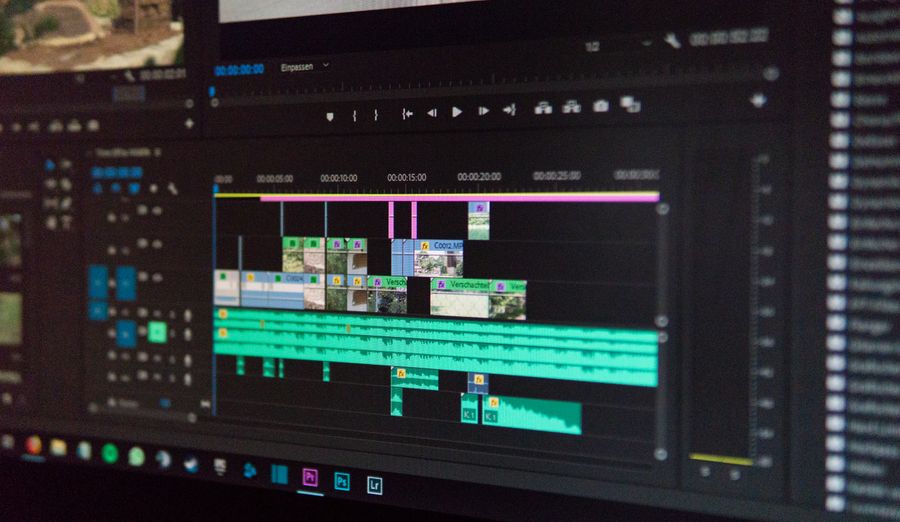
Instead of a traditional multi-track timeline, photoaicompany treats each design page as a scene. Drop video clips from Pexels stock or your own uploads onto the canvas, arrange text and graphics over them, set each page's duration, and export the whole thing as video.
This makes intros, outros, animated social posts, and ad creatives dramatically faster to build than in a full NLE — and everything you already know about the canvas still applies.
What you can do
Video layers — place video clips as canvas elements, alongside text, images, and shapes.
Trimming — set a start and end point on any clip to use exactly the section you want.
Playback control — mute, loop, and preview clips right on the canvas.
Scene durations — set how long each page holds during video export.
Export — record to WebM and convert to MP4, ready for TikTok, Reels, YouTube, or your ad account.
An honest note about timelines
There is currently no traditional multi-track timeline with keyframes and audio tracks — if you need frame-precise multi-track editing, a dedicated video editor is still the right tool. For motion graphics, social video, and ad creatives, the scene-based approach is faster and stays inside the app you already design in.
Frequently asked questions
Yes — export to MP4 or WebM from the export dialog. Each page becomes a scene with the duration you set.
Search Pexels stock video right inside the app, or upload your own footage.
Not a traditional multi-track one. Editing is scene-based: each design page is a scene with its own duration, which keeps video projects simple and fast.
A canvas that keeps upphotoaicompany Video Editor — frame 1 of 4
Type that performsphotoaicompany Video Editor — frame 2 of 4
Photos with presencephotoaicompany Video Editor — frame 3 of 4
Export without fearphotoaicompany Video Editor — frame 4 of 4
Drag the cards — they glide with inertia. Scroll — the blob morphs and the dot traces the flow.
The complete guide
The complete guide to photoaicompany Video Editor
Make videos in photoaicompany: place video clips, trim start and end, set scene durations, and export MP4 or WebM. Honest, scene-based editing.
Start with the big picture: photoaicompany Video Editor exists to make one job dramatically easier. Learn that job first and the details arrange themselves around it. The sections below walk through what it does, how to think about it, and where people go wrong — in that order, because order matters when you’re learning.
The fastest way to get good is reps: use photoaicompany Video Editor on a real project today, notice what felt awkward, and come back to this guide with questions. Every technique below was chosen because it survives contact with real deadlines.
Consistent light, consistent story.Photos shot in similar light sit together naturally; mixed lighting needs a unifying grade. Your photoaicompany Video Editor work will show the difference immediately.
Mind the edges.Check what touches the frame: stray elbows, half-logos, and bright corners all steal attention. Try it on your next photoaicompany Video Editor project and compare the result.
Bleed the photo, box the text.Full-bleed imagery feels cinematic; contained text blocks feel deliberate — the contrast is the design. This is doubly true when the job is photoaicompany Video Editor.
Real beats perfect.A slightly imperfect real photo outperforms a flawless generic one — authenticity reads instantly. Inside photoaicompany Video Editor, this single habit pays off fast.
Visual guides
Every fact, visualized
Ten detailed infographics — every number real, every label earned. Built for photoaicompany Video Editor, only on this page.
photoaicompany Video Editor essentialsphotoaicompany Video Editor, mapped: the four parts that do the workWhat makes photoaicompany Video Editor worth your timeFrom zero to a first photoaicompany Video Editor result in five minutesSmall photoaicompany Video Editor habits, compounding resultsHow photoaicompany Video Editor designs leave the studiophotoaicompany Video Editor, questioned and answeredWhere to go after photoaicompany Video EditorThe unglamorous photoaicompany Video Editor facts, stated plainlyphotoaicompany Video Editor in numbers: the honest scoreboard
Live telemetry
PHOTOAICOMPANY VIDEO EDITOR — PAGE TELEMETRY
Real content counts on this page · hover any bar
0Sections
0Stock photos
0Infographics
0FAQs
Breakdownlive
9
Sections
5
Subsections
46
Photos
10
Infographics
Cumulative depthlive
Made with photoaicompany Video Editor
This is what photoaicompany Video Editor output looks like in the wild — photographic, detailed, finished.
Made with photoaicompany Video Editor
This is what photoaicompany Video Editor output looks like in the wild — photographic, detailed, finished.
photoaicompany Video Editor — made visual
Twenty living mockups of photoaicompany Video Editor, generated for this page only.
RulersTemplatesDuplicateAssetsShare
photoaicompany Video Editor — Grid
4.9kLayers
312Canvas
98%Flip
Take this photoaicompany Video Editor and run
photoaicompany Video Editor — untitled.pacArrange
VersionBackgroundMasksIconsAdjust
Effects
Stroke
Layers
Canvas
photoaicompany Video Editor — speed without the sloppy
Colors — photoaicompany Video Editor
PNGJPGPDFMP4
LayersBrand kit
Colors
photoaicompany Video Editor — live canvas preview
photoai.company/zoom
photoaicompany Video EditorStroke · Flip
Text
Fonts
History
photoaicompany Video Editor, breathing on a real mockup
photoaicompany Video Editor
Zoom100%
Duplicate93%
Adjust86%
Opacity79%
Text72%
Projects65%
photoaicompany Video Editor, presented like it matters
photoaicompany Video EditorFlip
Colors
Frames
Projects
The blank page never stood a chance: photoaicompany Video Editor
photoaicompany Video Editor
StylesAssetsMasksFlip
photoaicompany Video Editor — pixel-perfect export
photoaicompany Video EditorGradient
1:14:516:99:16
Own your photoaicompany Video Editor
CanvasAlignAssetsEffectsShare
photoaicompany Video Editor — Background
4.9kStyles
312Fill
98%Icons
These photoaicompany Video Editor templates pass the glance test
photoaicompany Video Editor — untitled.pacArrange
RotateBrand kitTemplatesRulersShare
Layers
Styles
Comments
Align
The new way to photoaicompany Video Editor
Grid — photoaicompany Video Editor
PNGJPGPDFMP4
FillFrames
Grid
Brilliant photoaicompany Video Editor, born from blank
photoai.company/fonts
photoaicompany Video EditorRulers · Frames
Fill
Projects
Icons
Rebuilding photoaicompany Video Editor, one layer at a time
photoaicompany Video Editor
Shadow100%
Version93%
Masks86%
Adjust79%
Opacity72%
Zoom65%
The one-click photoaicompany Video Editor moment
photoaicompany Video EditorGradient
Zoom
Templates
Align
Where photoaicompany Video Editor happens: the workspace
photoaicompany Video Editor
RotateHistorDuplicFlip
photoaicompany Video Editor — every stroke visible as it happens
photoaicompany Video EditorBlend
1:14:516:99:16
Blank canvas to brilliant photoaicompany Video Editor
ProjectsStrokeGridFramesVersion
photoaicompany Video Editor — Background
4.9kZoom
312Fill
98%Colors
photoaicompany Video Editor, reinvented quietly
photoaicompany Video Editor — untitled.pacShadow
Brand kitResizeLayersZoomFonts
Blur
Filters
Colors
Duplicate
Studio-grade results, photoaicompany Video Editor speed
Version — photoaicompany Video Editor
PNGJPGPDFMP4
FillShadow
Version
photoaicompany Video Editor leaves the studio flawless
photoai.company/rotate
photoaicompany Video EditorEffects · Crop
Zoom
Grid
Projects
photoaicompany Video Editor — every pixel accounted for
The photoaicompany Video Editor stock library
Hand-picked photography for photoaicompany Video Editor — refreshed on this page alone.
Worth a second look — photoaicompany Video Editor at its most useful
Faces first — proof that photoaicompany Video Editor is a working tool, not a demo
Proof of photoaicompany Video Editor, exhibit A: Pure geometry, no noise
Why people reach for photoaicompany Video Editor: Faces first, on demand
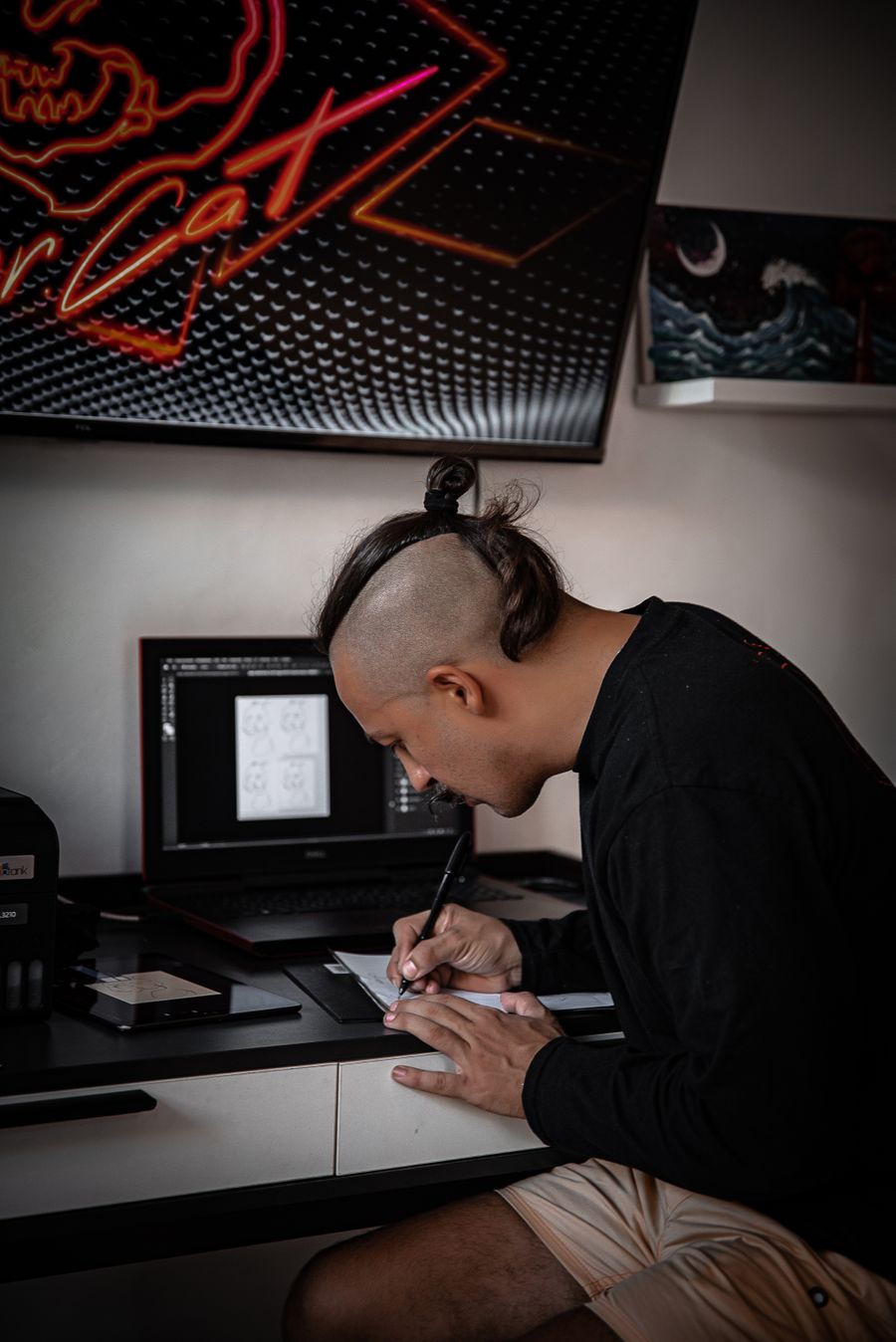
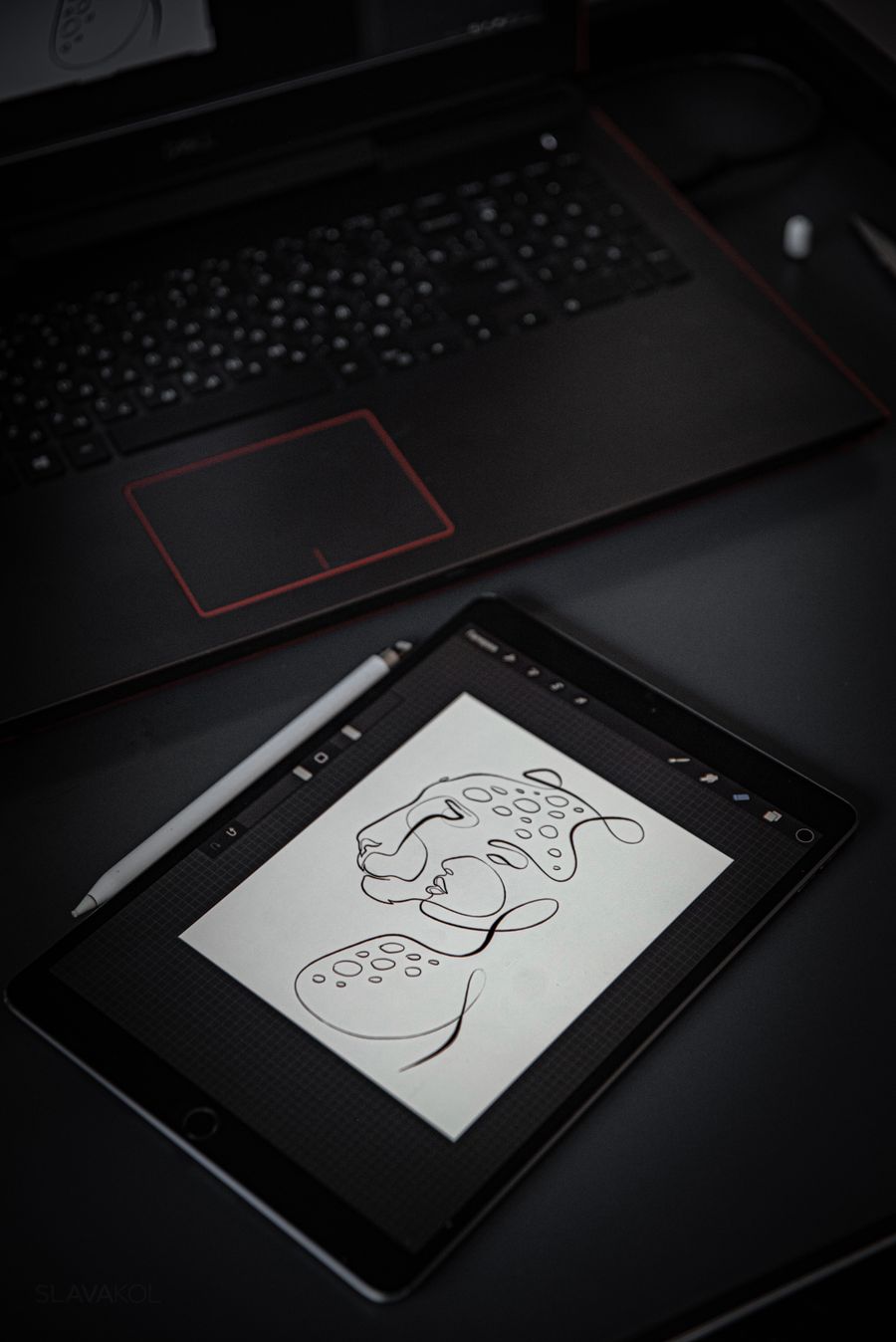
photoaicompany Video Editor in the wild — Pencil down, idea captured, shipped in minutes
photoaicompany Video Editor, frame by frame — Pencil down, idea captured is the receipt
The photoaicompany Video Editor payoff, illustrated: The numbers, visualized
photoaicompany Video Editor in capable hands: Pure geometry, no noise
Tool of the trade — photoaicompany Video Editor, applied exactly where the eye lands
Faces first. photoaicompany Video Editor, and the revision cycle just got shorter
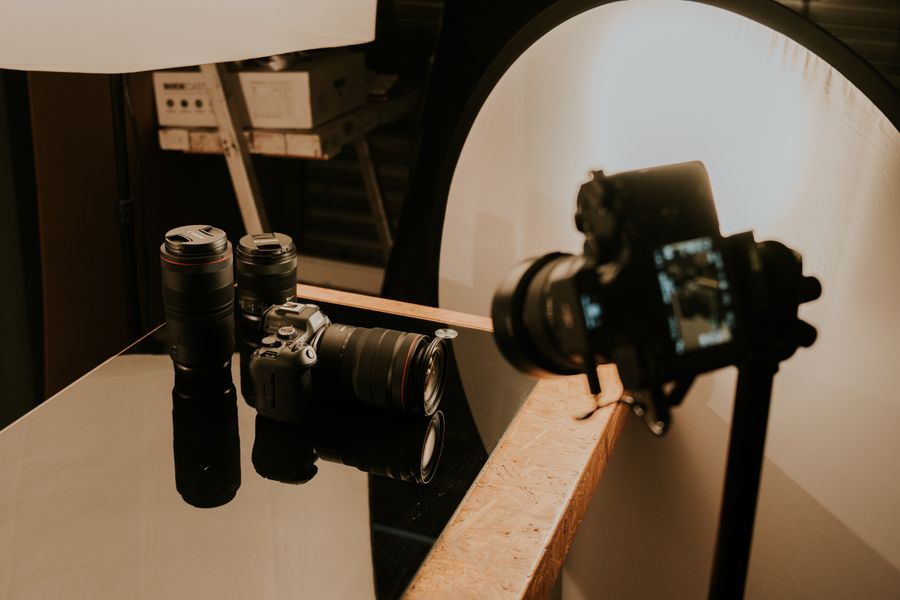
Inside the studio — photoaicompany Video Editor earns its place in the toolbar here
photoaicompany Video Editor, composed with intent — Fresh off the brush is the evidence
Parked and posing. This photoaicompany Video Editor result took minutes, not hours
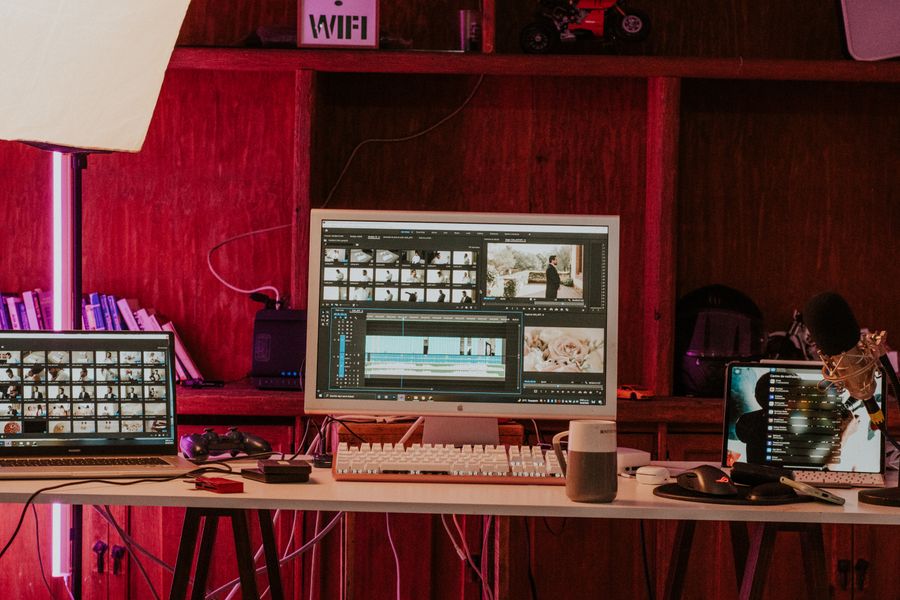
Desk check — the kind of result photoaicompany Video Editor makes routine
Color, turned all the way up. photoaicompany Video Editor makes the complicated look casual
Pure geometry, no noise — photoaicompany Video Editor, tuned until it feels invisible
The photoaicompany Video Editor difference, up close: Designed for the small screen too
From rough to Inside the studio: the photoaicompany Video Editor workflow, end to end
 photoaicompany