Select any image in your design and choose Remove background. An AI segmentation model loads right in your browser, cuts out the subject, and places a transparent PNG directly into your design as a new layer.
Private by architecture
Because the model runs client-side, your photo is never uploaded to a server for processing. That's also why it's free on every plan — background removal costs us nothing in server compute, so we don't charge you for it.
What it's great for
Product photos on clean backgrounds for listings and ads.
Headshots for team pages, resumes, and presentations.
Cut-out subjects for thumbnails, posters, and social graphics.
Layering people and objects over new scenes and gradients.
Tip: it works best on photos with a clear, well-lit subject. Busy backgrounds with similar colors to the subject are the hardest case — try the photo editor's adjustments first to add contrast.
Frequently asked questions
Yes — on every plan, including Free. The AI model runs locally in your browser, so there's no per-image server cost to pass on.
No. The segmentation model runs client-side in your browser; the image never leaves your device for background removal.
A transparent PNG placed directly into your design as a new editable layer — ready to composite over any background.
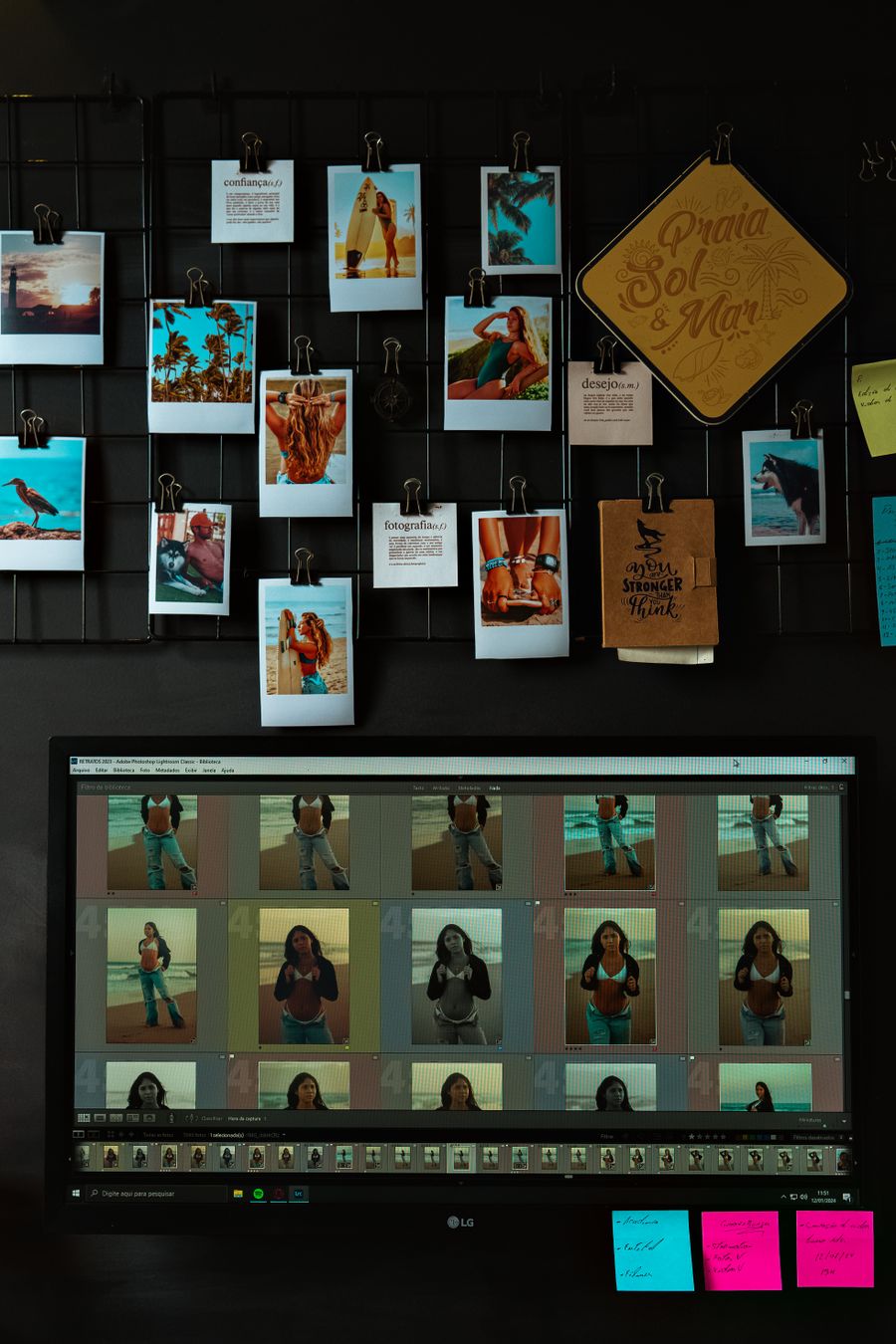
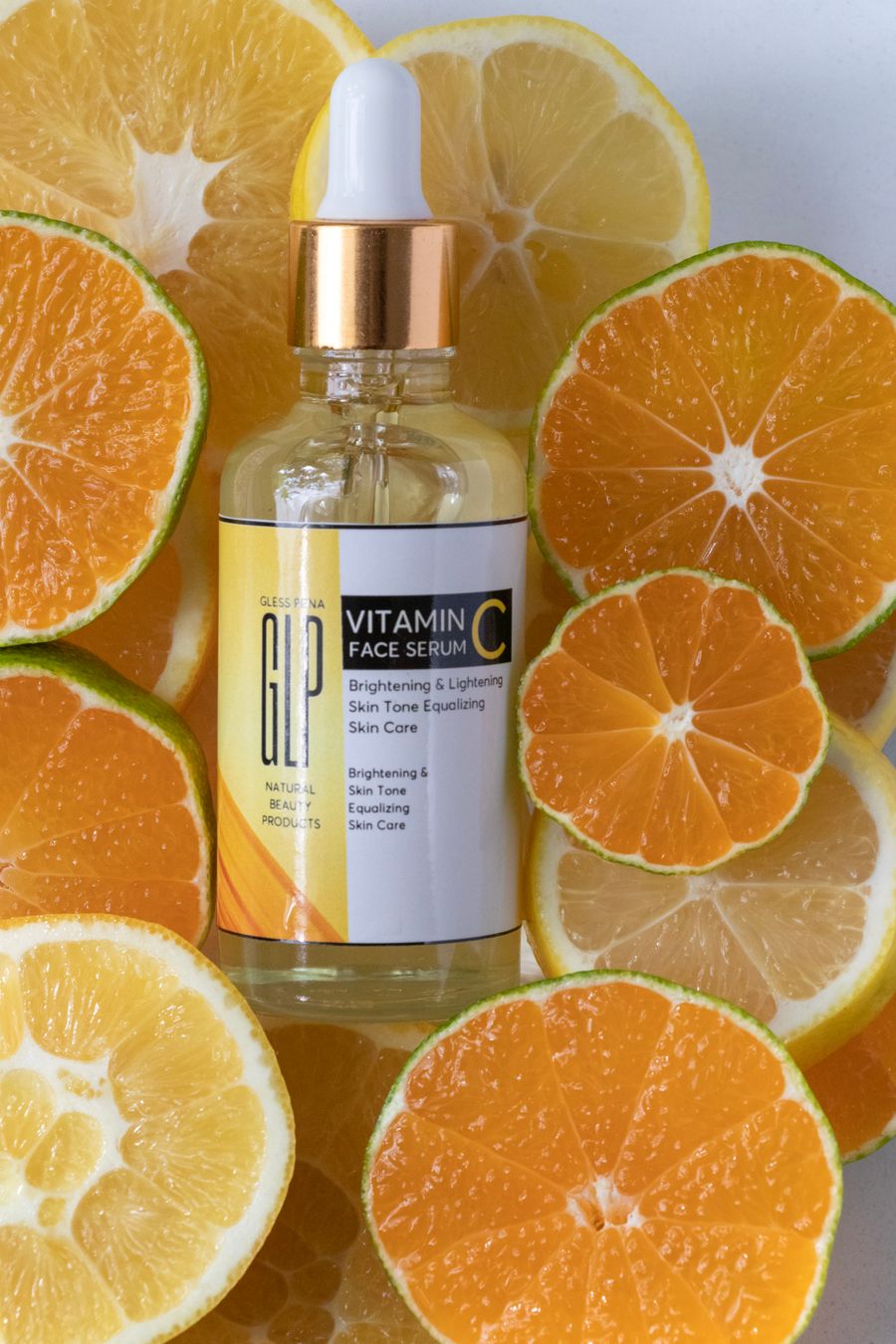
A canvas that keeps upphotoaicompany Background Remover — frame 1 of 4
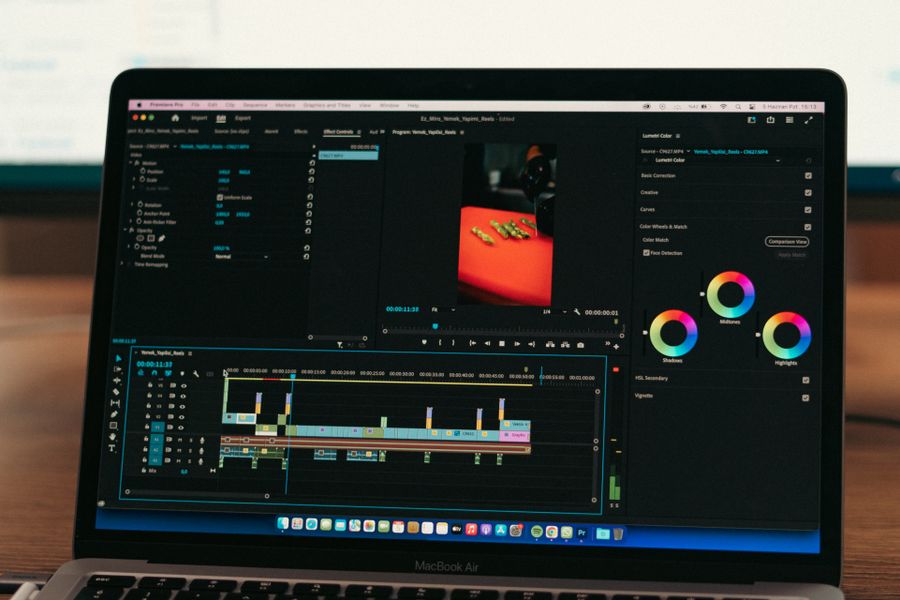
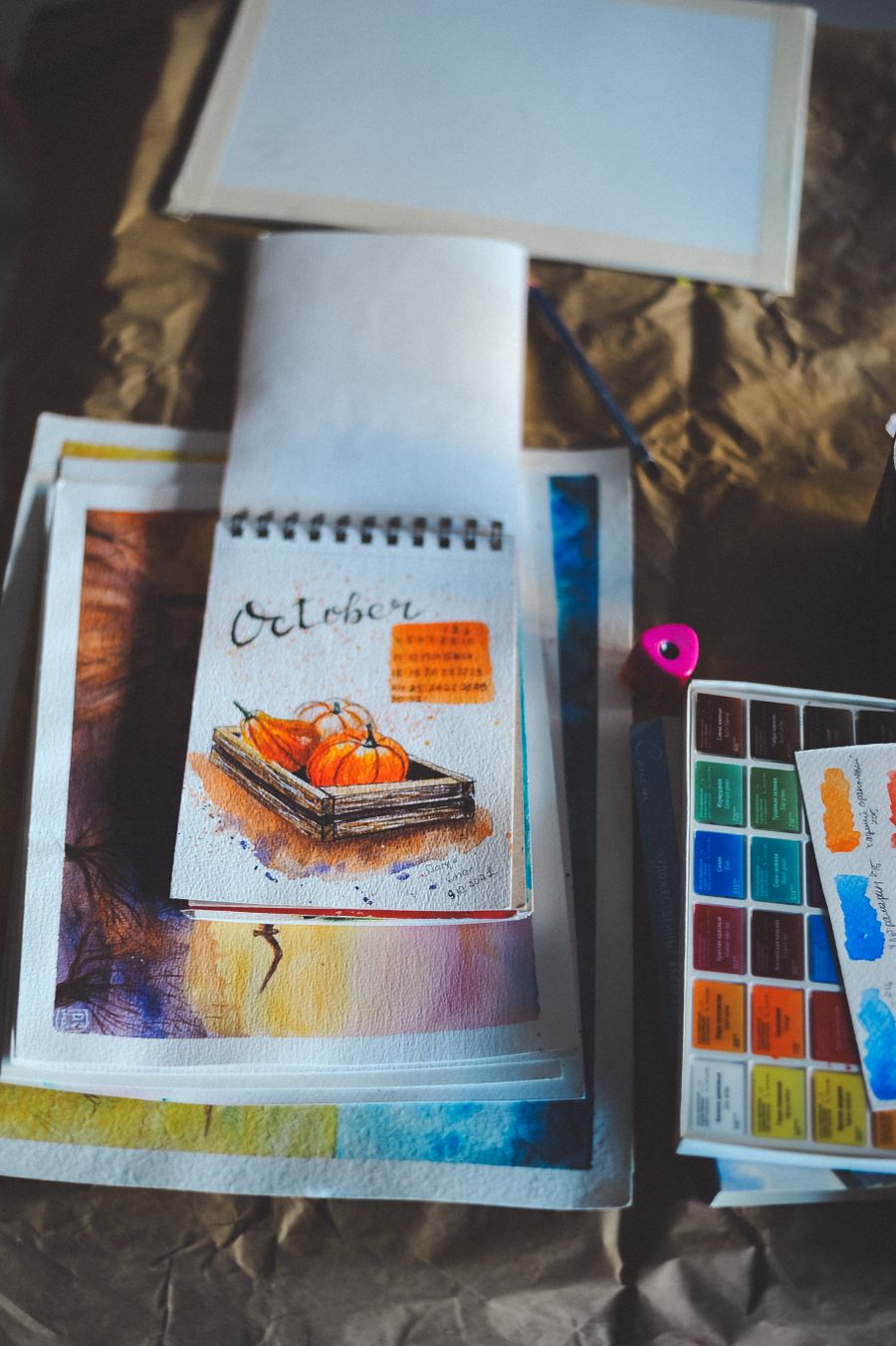
Type that performsphotoaicompany Background Remover — frame 2 of 4
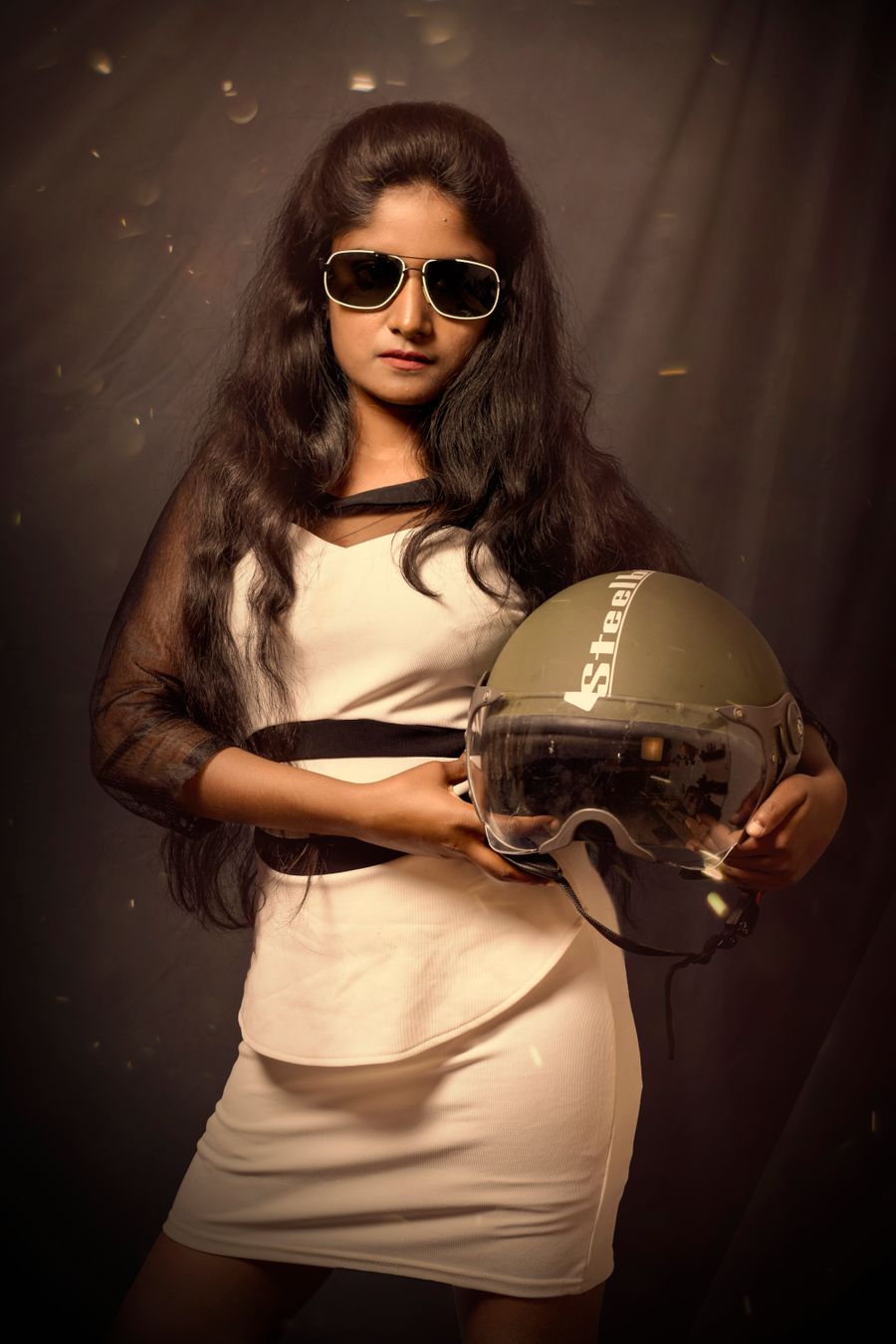
Photos with presencephotoaicompany Background Remover — frame 3 of 4
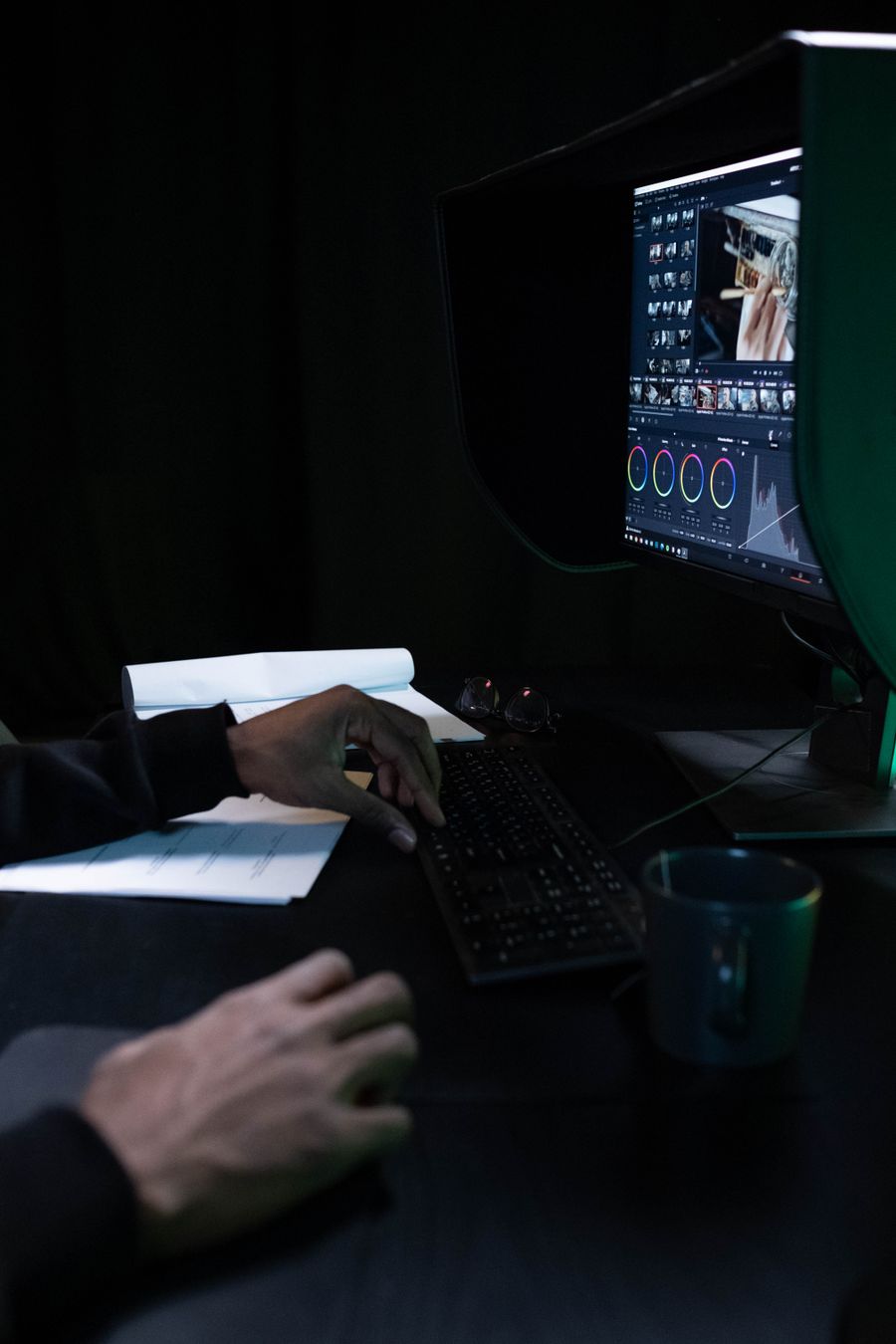
Export without fearphotoaicompany Background Remover — frame 4 of 4
Drag the cards — they glide with inertia. Scroll — the blob morphs and the dot traces the flow.
The complete guide
The complete guide to photoaicompany Background Remover
Remove photo backgrounds in photoaicompany with one click. The AI model runs locally in your browser — free for all plans, and your image never leaves your device.
Start with the big picture: photoaicompany Background Remover exists to make one job dramatically easier. Learn that job first and the details arrange themselves around it. The sections below walk through what it does, how to think about it, and where people go wrong — in that order, because order matters when you’re learning.
The fastest way to get good is reps: use photoaicompany Background Remover on a real project today, notice what felt awkward, and come back to this guide with questions. Every technique below was chosen because it survives contact with real deadlines.
Bleed the photo, box the text.Full-bleed imagery feels cinematic; contained text blocks feel deliberate — the contrast is the design. Make it part of your photoaicompany Background Remover routine.
Mind the edges.Check what touches the frame: stray elbows, half-logos, and bright corners all steal attention. Keep this in mind every time you open photoaicompany Background Remover.
Backgrounds should disappear.If anyone notices the background, it failed — demote it until the subject owns the frame. Try it on your next photoaicompany Background Remover project and compare the result.
Negative space is a feature.The empty third of a photo is where headlines live happily — don’t crop it away. Apply this inside photoaicompany Background Remover today — the improvement is instant.
Visual guides
Every fact, visualized
Ten detailed infographics — every number real, every label earned. Built for photoaicompany Background Remover, only on this page.
photoaicompany Background Remover essentialsphotoaicompany Background Remover, mapped: the four parts that do the workWhat makes photoaicompany Background Remover worth your timeFrom zero to a first photoaicompany Background Remover result in five minutesSmall photoaicompany Background Remover habits, compounding resultsHow photoaicompany Background Remover designs leave the studiophotoaicompany Background Remover, questioned and answeredWhere to go after photoaicompany Background RemoverThe unglamorous photoaicompany Background Remover facts, stated plainlyphotoaicompany Background Remover in numbers: the honest scoreboard
 photoaicompany