photoaicompany
photoaicompany Cloud Storage
Bring your own storage — your designs live in your Google Drive, Dropbox, OneDrive, or Box, not just on our servers.
Your files, your drive
Most design apps lock your work into their own storage. photoaicompany does the opposite: bring your own storage. Connect the Google Drive, Dropbox, OneDrive, or Box account you already use, and save and open designs there directly — your files live where you can see them, in an account you control.
Prefer not to connect anything? Every plan includes platform storage: 5 GB on Free, 100 GB on Pro, and 500 GB per person on Business, enforced server-side.
Drive connections are enabled per provider — Settings → Storage in the app always shows exactly which drives are live on your workspace, and never a fake connect button.
Least-privilege by design
Drive connections use least-privilege OAuth scopes — for Google Drive, only files your designs create or that you open with the app. We never ask for blanket access to your whole drive. Credentials are brokered by our servers and encrypted at rest; your drive password and long-lived tokens never touch your browser.
Large uploads go straight from your browser to your drive — they never pass through our servers, so big video exports don't get stuck in the middle.
You stay in control
Default save destination — pick where new saves go: platform storage or any connected drive. Per-project override — keep client work on the client's drive and personal work on yours.
Disconnecting never deletes your files. If you disconnect a drive, your files stay exactly where they were; the app simply marks those items unavailable until you reconnect. Deleting your photoaicompany account never touches files on your own drives either.
Files on your own drives never count against your plan's storage quota — only platform storage does. The Settings → Storage page shows all three: platform usage against your quota, bytes on your drives, and temporary render files.
Also: your own S3 bucket
Prefer raw object storage? Connect any S3-compatible bucket — AWS S3, Backblaze B2, Cloudflare R2, MinIO — with your own credentials. We validate the connection with a real request before saving anything, encrypt your secret key server-side, and finished renders get a one-click Export to my storage button.
Frequently asked questions
No. Every plan includes platform storage (Free 5 GB, Pro 100 GB, Business 500 GB per person). Connecting your own drive is optional — it gives you more space that never counts against your quota, and files that live in an account you control.
Only what it needs: with the least-privilege Drive scope, the app can access files it created and files you explicitly open with it — not your entire drive.
No. Your files stay on your drive, untouched. The app marks those items as unavailable and offers a Reconnect action; reconnecting restores access immediately.
No — only platform storage counts against your quota. Bytes on your connected drives and temporary render files are shown separately in Settings → Storage and are never quota-limited.
Yes. Set a default save destination for your account, then override it per project — for example, client work on the client's shared drive and personal work on platform storage.
More features
Photo Editor
A real photo editor inside your design app — adjust, crop, filter, and retouch without leaving the canvas.
featureVideo Editor
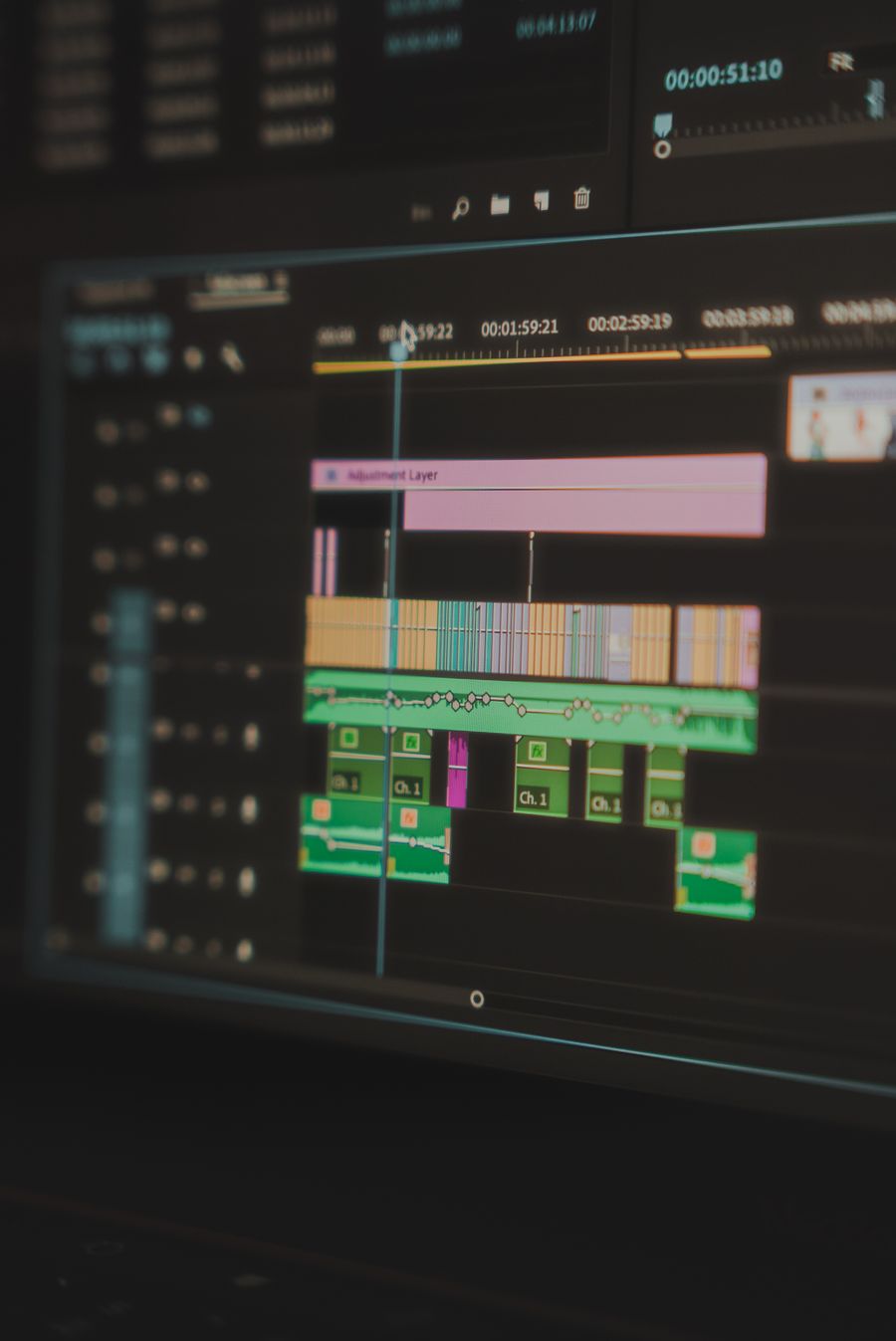
Scene-based video editing on the design canvas — clips, trimming, and MP4 export, no timeline PhD required.
featureAI Design
Generate images, write copy, and edit designs with natural language — AI credits included, quotas shown honestly.
featureBackground Remover
One-click background removal that runs in your browser — free on every plan, nothing uploaded.