Every image in your design can be edited in place. Select any photo and choose Edit photo to open a full Fabric.js-powered photo editor — no round-tripping through another app, no re-uploading.
It's nondestructive: your edits are saved as a brand-new asset, and the original image stays untouched in your library. Changed your mind? The original is still there.
What you can do
Adjustments — brightness, contrast, and saturation sliders with live preview.
Crop — reframe any photo to the exact composition your layout needs.
Filters — one-click photo filters for consistent mood across a design.
Undo — a real undo stack inside the editor, so experimenting is safe.
Built for the canvas
The editor works at up to 1600 px on the long edge — plenty for social, web, and documents — and the edited result drops straight back onto your canvas as a new layer. From there it's a normal design element: resize it, mask it, put text over it.
Frequently asked questions
Yes — the photo editor is part of the free editor. Open any image, choose Edit photo, and start adjusting.
No. Edits are nondestructive: the editor creates a new asset from your changes and leaves the original untouched.
Yes — background removal is a separate one-click tool that runs an AI model right in your browser. See the background remover page.
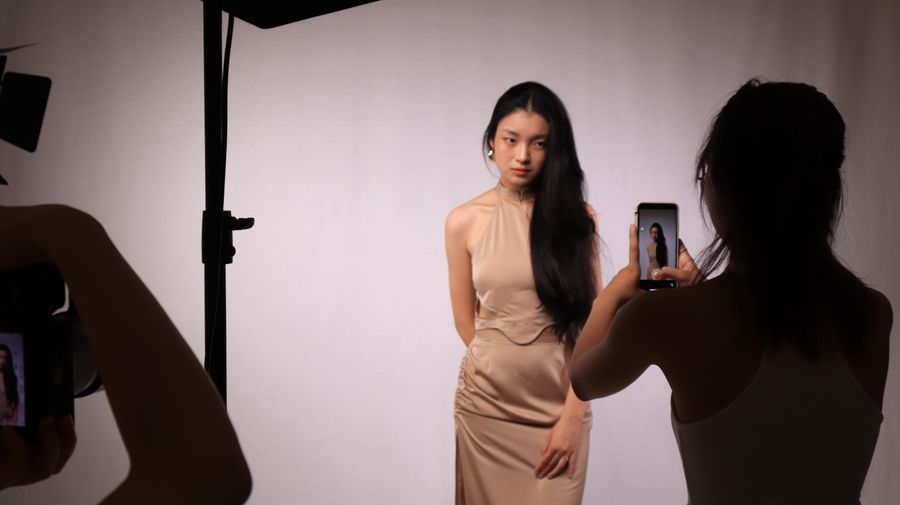
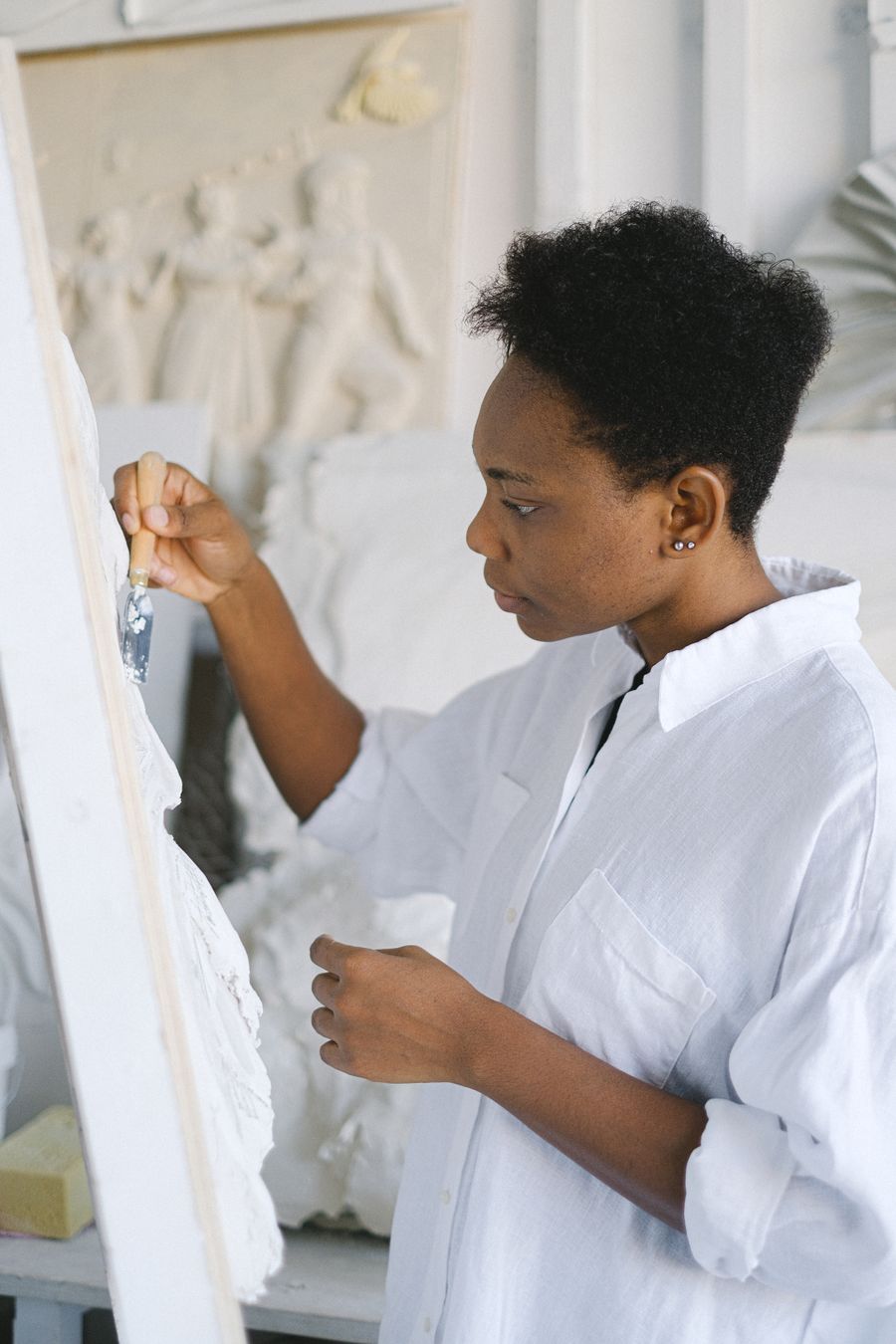
A canvas that keeps upphotoaicompany Photo Editor — frame 1 of 4
Type that performsphotoaicompany Photo Editor — frame 2 of 4
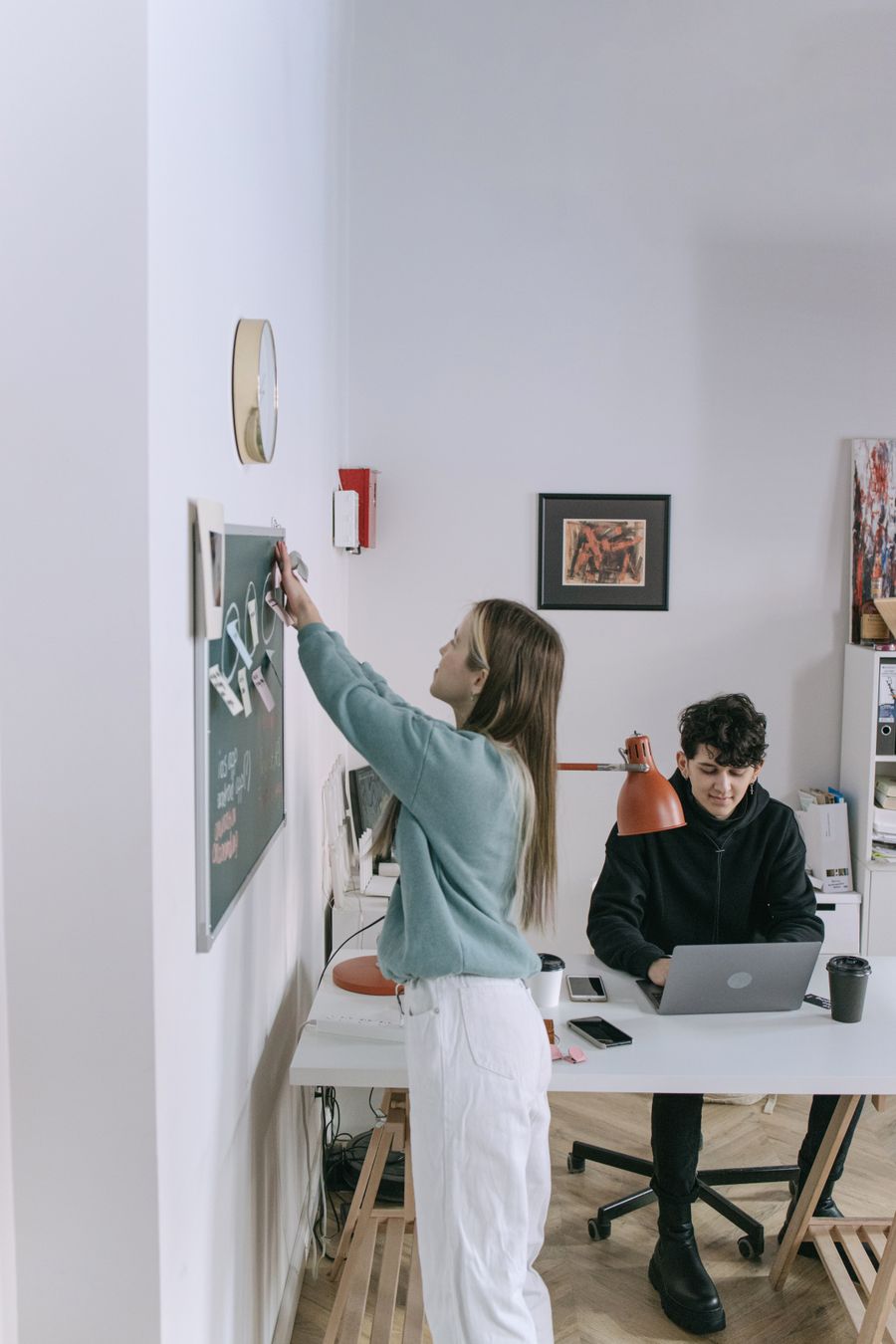
Photos with presencephotoaicompany Photo Editor — frame 3 of 4
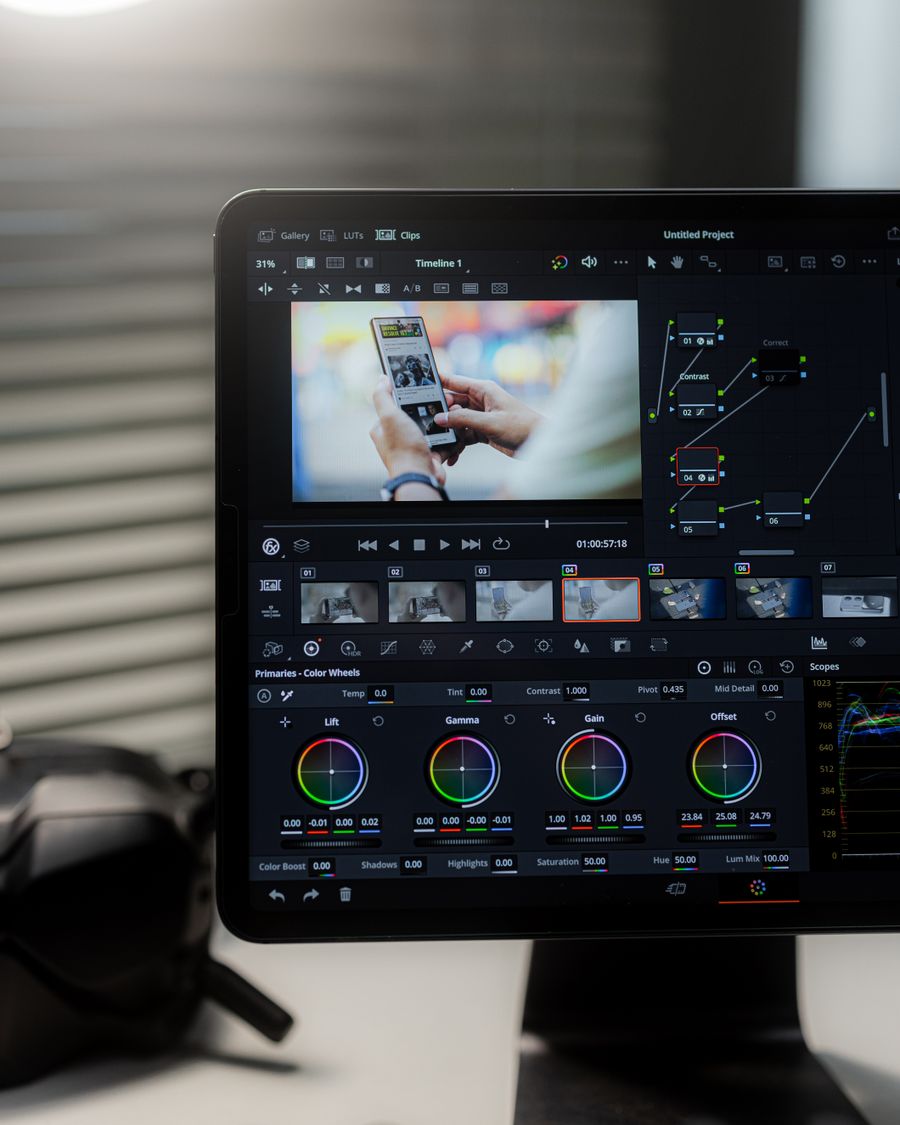
Export without fearphotoaicompany Photo Editor — frame 4 of 4
Drag the cards — they glide with inertia. Scroll — the blob morphs and the dot traces the flow.
The complete guide
The complete guide to photoaicompany Photo Editor
Edit photos right inside photoaicompany: brightness, contrast, saturation, crop, filters, and undo — nondestructive, so your original is never touched.
Start with the big picture: photoaicompany Photo Editor exists to make one job dramatically easier. Learn that job first and the details arrange themselves around it. The sections below walk through what it does, how to think about it, and where people go wrong — in that order, because order matters when you’re learning.
The fastest way to get good is reps: use photoaicompany Photo Editor on a real project today, notice what felt awkward, and come back to this guide with questions. Every technique below was chosen because it survives contact with real deadlines.
Crop with intent.Every crop is an editorial decision — cut to the emotion, not to the frame edges. Inside photoaicompany Photo Editor, this single habit pays off fast.
Grade for unity, not for drama.A consistent grade across all photos makes a set feel art-directed instead of assembled. Make it part of your photoaicompany Photo Editor routine.
Negative space is a feature.The empty third of a photo is where headlines live happily — don’t crop it away. Keep this in mind every time you open photoaicompany Photo Editor.
Bleed the photo, box the text.Full-bleed imagery feels cinematic; contained text blocks feel deliberate — the contrast is the design. This is doubly true when the job is photoaicompany Photo Editor.
Visual guides
Every fact, visualized
Ten detailed infographics — every number real, every label earned. Built for photoaicompany Photo Editor, only on this page.
photoaicompany Photo Editor essentialsphotoaicompany Photo Editor, mapped: the four parts that do the workWhat makes photoaicompany Photo Editor worth your timeFrom zero to a first photoaicompany Photo Editor result in five minutesSmall photoaicompany Photo Editor habits, compounding resultsHow photoaicompany Photo Editor designs leave the studiophotoaicompany Photo Editor, questioned and answeredWhere to go after photoaicompany Photo EditorThe unglamorous photoaicompany Photo Editor facts, stated plainlyphotoaicompany Photo Editor in numbers: the honest scoreboard
Live telemetry
PHOTOAICOMPANY PHOTO EDITOR — PAGE TELEMETRY
Real content counts on this page · hover any bar
0Sections
0Stock photos
0Infographics
0FAQs
Breakdownlive
9
Sections
5
Subsections
46
Photos
10
Infographics
Cumulative depthlive
Shot on real photography
photoaicompany Photo Editor — every visual on this page is a real photograph, not a placeholder.
Made with photoaicompany Photo Editor
This is what photoaicompany Photo Editor output looks like in the wild — photographic, detailed, finished.
photoaicompany Photo Editor — made visual
Twenty living mockups of photoaicompany Photo Editor, generated for this page only.
 photoaicompany