The AI panel puts three capabilities next to your canvas:
Image generation — describe the image you need and get design-ready art dropped onto your canvas as a new layer.
Text tools — write, rewrite, get ideas, or translate copy without leaving the editor.
Design operations — describe a change in plain language ("make the headline bigger and center it") and the AI applies validated edits to your design.
Honest quotas
AI runs on monthly credits, and the panel shows your usage plainly — how many you've used and how many remain. If you hit the limit, it says so and tells you when credits reset. No silent failures, no surprise charges.
Pro plans include more AI credits every month, and the same honest meter applies.
Safe by design
AI design operations are validated against the document schema before they're applied — the AI can only make changes the editor itself understands, so it can't corrupt your file.
Frequently asked questions
Yes — free plans include a monthly AI credit allowance, shown in the AI panel. Pro plans get more credits each month.
The panel tells you plainly that you've used this month's credits and when they reset. You can keep designing normally — only AI features pause.
No — AI-suggested edits are validated against the document schema before applying, so invalid operations are rejected, not half-applied.
A canvas that keeps upphotoaicompany AI Design — frame 1 of 4
Type that performsphotoaicompany AI Design — frame 2 of 4
Photos with presencephotoaicompany AI Design — frame 3 of 4
Export without fearphotoaicompany AI Design — frame 4 of 4
Drag the cards — they glide with inertia. Scroll — the blob morphs and the dot traces the flow.
The complete guide
The complete guide to photoaicompany AI Design
photoaicompany's AI tools: generate images from prompts, write and rewrite copy, translate text, and apply natural-language design edits — with a visible monthly credit quota.
Start with the big picture: photoaicompany AI Design exists to make one job dramatically easier. Learn that job first and the details arrange themselves around it. The sections below walk through what it does, how to think about it, and where people go wrong — in that order, because order matters when you’re learning.
The fastest way to get good is reps: use photoaicompany AI Design on a real project today, notice what felt awkward, and come back to this guide with questions. Every technique below was chosen because it survives contact with real deadlines.
One hero, supporting cast.Give one image the starring role and let the rest support — two heroes fight, one wins. Inside photoaicompany AI Design, this single habit pays off fast.
Negative space is a feature.The empty third of a photo is where headlines live happily — don’t crop it away. Keep this in mind every time you open photoaicompany AI Design.
Consistent light, consistent story.Photos shot in similar light sit together naturally; mixed lighting needs a unifying grade. This is doubly true when the job is photoaicompany AI Design.
Lead with your strongest image.One arresting photo beats a collage — give it room and let it carry the design. photoaicompany AI Design rewards this discipline more than most tools do.
Visual guides
Every fact, visualized
Ten detailed infographics — every number real, every label earned. Built for photoaicompany AI Design, only on this page.
photoaicompany AI Design essentialsphotoaicompany AI Design, mapped: the four parts that do the workWhat makes photoaicompany AI Design worth your timeFrom zero to a first photoaicompany AI Design result in five minutesSmall photoaicompany AI Design habits, compounding resultsHow photoaicompany AI Design designs leave the studiophotoaicompany AI Design, questioned and answeredWhere to go after photoaicompany AI DesignThe unglamorous photoaicompany AI Design facts, stated plainlyphotoaicompany AI Design in numbers: the honest scoreboard
Live telemetry
PHOTOAICOMPANY AI DESIGN — PAGE TELEMETRY
Real content counts on this page · hover any bar
0Sections
0Stock photos
0Infographics
0FAQs
Breakdownlive
9
Sections
5
Subsections
46
Photos
10
Infographics
Cumulative depthlive
The photoaicompany AI Design standard
No flat colors, no gradients — just real imagery, composed with intent.
Shot on real photography
photoaicompany AI Design — every visual on this page is a real photograph, not a placeholder.
photoaicompany AI Design — made visual
Twenty living mockups of photoaicompany AI Design, generated for this page only.
Zoom — photoaicompany AI Design
PNGJPGPDFMP4
RotateCrop
Zoom
Inside the photoaicompany AI Design workshop
ProjectsCanvasShadowColorsAssets
photoaicompany AI Design — Blend
4.9kBlur
312Comments
98%Frames
The photoaicompany AI Design atelier, mid-session
photoai.company/brandkit
photoaicompany AI DesignArrange · Crop
Effects
Blur
Grid
photoaicompany AI Design — the upgrade you feel
photoaicompany AI DesignHistory
1:14:516:99:16
Real results, photoaicompany AI Design ease
photoaicompany AI Design — untitled.pacText
CropDuplicateFiltersTemplatesComments
Rotate
Fonts
Arrange
Brand kit
Same-day photoaicompany AI Design, every day
photoaicompany AI Design
Text100%
Fonts93%
Assets86%
Background79%
Duplicate72%
Blur65%
Some mockup magic for your photoaicompany AI Design
photoaicompany AI DesignDuplicate
Assets
Text
Layers
photoaicompany AI Design — deconstructed, then perfected
photoaicompany AI Design
GradieZoomDuplicGrid
photoaicompany AI Design: the canvas grew up
Icons — photoaicompany AI Design
PNGJPGPDFMP4
Brand kitEffects
Icons
photoaicompany AI Design templates you would swear were custom
BlurExportCanvasShadowEffects
photoaicompany AI Design — Share
4.9kGrid
312Flip
98%Gradient
photoaicompany AI Design, rebuilt visually
photoai.company/fonts
photoaicompany AI DesignShare · Stroke
Filters
Assets
Crop
Alive with photoaicompany AI Design: the full workspace
photoaicompany AI DesignDuplicate
1:14:516:99:16
Beautifully composed, unmistakably photoaicompany AI Design
photoaicompany AI Design — untitled.pacShare
TextCanvasStrokeDuplicateMasks
Brand kit
Align
Background
Comments
Templates for photoaicompany AI Design with a human touch
photoaicompany AI Design
Fill100%
Zoom93%
Shadow86%
Fonts79%
Crop72%
Blend65%
photoaicompany AI Design, stamped with your name
photoaicompany AI DesignRotate
Comments
Share
Rulers
One click between you and photoaicompany AI Design
photoaicompany AI Design
TemplaRotateAssetsHistor
photoaicompany AI Design templates that feel real
Styles — photoaicompany AI Design
PNGJPGPDFMP4
HistoryBlur
Styles
The photoaicompany AI Design export, inspected at 200%
OpacityCanvasTemplatesRotateBrand kit
photoaicompany AI Design — Filters
4.9kFlip
312Fonts
98%Shadow
Inside the photoaicompany AI Design studio
photoai.company/projects
photoaicompany AI DesignBrand kit · Blend
History
Arrange
Masks
photoaicompany AI Design — what you see is what ships
photoaicompany AI DesignStroke
1:14:516:99:16
Minutes in, photoaicompany AI Design out
The photoaicompany AI Design stock library
Hand-picked photography for photoaicompany AI Design — refreshed on this page alone.
Proof of photoaicompany AI Design, exhibit A: Inside the studio
photoaicompany AI Design in the wild — Structure as subject, shipped in minutes
photoaicompany AI Design in capable hands: Pure geometry, no noise
photoaicompany AI Design, no learning curve — Front and centered says it better than a manual
Pure geometry, no noise. photoaicompany AI Design handles the fiddly part, you keep the vision
Before-and-after energy. photoaicompany AI Design turns "someday" designs into done designs
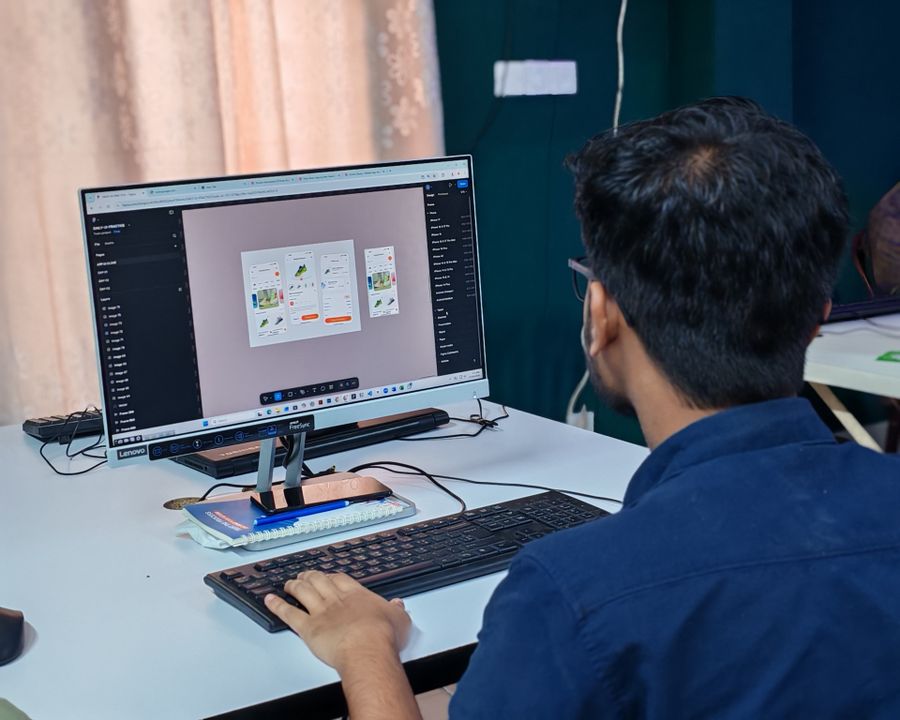
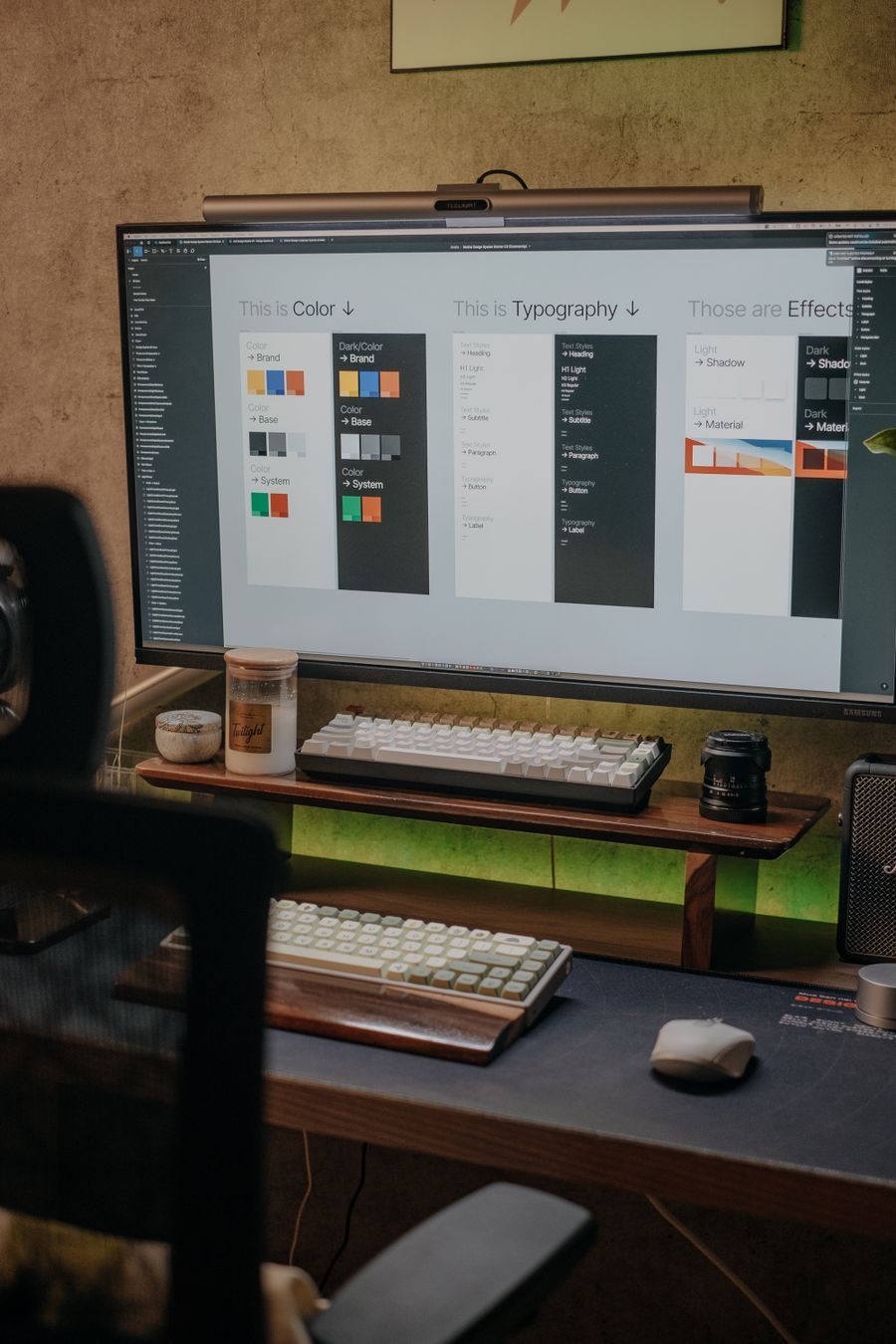
Desk check — photoaicompany AI Design earns its place in the toolbar here
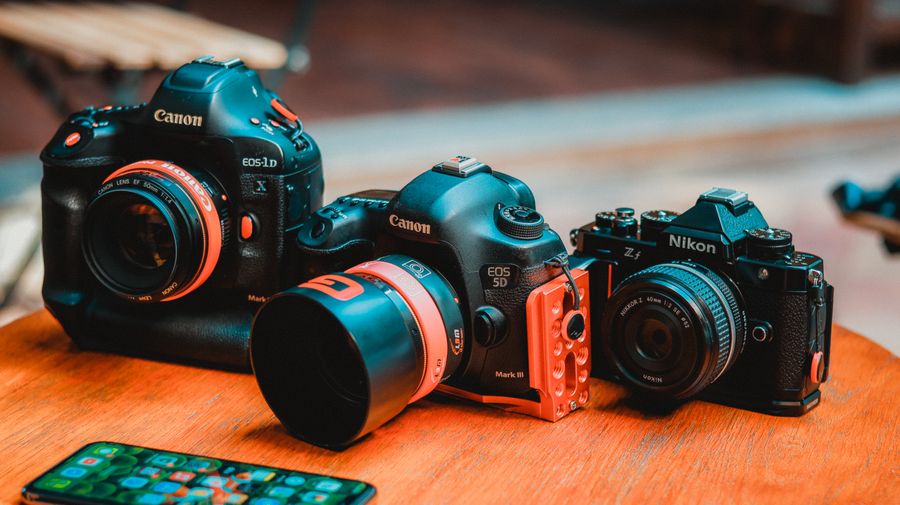
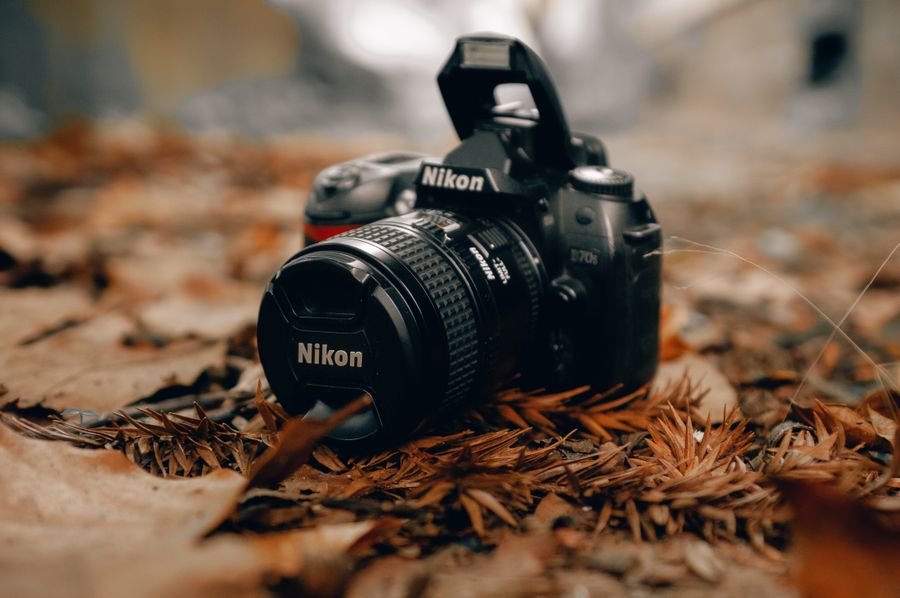
photoaicompany AI Design, dialed in — Through the lens, no guesswork
Before photoaicompany AI Design: a blank canvas. After: Fresh off the brush
photoaicompany AI Design, composed with intent — Fuelled and focused is the evidence
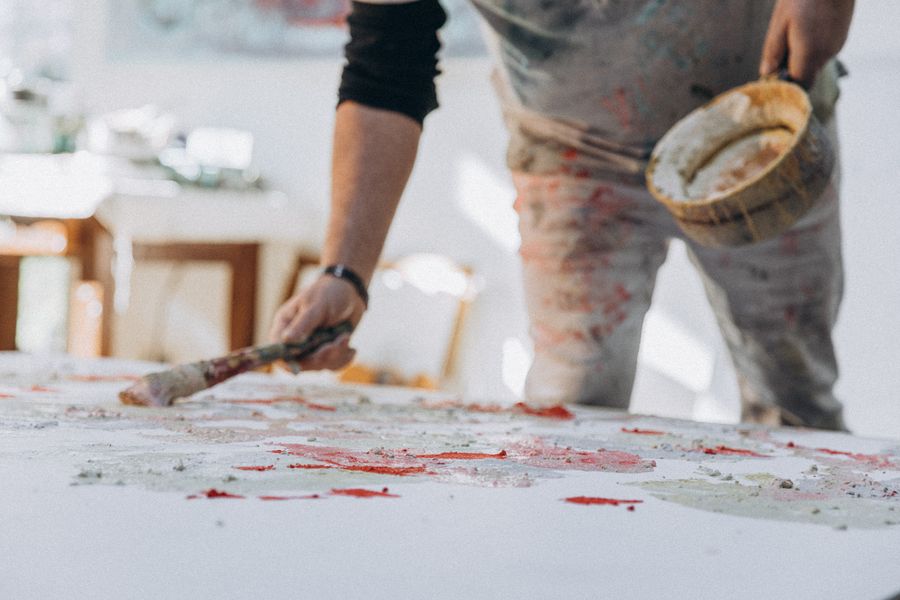
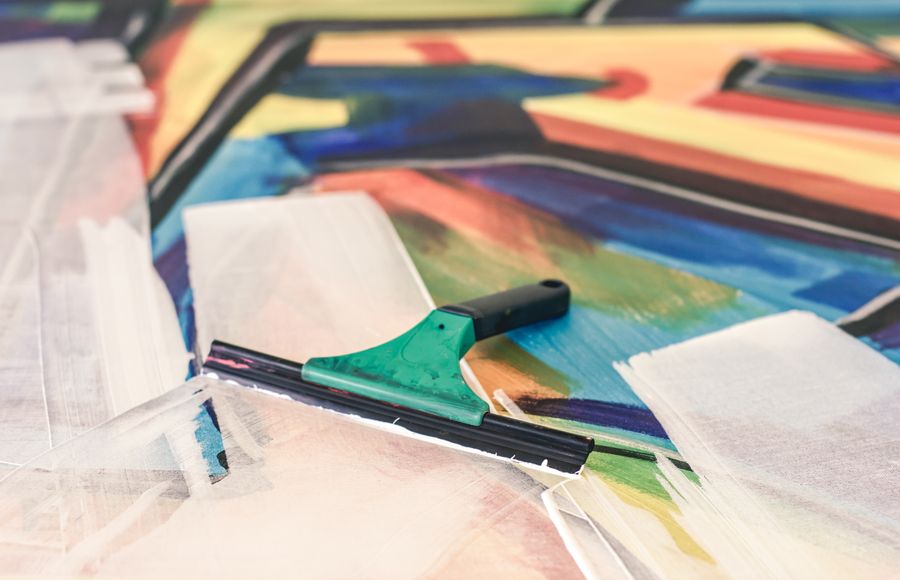
Fresh off the brush. This photoaicompany AI Design result took minutes, not hours
Desk check — photoaicompany AI Design keeps the craft, drops the chore
Fuelled and focused — the photoaicompany AI Design standard, held
The maker at work. photoaicompany AI Design, and the revision cycle just got shorter
Desk check — photoaicompany AI Design doing what it was designed to do
Fresh off the brush. Every pixel of this passed through photoaicompany AI Design
photoaicompany AI Design under the hood, Paper first, pixels after on the surface
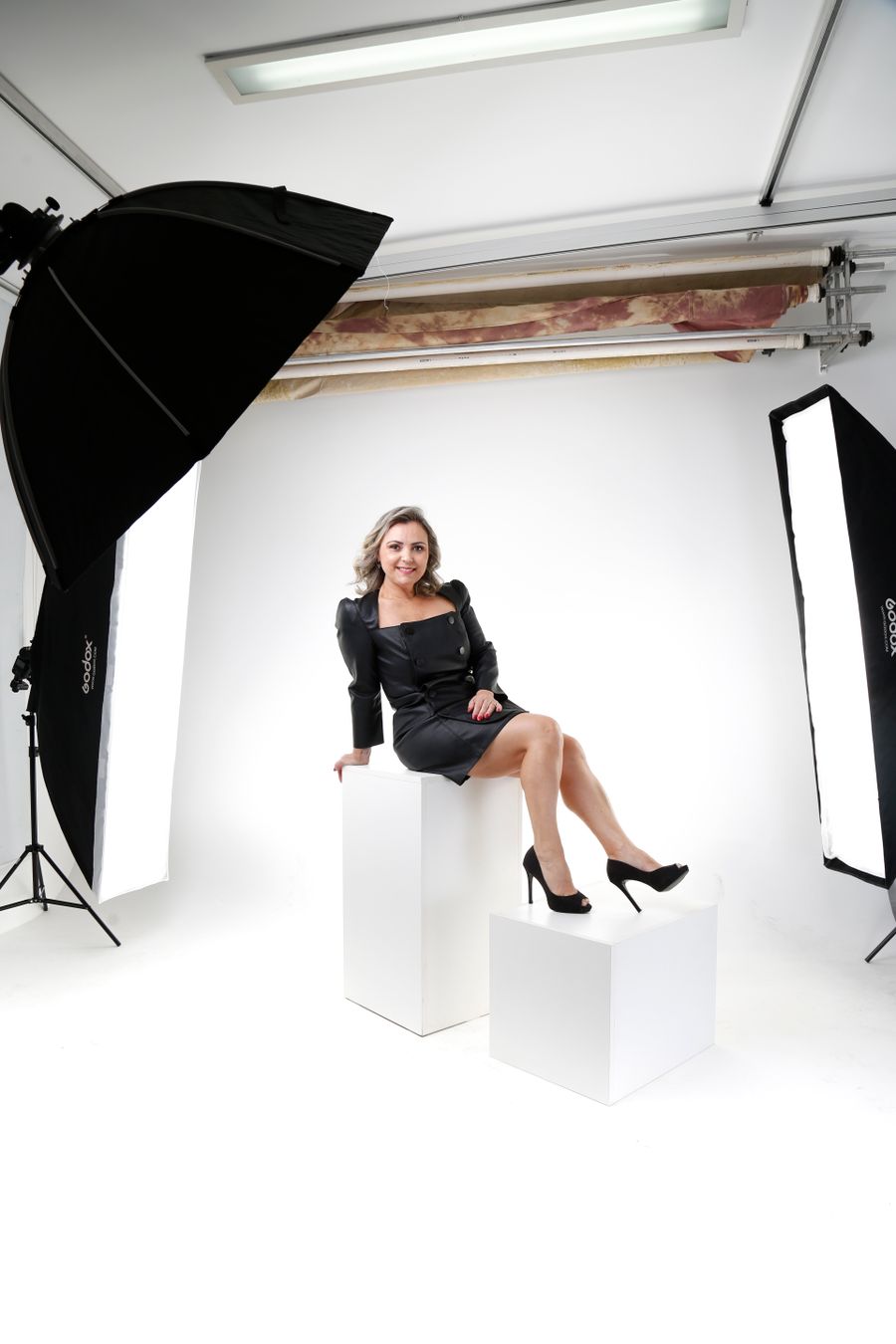
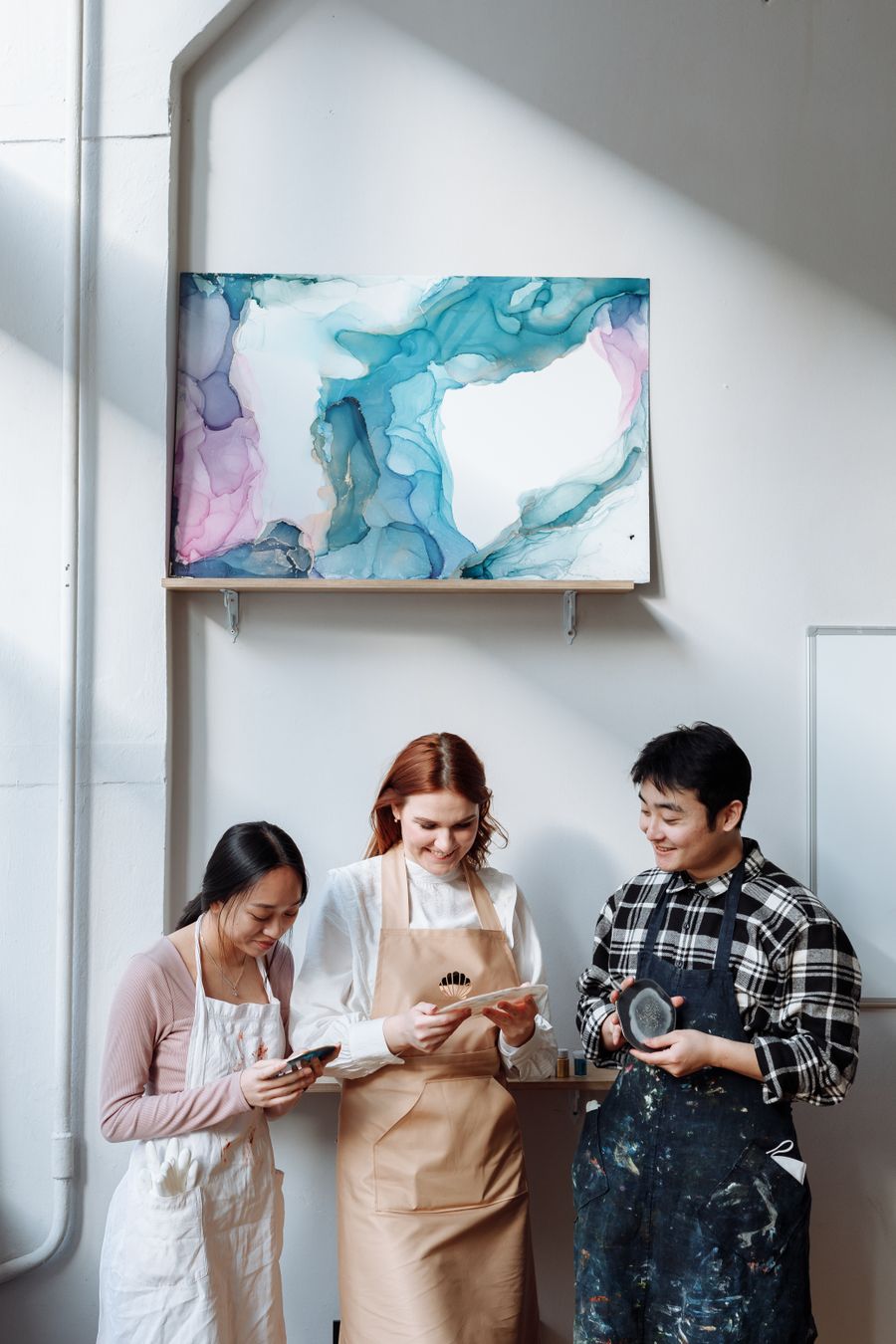
Faces first — the kind of result photoaicompany AI Design makes routine
 photoaicompany