Exporting for Print vs. Screen: PNG, JPG, PDF, and When to Use Each
The export dialog is where good designs go to look bad — pick the wrong format and your crisp design turns to mush. Here's the decision tree.
The format decision tree
PNG — graphics with text, logos, screenshots, anything needing transparency. Lossless, so edges stay sharp. Larger files.
JPG — photographs and photo-heavy designs. Much smaller files; use the highest quality setting for anything with overlaid text.
PDF — print, multi-page documents, resumes, anything a print shop or recruiter will open. One page per design page; choose the print/PDF option for the highest quality.
MP4 / WebM — anything with motion: video posts, intros, animated ads.
Screen rules
Export at 2× the display size for retina sharpness (a 600 px email column wants a 1200 px image). For social, match the platform's recommended sizes — our templates are pre-sized so you don't have to think about it.
Print rules
Print needs resolution, not pixels on screen: aim for 150–300 DPI at final size. Export PDF — it keeps text as sharp vectors regardless of size. Pro plans unlock the highest-resolution PDF exports and transparent PNGs for print-ready logos.
The transparent PNG question
Need your logo or cut-out on a transparent background? That's the transparent PNG export option — available on Pro plans. Free plans export on a solid background, still with no watermark.
Frequently asked questions
JPG for photo posts (smaller, uploads faster); PNG for graphics with text (sharper edges).
A high-resolution PDF. It keeps text sharp at any size and is what print workflows expect.
Try it yourself
Everything in this guide works in the free editor — open the app and follow along.
Exporting for Print vs. Screen: PNG, JPG, PDF, and When to Use Each
Follow the dot — it traces the argument of this article.
SparkDraftPublish
A canvas that keeps upExporting for Print vs. Screen: PNG, JPG, PDF, and When to Use Each — frame 1 of 4
Type that performsExporting for Print vs. Screen: PNG, JPG, PDF, and When to Use Each — frame 2 of 4
Photos with presenceExporting for Print vs. Screen: PNG, JPG, PDF, and When to Use Each — frame 3 of 4
Export without fearExporting for Print vs. Screen: PNG, JPG, PDF, and When to Use Each — frame 4 of 4
Drag the cards — they glide with inertia. Scroll — the blob morphs and the dot traces the flow.
Don’t just read
Key takeaways
The article’s section on “The format decision tree” is the one to re-read — it carries the practical core of the piece.
The article’s section on “Screen rules” is the one to re-read — it carries the practical core of the piece.
The article’s section on “Print rules” is the one to re-read — it carries the practical core of the piece.
Do the work
Put it into practice
1
First pass
Read once for the big idea, ignoring the details.
2
Second pass
Re-read with your current project open beside it.
3
Apply
Apply one technique from the article today — just one.
4
Compare
Save the result and compare it against your previous work.
Shot on real photography
Exporting for Print vs. Screen: PNG, JPG, PDF, and When to Use Each — every visual on this page is a real photograph, not a placeholder.
Visual guides
Every fact, visualized
Ten detailed infographics — every number real, every label earned. Built for Exporting for Print vs. Screen: PNG, JPG, PDF, only on this page.
Exporting for Print vs. Screen: PNG, JPG, PDF takeaways: the article, compressedPracticing Exporting for Print vs. Screen: PNG, JPG, PDF, step by stepExporting for Print vs. Screen: PNG, JPG, PDF by the numbersExporting for Print vs. Screen: PNG, JPG, PDF concept mapExporting for Print vs. Screen: PNG, JPG, PDF practice checklistExporting for Print vs. Screen: PNG, JPG, PDF: myth vs realityFrom Exporting for Print vs. Screen: PNG, JPG, PDF to portfolio proofKeep the Exporting for Print vs. Screen: PNG, JPG, PDF momentumExporting for Print vs. Screen: PNG, JPG, PDF reader questionsYour Exporting for Print vs. Screen: PNG, JPG, PDF action plan
Live telemetry
EXPORTING FOR PRINT VS. SCREEN: PNG, JPG, PDF — PAGE TELEMETRY
Real content counts on this page · hover any bar
0Sections
0Stock photos
0Infographics
0FAQs
Breakdownlive
13
Sections
8
Subsections
42
Photos
10
Infographics
Cumulative depthlive
Real pixels
Every backdrop on this page is a genuine photograph, chosen for Exporting for Print vs. Screen: PNG, JPG, PDF, and When to Use Each.
Exporting for Print vs. Screen: PNG, JPG, PDF, and When to Use Each — made visual
Twenty living mockups of Exporting for Print vs. Screen: PNG, JPG, PDF, and When to Use Each, generated for this page only.
Exporting for Print vs. Screen: PNG, JPG, PDF, and When to Use EachEffects
Projects
Text
Background
Pixel-craft, Exporting for Print vs. Screen: PNG, JPG, PDF, and When to Use Each edition
Zoom — Exporting for Print vs. Screen: PNG, JPG, PDF, and When to Use Each
PNGJPGPDFMP4
ProjectsLayers
Zoom
Exporting for Print vs. Screen: PNG, JPG, PDF, and When to Use Each with intent behind every pixel
Exporting for Print vs. Screen: PNG, JPG, PDF, and When to Use Each — untitled.pacAssets
FiltersBackgroundRotateFlipAdjust
Crop
Opacity
Shadow
Resize
The Exporting for Print vs. Screen: PNG, JPG, PDF, and When to Use Each teardown and rebuild
Exporting for Print vs. Screen: PNG, JPG, PDF, and When to Use EachStyles
1:14:516:99:16
Exporting for Print vs. Screen: PNG, JPG, PDF, and When to Use Each — craft every pixel
photoai.company/gradient
Exporting for Print vs. Screen: PNG, JPG, PDF, and When to Use EachAdjust · Text
Export
Version
Projects
Claim this Exporting for Print vs. Screen: PNG, JPG, PDF, and When to Use Each as your own
Exporting for Print vs. Screen: PNG, JPG, PDF, and When to Use Each
Brand kit100%
Rulers93%
Shadow86%
Resize79%
Opacity72%
Duplicate65%
The composition makes the Exporting for Print vs. Screen: PNG, JPG, PDF, and When to Use Each
Exporting for Print vs. Screen: PNG, JPG, PDF, and When to Use Each
ShadowBackgrDuplicArrang
The Exporting for Print vs. Screen: PNG, JPG, PDF, and When to Use Each workspace, alive
FontsLayersBlendOpacityRotate
Exporting for Print vs. Screen: PNG, JPG, PDF, and When to Use Each — Version
4.9kText
312Effects
98%Zoom
One decisive click: Exporting for Print vs. Screen: PNG, JPG, PDF, and When to Use Each
Exporting for Print vs. Screen: PNG, JPG, PDF, and When to Use EachComments
Arrange
Masks
Stroke
Exporting for Print vs. Screen: PNG, JPG, PDF, and When to Use Each, engineered to win clicks
Rulers — Exporting for Print vs. Screen: PNG, JPG, PDF, and When to Use Each
PNGJPGPDFMP4
StrokeEffects
Rulers
Exporting for Print vs. Screen: PNG, JPG, PDF, and When to Use Each — the quiet art of arrangement
Exporting for Print vs. Screen: PNG, JPG, PDF, and When to Use Each — untitled.pacBackground
ColorsShareShadowZoomTemplates
Brand kit
Frames
Arrange
Rotate
A Exporting for Print vs. Screen: PNG, JPG, PDF, and When to Use Each that pulls its weight
Exporting for Print vs. Screen: PNG, JPG, PDF, and When to Use EachFonts
1:14:516:99:16
Exporting for Print vs. Screen: PNG, JPG, PDF, and When to Use Each at studio standard, immediately
photoai.company/grid
Exporting for Print vs. Screen: PNG, JPG, PDF, and When to Use EachCrop · Duplicate
Text
Styles
Comments
No ceiling on this Exporting for Print vs. Screen: PNG, JPG, PDF, and When to Use Each
Exporting for Print vs. Screen: PNG, JPG, PDF, and When to Use Each
Assets100%
Blur93%
Align86%
Icons79%
Rulers72%
Blend65%
Wild Exporting for Print vs. Screen: PNG, JPG, PDF, and When to Use Each — out where it belongs
Exporting for Print vs. Screen: PNG, JPG, PDF, and When to Use Each
ColorsCropLayersStyles
Exporting for Print vs. Screen: PNG, JPG, PDF, and When to Use Each — ready to share
MasksFlipStylesAssetsZoom
Exporting for Print vs. Screen: PNG, JPG, PDF, and When to Use Each — Share
4.9kIcons
312Canvas
98%Export
Exporting for Print vs. Screen: PNG, JPG, PDF, and When to Use Each — this is where the magic is scheduled
Exporting for Print vs. Screen: PNG, JPG, PDF, and When to Use EachVersion
Fonts
Comments
Assets
Exporting for Print vs. Screen: PNG, JPG, PDF, and When to Use Each, remixed into yours
Assets — Exporting for Print vs. Screen: PNG, JPG, PDF, and When to Use Each
PNGJPGPDFMP4
FlipComments
Assets
Exporting for Print vs. Screen: PNG, JPG, PDF, and When to Use Each without breaking a sweat
Exporting for Print vs. Screen: PNG, JPG, PDF, and When to Use Each — untitled.pacAdjust
Brand kitEffectsIconsShadowTemplates
Rulers
Gradient
Opacity
Colors
Exporting for Print vs. Screen: PNG, JPG, PDF, and When to Use Each — pretty is not the point, results are
Exporting for Print vs. Screen: PNG, JPG, PDF, and When to Use EachBackground
1:14:516:99:16
Exporting for Print vs. Screen: PNG, JPG, PDF, and When to Use Each in a single click
The photoaicompany stock library
Hand-picked photography for photoaicompany — refreshed on this page alone.
Faces first — Exporting for Print vs. Screen: PNG, JPG, PDF, and When to Use Each, caught red-handed
Made to be looked at. Exporting for Print vs. Screen: PNG, JPG, PDF, and When to Use Each, minus the theory
Pure geometry, no noise — proof that Exporting for Print vs. Screen: PNG, JPG, PDF, and When to Use Each works outside the article
Pure geometry, no noise — Exporting for Print vs. Screen: PNG, JPG, PDF, and When to Use Each, in practice
The Exporting for Print vs. Screen: PNG, JPG, PDF, and When to Use Each principle, photographed: Sharp at every zoom
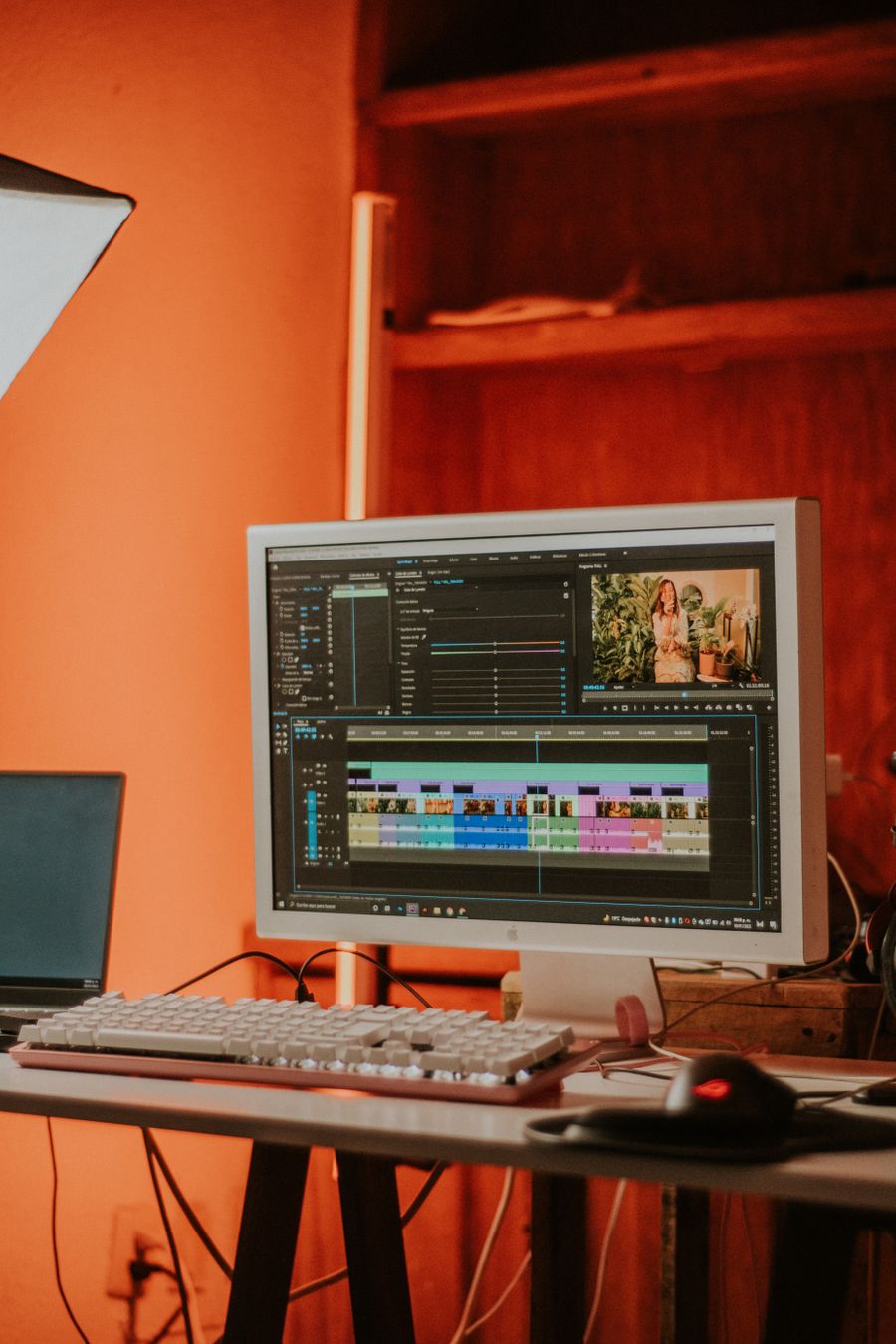
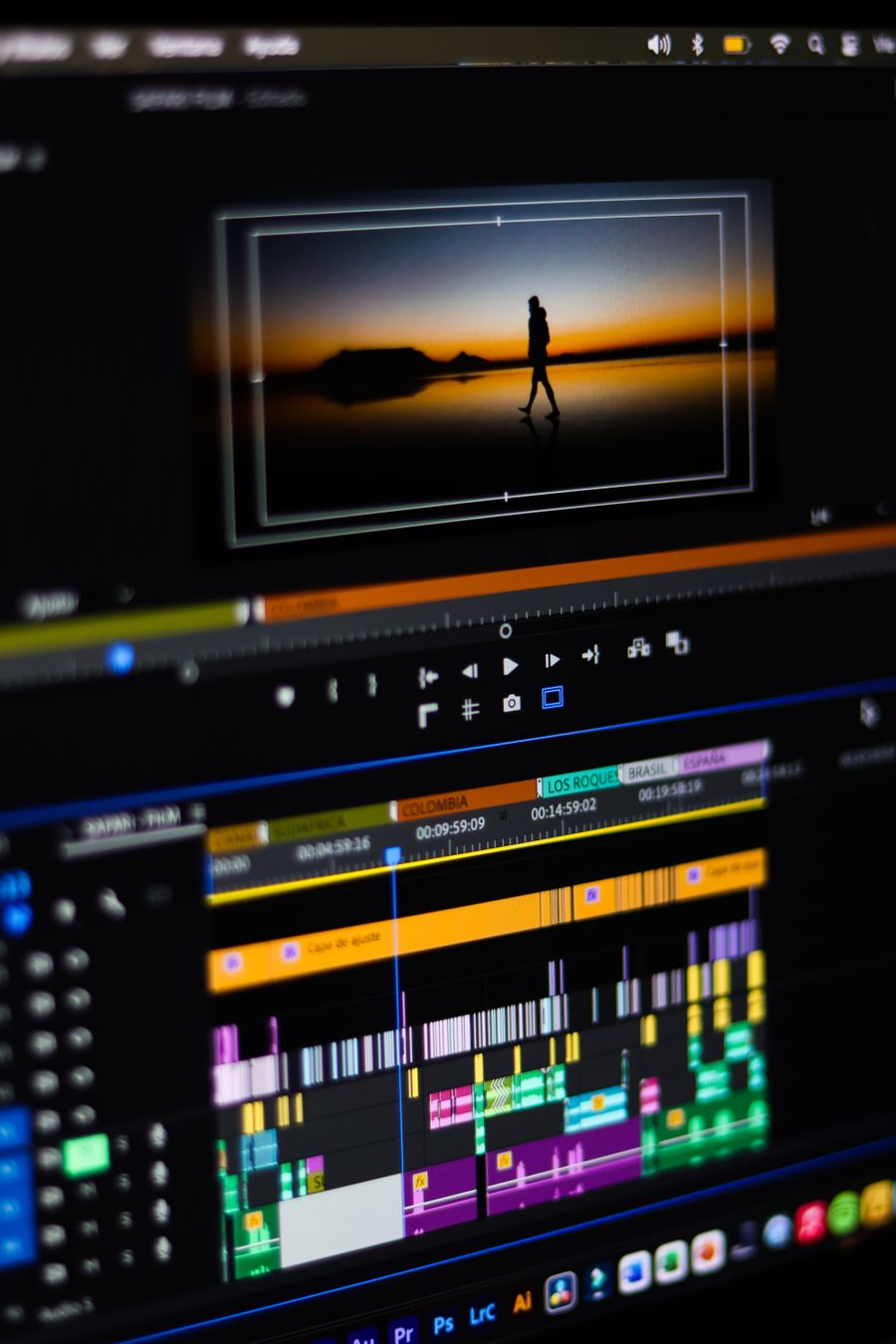
On the laptop screen. The idea behind Exporting for Print vs. Screen: PNG, JPG, PDF, and When to Use Each, made visible
On the laptop screen — the visual footnote to Exporting for Print vs. Screen: PNG, JPG, PDF, and When to Use Each
Inside the studio — exhibit A for Exporting for Print vs. Screen: PNG, JPG, PDF, and When to Use Each
Paper first, pixels after. File this image under Exporting for Print vs. Screen: PNG, JPG, PDF, and When to Use Each, learned
Exporting for Print vs. Screen: PNG, JPG, PDF, and When to Use Each is easier to grasp when you can see it: Desk check
Read the words, then look: Made to be looked at is Exporting for Print vs. Screen: PNG, JPG, PDF, and When to Use Each in the wild
The short version of Exporting for Print vs. Screen: PNG, JPG, PDF, and When to Use Each: Texture you can almost feel
Theory ends here: Paper first, pixels after puts Exporting for Print vs. Screen: PNG, JPG, PDF, and When to Use Each to work
Faces first. If Exporting for Print vs. Screen: PNG, JPG, PDF, and When to Use Each had a face, it would look like this
Exporting for Print vs. Screen: PNG, JPG, PDF, and When to Use Each, demonstrated rather than described: Pure geometry, no noise
Paper first, pixels after. This is Exporting for Print vs. Screen: PNG, JPG, PDF, and When to Use Each earning its place in your workflow
Exporting for Print vs. Screen: PNG, JPG, PDF, and When to Use Each, up close: Paper first, pixels after
Through the lens. Bookmark the image — Exporting for Print vs. Screen: PNG, JPG, PDF, and When to Use Each, remembered visually
 photoaicompany