How to Remove a Photo Background in Seconds (Free, No Upload)
Background removal used to mean Photoshop pen-tool marathons or uploading your photos to a sketchy third-party site. Here's the one-click way that runs entirely in your browser — free, with no upload.
Choose Remove background. An AI segmentation model loads right in your browser.
Wait a few seconds — the model cuts out your subject and drops a transparent PNG into your design as a new layer.
Drag it over any background: a gradient, a new photo, your brand color.
That's the whole workflow. No masking, no refining edges by hand for the common cases.
Why it's free (and private)
Most background removers charge per image because they run the AI on their servers — every removal costs them GPU time. photoaicompany's model runs client-side, on your device. Zero server cost means zero per-image price, on every plan including Free — and your photo never leaves your device for processing.
Getting clean cut-outs
Start with contrast. The model segments best when the subject stands out from the background. If your photo is flat, open Edit photo first and bump contrast slightly.
Watch the edges on hair and fur. Fine detail is the hardest case for any segmentation model. Zoom to 100% and check — for hero images it's worth a second pass with a tighter crop.
Busy backgrounds with colors similar to your subject confuse every remover. When in doubt, shoot or pick photos with separation between subject and background.
What to make with it
Product listings — cut products onto clean white or brand-color backgrounds.
Thumbnails — composite yourself over bold graphics for YouTube (see our YouTube templates).
Team pages — uniform headshot cut-outs for your about page or pitch deck.
Social graphics — layer people and objects over scenes for scroll-stopping posts.
Frequently asked questions
Yes — unlimited, on every plan. The AI runs in your browser, so there's no server cost to pass on to you.
No. The segmentation model runs locally in your browser; your image never leaves your device.
Try it yourself
Everything in this guide works in the free editor — open the app and follow along.
How to Remove a Photo Background in Seconds (Free, No Upload)
Follow the dot — it traces the argument of this article.
SparkDraftPublish
A canvas that keeps upHow to Remove a Photo Background in Seconds (Free, No Upload) — frame 1 of 4
Type that performsHow to Remove a Photo Background in Seconds (Free, No Upload) — frame 2 of 4
Photos with presenceHow to Remove a Photo Background in Seconds (Free, No Upload) — frame 3 of 4
Export without fearHow to Remove a Photo Background in Seconds (Free, No Upload) — frame 4 of 4
Drag the cards — they glide with inertia. Scroll — the blob morphs and the dot traces the flow.
Don’t just read
Key takeaways
The article’s section on “The one-click method” is the one to re-read — it carries the practical core of the piece.
The article’s section on “Why it's free (and private)” is the one to re-read — it carries the practical core of the piece.
The article’s section on “Getting clean cut-outs” is the one to re-read — it carries the practical core of the piece.
Do the work
Put it into practice
1
First pass
Read once for the big idea, ignoring the details.
2
Second pass
Re-read with your current project open beside it.
3
Apply
Apply one technique from the article today — just one.
4
Compare
Save the result and compare it against your previous work.
Real pixels
Every backdrop on this page is a genuine photograph, chosen for How to Remove a Photo Background in Seconds (Free, No Upload).
Visual guides
Every fact, visualized
Ten detailed infographics — every number real, every label earned. Built for How to Remove a Photo Background in Seconds, only on this page.
How to Remove a Photo Background in Seconds takeaways: the article, compressedPracticing How to Remove a Photo Background in Seconds, step by stepHow to Remove a Photo Background in Seconds by the numbersHow to Remove a Photo Background in Seconds concept mapHow to Remove a Photo Background in Seconds practice checklistHow to Remove a Photo Background in Seconds: myth vs realityFrom How to Remove a Photo Background in Seconds to portfolio proofKeep the How to Remove a Photo Background in Seconds momentumHow to Remove a Photo Background in Seconds reader questionsYour How to Remove a Photo Background in Seconds action plan
Live telemetry
HOW TO REMOVE A PHOTO BACKGROUND IN SECONDS — PAGE TELEMETRY
Real content counts on this page · hover any bar
0Sections
0Stock photos
0Infographics
0FAQs
Breakdownlive
13
Sections
8
Subsections
42
Photos
10
Infographics
Cumulative depthlive
The How to Remove a Photo Background in Seconds (Free, No Upload) standard
No flat colors, no gradients — just real imagery, composed with intent.
How to Remove a Photo Background in Seconds (Free, No Upload) — made visual
Twenty living mockups of How to Remove a Photo Background in Seconds (Free, No Upload), generated for this page only.
Align — How to Remove a Photo Background in Seconds (Free, No Upload)
PNGJPGPDFMP4
CanvasFill
Align
Studio-grade How to Remove a Photo Background in Seconds (Free, No Upload), instantly
How to Remove a Photo Background in Seconds (Free, No Upload)
Brand kit100%
Adjust93%
Styles86%
Text79%
Effects72%
Blur65%
How to Remove a Photo Background in Seconds (Free, No Upload) — easy does it, beautifully
How to Remove a Photo Background in Seconds (Free, No Upload)
FontsShadowCropResize
How to Remove a Photo Background in Seconds (Free, No Upload), reinvented quietly
photoai.company/rotate
How to Remove a Photo Background in Seconds (Free, No Upload)Comments · Flip
Rulers
Stroke
Resize
A How to Remove a Photo Background in Seconds (Free, No Upload) that pulls its weight
How to Remove a Photo Background in Seconds (Free, No Upload)Opacity
1:14:516:99:16
Live from the How to Remove a Photo Background in Seconds (Free, No Upload) workspace
How to Remove a Photo Background in Seconds (Free, No Upload)Crop
Rotate
Assets
Canvas
The How to Remove a Photo Background in Seconds (Free, No Upload) is ready for its audience
How to Remove a Photo Background in Seconds (Free, No Upload) — untitled.pacStyles
AlignFontsCanvasFiltersBlend
Colors
Brand kit
Adjust
Export
How to Remove a Photo Background in Seconds (Free, No Upload) — the quiet art of arrangement
BlendAdjustTemplatesDuplicateExport
How to Remove a Photo Background in Seconds (Free, No Upload) — Rulers
4.9kShare
312Canvas
98%Styles
How to Remove a Photo Background in Seconds (Free, No Upload) without the asterisk
Colors — How to Remove a Photo Background in Seconds (Free, No Upload)
PNGJPGPDFMP4
VersionShadow
Colors
How to Remove a Photo Background in Seconds (Free, No Upload) beyond the canvas
How to Remove a Photo Background in Seconds (Free, No Upload)
Rotate100%
Resize93%
Opacity86%
Brand kit79%
Flip72%
Projects65%
Doing How to Remove a Photo Background in Seconds (Free, No Upload) like it is 2026
How to Remove a Photo Background in Seconds (Free, No Upload)
AssetsTemplaShareGrid
How to Remove a Photo Background in Seconds (Free, No Upload) — the effort is invisible, the result is not
photoai.company/gradient
How to Remove a Photo Background in Seconds (Free, No Upload)Background · Icons
Fonts
Opacity
Brand kit
How to Remove a Photo Background in Seconds (Free, No Upload), the 2026 way
How to Remove a Photo Background in Seconds (Free, No Upload)Fill
1:14:516:99:16
How to Remove a Photo Background in Seconds (Free, No Upload) — hit share with confidence
How to Remove a Photo Background in Seconds (Free, No Upload)Version
Frames
Canvas
Comments
How to Remove a Photo Background in Seconds (Free, No Upload) — studio-tested, creator-approved
How to Remove a Photo Background in Seconds (Free, No Upload) — untitled.pacCrop
ShadowZoomExportOpacityStroke
Gradient
History
Align
Effects
How to Remove a Photo Background in Seconds (Free, No Upload), beautifully composed
AdjustFontsDuplicateGradientGrid
How to Remove a Photo Background in Seconds (Free, No Upload) — Arrange
4.9kStroke
312Icons
98%Styles
Design How to Remove a Photo Background in Seconds (Free, No Upload) without limits
Gradient — How to Remove a Photo Background in Seconds (Free, No Upload)
PNGJPGPDFMP4
FillMasks
Gradient
How to Remove a Photo Background in Seconds (Free, No Upload) — limits are for other tools
How to Remove a Photo Background in Seconds (Free, No Upload)
Text100%
Rotate93%
Version86%
Arrange79%
Templates72%
Fonts65%
The How to Remove a Photo Background in Seconds (Free, No Upload) export, inspected at 200%
How to Remove a Photo Background in Seconds (Free, No Upload)
Brand ResizeTemplaHistor
Share the How to Remove a Photo Background in Seconds (Free, No Upload), keep the credit
photoai.company/export
How to Remove a Photo Background in Seconds (Free, No Upload)Adjust · Crop
Icons
Duplicate
Canvas
How to Remove a Photo Background in Seconds (Free, No Upload) without breaking a sweat
The photoaicompany stock library
Hand-picked photography for photoaicompany — refreshed on this page alone.
Faces first. The idea behind How to Remove a Photo Background in Seconds (Free, No Upload), made visible
Pure geometry, no noise. File this image under How to Remove a Photo Background in Seconds (Free, No Upload), learned
Theory ends here: Desk check puts How to Remove a Photo Background in Seconds (Free, No Upload) to work
Pure geometry, no noise. This is How to Remove a Photo Background in Seconds (Free, No Upload) earning its place in your workflow
Paper first, pixels after — the visual footnote to How to Remove a Photo Background in Seconds (Free, No Upload)
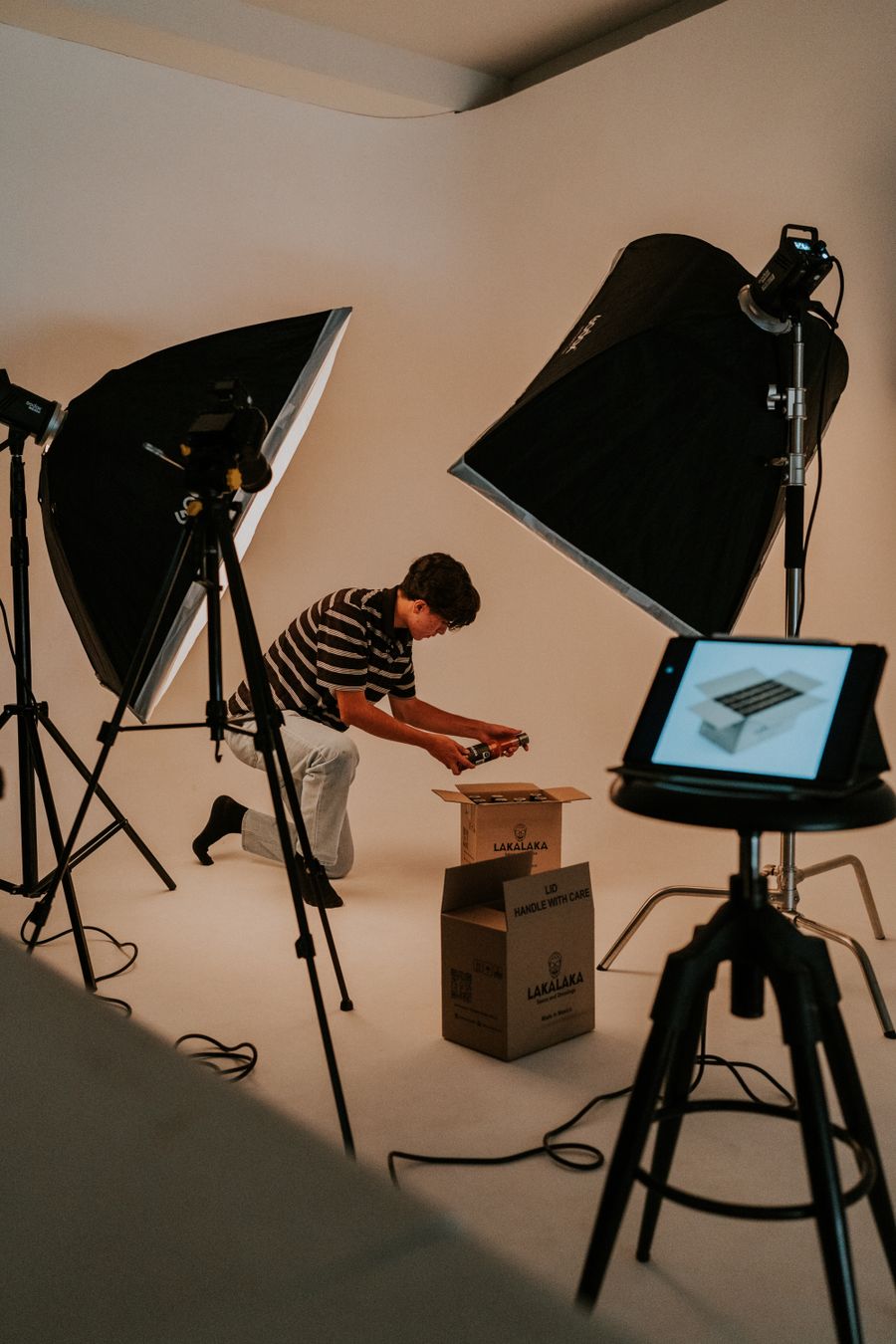
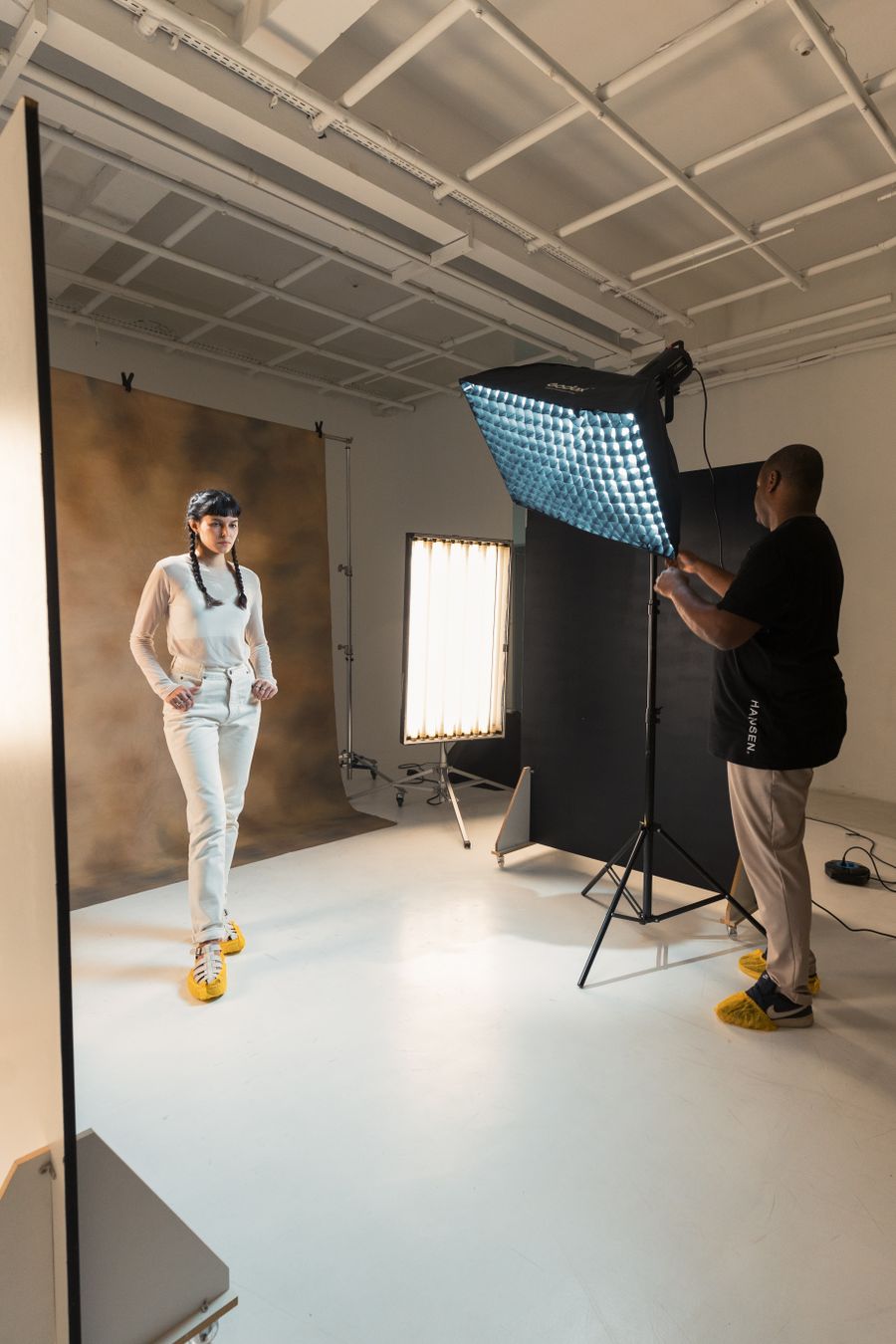
Inside the studio. If How to Remove a Photo Background in Seconds (Free, No Upload) had a face, it would look like this
See How to Remove a Photo Background in Seconds (Free, No Upload) clearly: Faces first
How to Remove a Photo Background in Seconds (Free, No Upload) is easier to grasp when you can see it: Faces first
Paper first, pixels after. How to Remove a Photo Background in Seconds (Free, No Upload), minus the theory
Tool of the trade — How to Remove a Photo Background in Seconds (Free, No Upload), caught red-handed
How to Remove a Photo Background in Seconds (Free, No Upload), remembered visually: Faces first
The How to Remove a Photo Background in Seconds (Free, No Upload) principle, photographed: Fresh off the brush
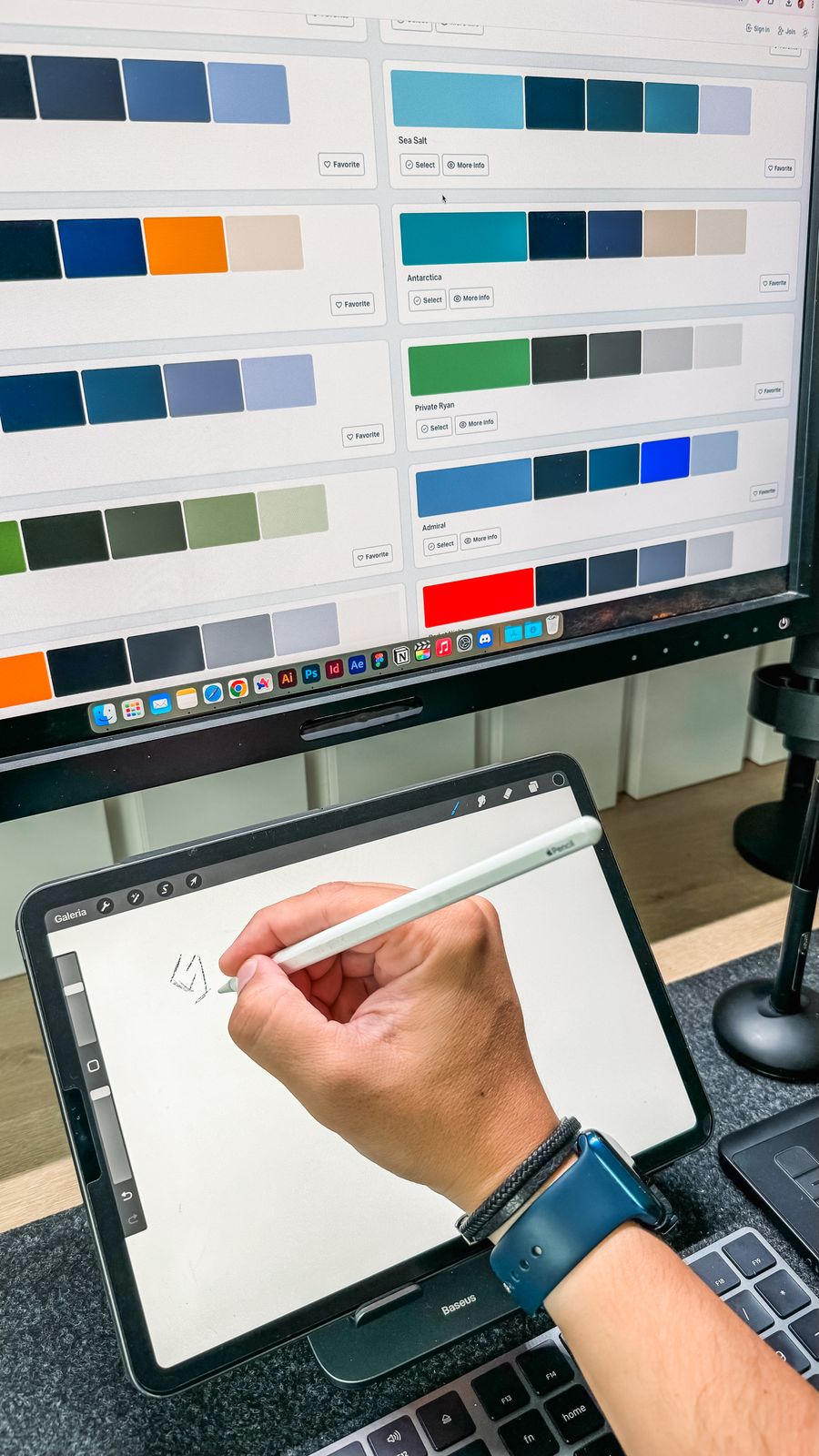
Pencil down, idea captured — How to Remove a Photo Background in Seconds (Free, No Upload), in practice
The details matter — the How to Remove a Photo Background in Seconds (Free, No Upload) lesson, illustrated
The short version of How to Remove a Photo Background in Seconds (Free, No Upload): Through the lens
How to Remove a Photo Background in Seconds (Free, No Upload), demonstrated rather than described: Faces first
How to Remove a Photo Background in Seconds (Free, No Upload), up close: Chasing the good light
On the laptop screen — proof that How to Remove a Photo Background in Seconds (Free, No Upload) works outside the article
 photoaicompany