Guide

Prompting AI Images for Real Design Work

AI image generation is incredible at vibes and terrible at specifics — unless you prompt for what designers actually need: composition, negative space, and style consistency.

Prompt for the layout, not just the subject

Bad prompt: "a coffee shop". Good prompt: "warm minimalist coffee shop interior, empty wooden counter in the lower third with copy space above, soft morning light, editorial photography style".

The difference: the good prompt specifies composition (where things sit), negative space (room for your headline), and a style anchor (editorial photography). In the photoaicompany AI panel, generated images drop onto your canvas as layers — prompt them like backgrounds and components, not finished posters.

Style anchors that work

  • "flat vector illustration" — for icons, spots, and infographic elements.
  • "editorial photography" — for realistic lifestyle imagery.
  • "soft 3D render, studio lighting" — for product-style hero visuals.
  • "duotone" plus your brand color — for images that match your palette instantly.

What AI images are bad at

Text inside generated images (it garbles), exact brand colors (close, not exact), and consistent characters across generations. The fix: generate the imagery with AI and add text, logos, and brand colors as real layers in the editor — which is exactly how the workflow is designed.

Mind your credits

AI generation uses monthly credits, shown honestly in the AI panel with your remaining balance. Pro plans get more credits each month. Iterate cheaply: generate small, pick a winner, then generate variations of the winner rather than rolling the dice ten times.

Frequently asked questions

Not reliably — text in generated images often garbles. Generate the imagery with AI and add headlines as real text layers in the editor.

Generation uses monthly AI credits, visible in the AI panel. Free plans include an allowance; Pro plans get more each month.

Try it yourself

Everything in this guide works in the free editor — open the app and follow along.
Keep reading

Follow the idea

Prompting AI Images for Real Design Work

Follow the dot — it traces the argument of this article.
SparkDraftPublish
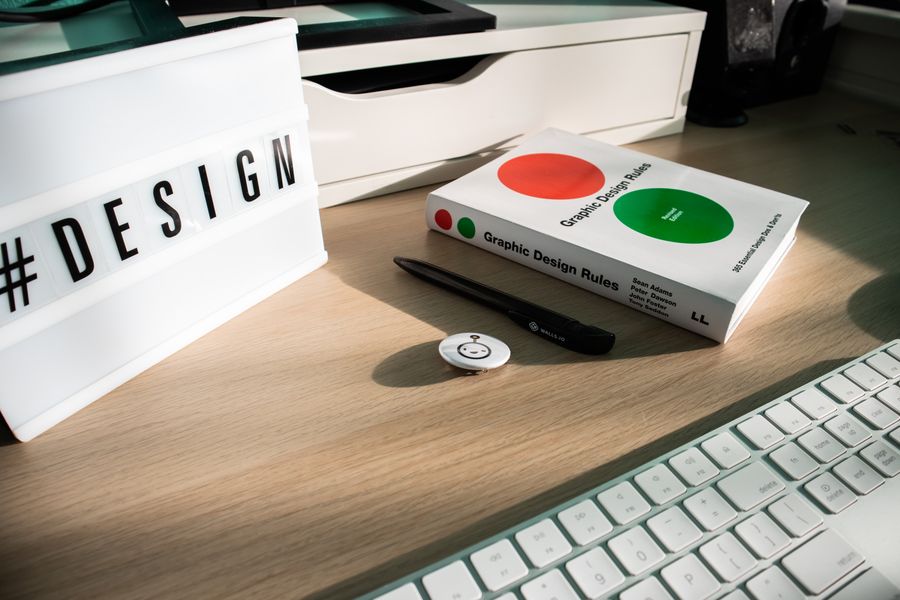
Book computer accessories on desk — Prompting AI Images for Real Design Work motion card

A canvas that keeps upPrompting AI Images for Real Design Work — frame 1 of 4

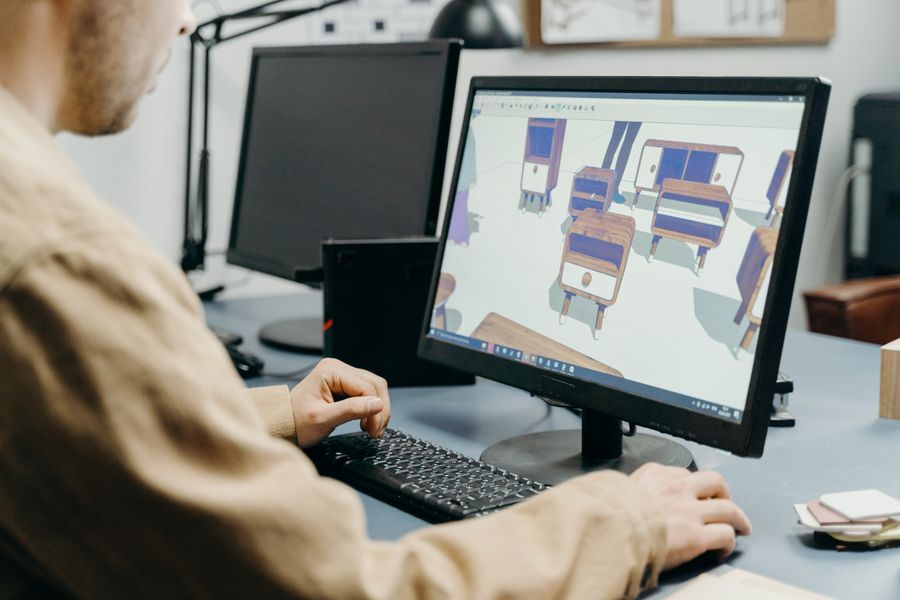
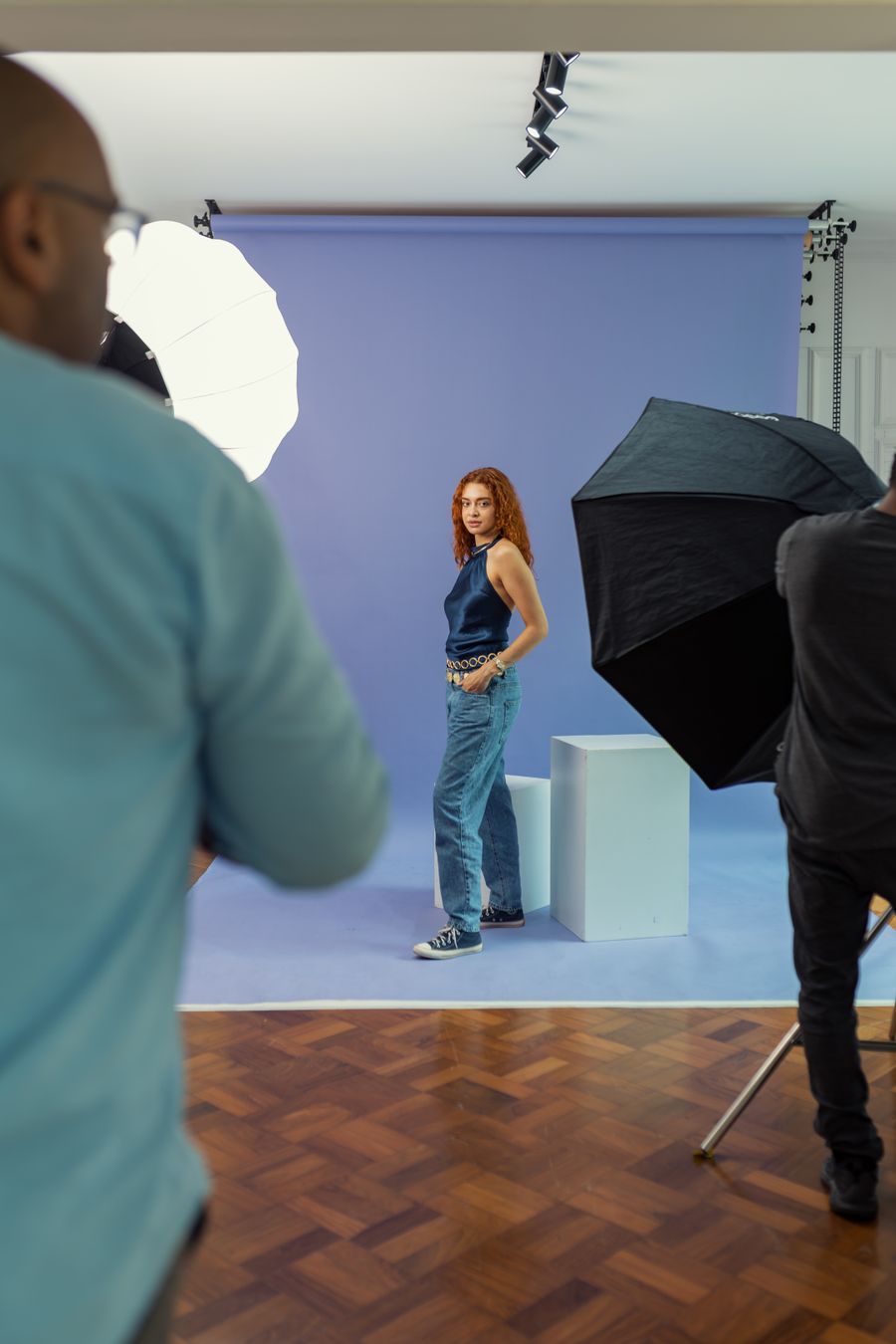
A person using computer — Prompting AI Images for Real Design Work motion card

Type that performsPrompting AI Images for Real Design Work — frame 2 of 4

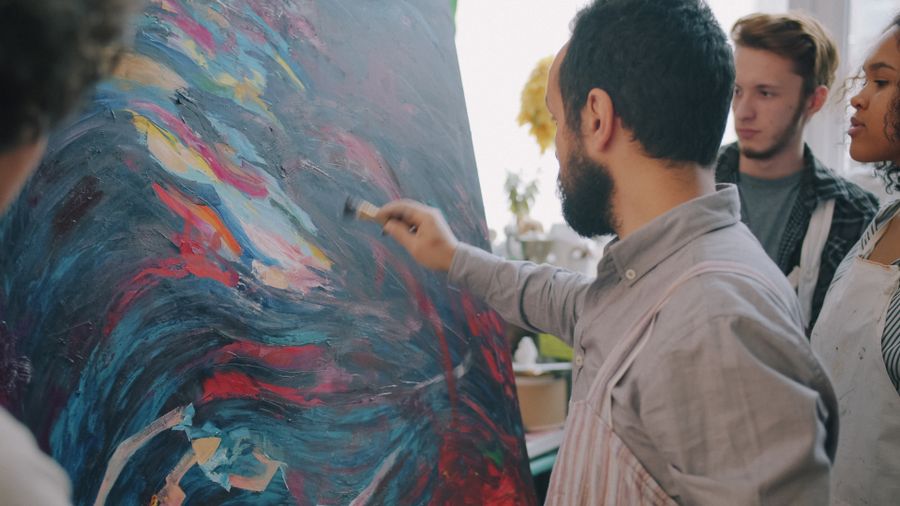
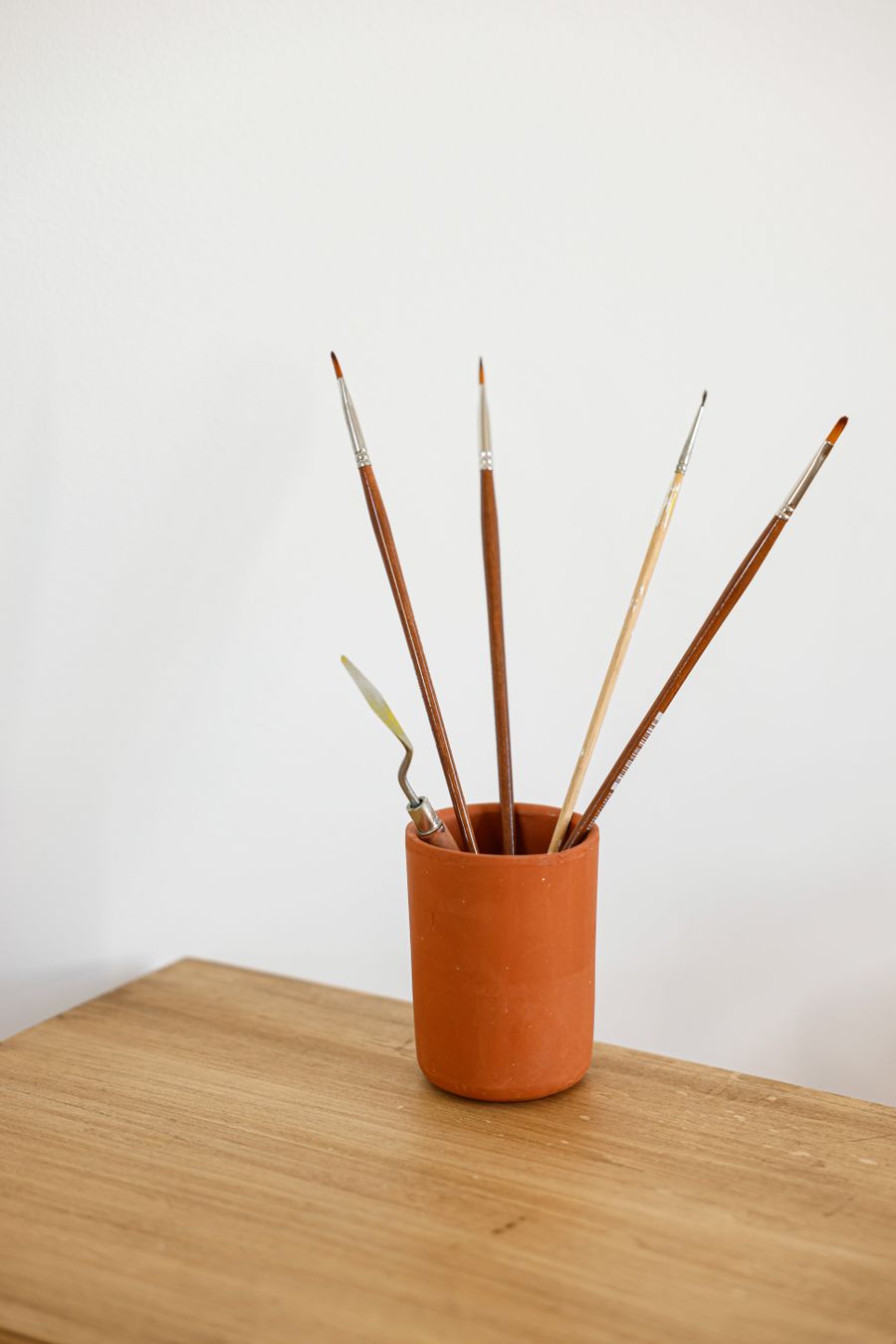
Palettes with paints — Prompting AI Images for Real Design Work motion card

Photos with presencePrompting AI Images for Real Design Work — frame 3 of 4

Luxurious vintage bathroom interior design — Prompting AI Images for Real Design Work motion card

Export without fearPrompting AI Images for Real Design Work — frame 4 of 4

Drag the cards — they glide with inertia. Scroll — the blob morphs and the dot traces the flow.

Don’t just read

Key takeaways

  • The article’s section on “Prompt for the layout, not just the subject” is the one to re-read — it carries the practical core of the piece.
  • The article’s section on “Style anchors that work” is the one to re-read — it carries the practical core of the piece.
  • The article’s section on “What AI images are bad at” is the one to re-read — it carries the practical core of the piece.
Do the work

Put it into practice

  1. 1

    First pass

    Read once for the big idea, ignoring the details.

  2. 2

    Second pass

    Re-read with your current project open beside it.

  3. 3

    Apply

    Apply one technique from the article today — just one.

  4. 4

    Compare

    Save the result and compare it against your previous work.

Visual guides

Every fact, visualized

Ten detailed infographics — every number real, every label earned. Built for Prompting AI Images for Real Design Work, only on this page.

Key takeawaysThe article, compressed.✓Prompt for the layout, not just the subjectRe-read this section — it carries the practical core.✓Style anchors that workRe-read this section — it carries the practical core.✓What AI images are bad atRe-read this section — it carries the practical core.✓Mind your creditsRe-read this section — it carries the practical core.
Prompting AI Images for Real Design Work takeaways: the article, compressed
Put it into practiceReading → doing, in four passes.1First passRead once for the big idea, ignoring the details.2Second passRe-read with your current project open beside it.3ApplyUse one technique from the article today — just one.4CompareSave the result and compare against your previous work.
Practicing Prompting AI Images for Real Design Work, step by step
Article at a glanceWhat you are getting into.3 minReading timeAt a comfortable 200words per minute.5SectionsEach one a completemini-lesson.4Practice stepsThe workflow above turnsreading into skill.
Prompting AI Images for Real Design Work by the numbers
Core concepts mapHow the ideas connect.Concept 1: Prompt for the layout,not just the subjEach concept builds on the last —read in order.Concept 2: Style anchors thatworkEach concept builds on the last —read in order.Concept 3: What AI images are badatEach concept builds on the last —read in order.Concept 4: Mind your creditsEach concept builds on the last —read in order.
Prompting AI Images for Real Design Work concept map
The doing checklistCheck these off as you practice.✓Open a real projectTheory without a canvas evaporates.✓Try the technique onceImperfect attempts beat perfect notes.✓Compare with yesterdayProgress is visible only against a baseline.✓Teach it to someoneExplaining cements the skill permanently.
Prompting AI Images for Real Design Work practice checklist
Common misunderstandingsWhat readers usually get wrong.TrueMythTechnique needs talent first✓Reps build the skill✓Tools do the designing✓Decisions do the designing✓
Prompting AI Images for Real Design Work: myth vs reality
From article to portfolioTurn today’s reading into proof.1Pick one techniqueThe one that felt most useful while reading.2Apply to a real pieceClient work, personal project — real stakes.3Save before & afterThe pair is your evidence of growth.4Share the afterTeaching in public compounds every lesson.
From Prompting AI Images for Real Design Work to portfolio proof
Keep the momentumOne article is a spark, not a fire.Apply within 24 hoursSkills decay fast — use it today or lose it.Revisit in a weekSecond reads reveal what the first missed.Read the related guidesEach article links deeper — follow the thread.
Keep the Prompting AI Images for Real Design Work momentum
Reader FAQAsked after every article.Do I need Pro for this?No — every technique here works inthe free tier.How long until I improve?One focused session shows. Tensessions transform.Where do I practice?The free editor — guest mode, nosignup needed.What next?Pick a related guide below and keepthe streak.
Prompting AI Images for Real Design Work reader questions
Your action planLeave this page with a plan.1TechniqueApply exactly one thingtoday.15MinutesFocused practice beatsan hour of scrolling.2VersionsSave before and after.Compare honestly.
Your Prompting AI Images for Real Design Work action plan

Live telemetry

PROMPTING AI IMAGES FOR REAL DESIGN WORK — PAGE TELEMETRY

Real content counts on this page · hover any bar

0Sections
0Stock photos
0Infographics
0FAQs
Breakdownlive
Sections
Subsections
Photos
Infographics
Cumulative depthlive
Sections: 13Sections+ Sub: 21+ Sub+ Photos: 63+ Photos+ Infographics: 73+ Infographics